Mobile Development
Publishing Your First App on the Play Store
By Yahya Saeed · 4 min read · 93 views
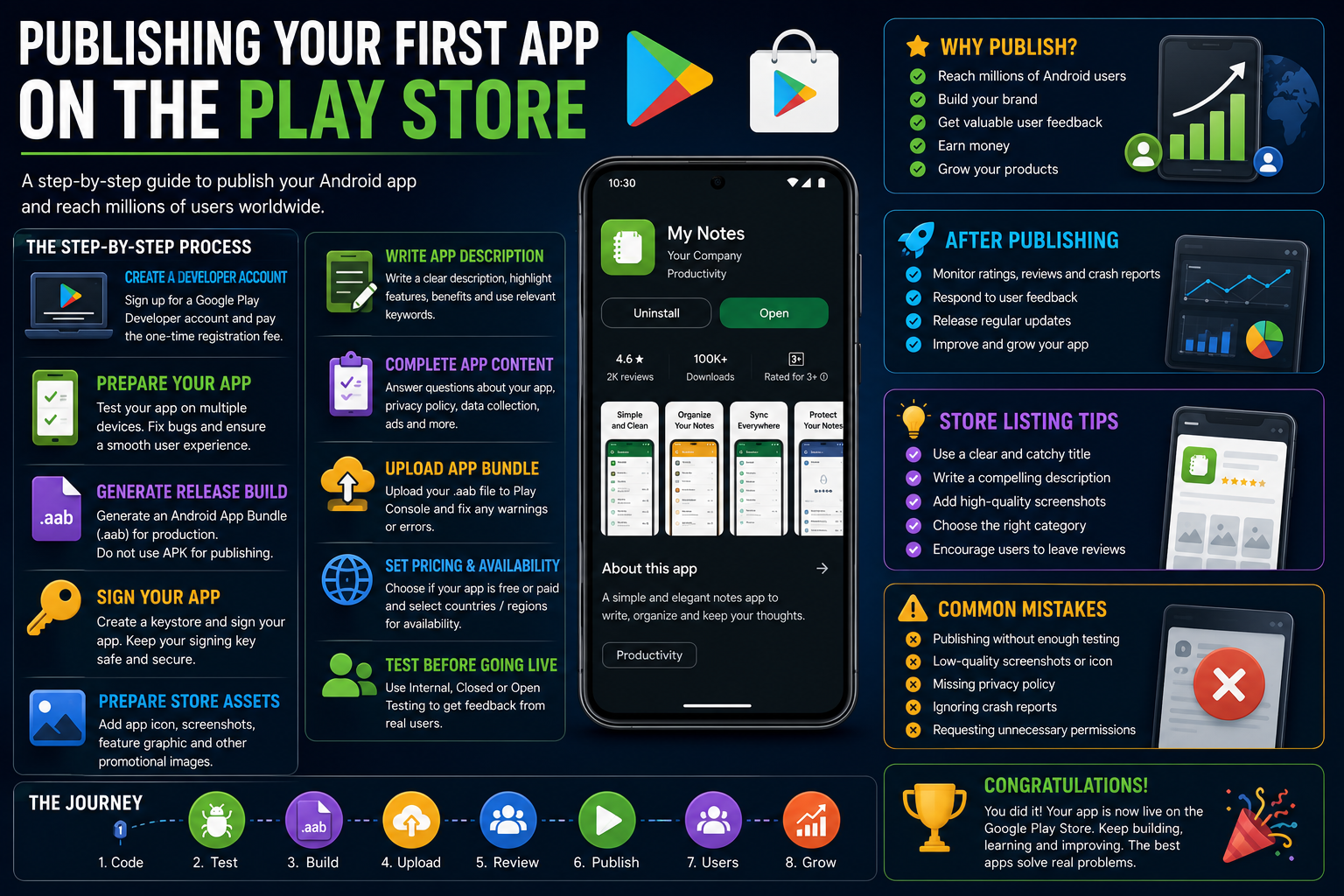
Publishing Your First App on the Play Store
After weeks or even months of designing, coding, debugging, and testing, you've finally finished your app.
Now comes one of the most exciting parts of the journey:
Publishing it to the Google Play Store.
Seeing your own app available for millions of Android users around the world is an incredible feeling.
The process may seem intimidating at first, but it's much simpler than most developers expect.
This guide will walk you through everything you need to know before publishing your first Android app in 2026.
Why Publish on the Play Store?
The Google Play Store is the largest Android app marketplace in the world.
Publishing your app gives you access to:
Millions of Android users
Global distribution
Automatic updates
User reviews and ratings
App analytics
Revenue opportunities
Brand visibility
Whether you're building a portfolio project or launching a startup, publishing your app makes your work available to real users.
Create a Google Play Developer Account
Before publishing an app, you'll need a Google Play Developer account.
The registration process includes:
Signing in with a Google account
Paying a one-time registration fee
Verifying your identity
Accepting the developer agreement
Once approved, you'll gain access to the Google Play Console where you'll manage all your applications.
Test Your App Thoroughly
Never publish an app without testing it carefully.
Check your application on multiple devices if possible.
Test:
Navigation
Login and registration
Forms
API requests
Offline behavior
Error handling
Dark mode
Different screen sizes
Performance
Fixing issues before release results in better reviews and happier users.
Generate a Release Build
Development builds aren't intended for production.
Instead, generate a release build.
Modern Android apps are uploaded as:
Android App Bundle (.aab)
Google recommends App Bundles because they optimize downloads for different devices.
If you're using React Native or Expo, both frameworks support generating production-ready release builds.
Sign Your App
Every Android application must be digitally signed before publication.
Your signing key proves that future updates come from the same developer.
Store your signing key securely.
Losing it can make updating your published application extremely difficult.
Many developers also use Google's Play App Signing service for additional protection.
Prepare Store Assets
Your Play Store listing is often the first impression users have of your app.
You'll typically need:
App icon
Feature graphic
Screenshots
Promotional images (optional)
Privacy Policy URL
App description
Professional visuals significantly improve downloads and credibility.
Write a Great App Description
A strong app description should explain:
What your app does
Who it's for
Key features
Benefits
Why users should install it
Instead of listing technical details, focus on solving user problems.
Use clear, simple language.
Choose the Right Category
Selecting the correct category helps users discover your app.
Examples include:
Productivity
Finance
Education
Health & Fitness
Business
Lifestyle
Shopping
Social
Entertainment
Choose the category that best matches your application's primary purpose.
Complete the App Content Section
Google requires developers to answer several questions about their application.
These may include:
Target audience
Data collection
Advertising
News content
Safety information
Privacy practices
Answer these questions honestly.
Providing inaccurate information can delay approval or lead to policy violations.
Create a Privacy Policy
If your application collects any user information, you'll likely need a Privacy Policy.
Examples include:
User accounts
Email addresses
Location data
Camera access
Contacts
Analytics
Payments
Clearly explain:
What data you collect
Why you collect it
How it's used
Whether it's shared
Transparency builds trust.
Upload Your App Bundle
Once your release build is ready, upload your .aab file through the Play Console.
Google automatically checks for:
Errors
Warnings
Compatibility issues
Missing configurations
Fix any reported issues before continuing.
Set Pricing and Availability
Decide whether your app will be:
Free
Paid
You can also choose:
Available countries
Supported devices
Release timing
Many developers launch in selected countries first before expanding globally.
Internal and Closed Testing
Instead of immediately releasing your application to everyone, consider using testing tracks.
Options include:
Internal Testing
Closed Testing
Open Testing
Testing allows real users to provide feedback before a public launch.
This often helps identify bugs that weren't discovered during development.
Optimize Your Store Listing
Publishing your app is only the beginning.
App Store Optimization (ASO) helps users discover your application.
Some ASO tips include:
Use a clear app title.
Write a compelling description.
Include relevant keywords naturally.
Upload high-quality screenshots.
Use an attractive app icon.
Encourage satisfied users to leave reviews.
Small improvements can significantly increase downloads.
Monitor Performance
After publishing, continue monitoring your app.
Pay attention to:
Downloads
Ratings
Reviews
Crash reports
ANRs
User retention
Performance metrics
Listening to user feedback helps improve future updates.
Keep Releasing Updates
Your first release isn't the final version.
Continue improving your application by:
Fixing bugs
Improving performance
Adding features
Updating dependencies
Enhancing security
Responding to user feedback
Successful apps evolve continuously.
Common Mistakes to Avoid
Many first-time developers make avoidable mistakes.
Some of the most common include:
Publishing without enough testing
Using low-quality screenshots
Forgetting a Privacy Policy
Ignoring crash reports
Writing poor app descriptions
Neglecting user reviews
Shipping unnecessary permissions
Taking extra time before launch can save countless hours later.
A Simple Publishing Checklist
Before pressing the Publish button, make sure you've completed these steps:
Test your app thoroughly.
Generate a release build.
Sign your application.
Prepare screenshots and graphics.
Write your app description.
Complete Play Console requirements.
Upload your App Bundle.
Review warnings.
Submit for review.
Completing this checklist helps ensure a smooth launch.
Final Thoughts
Publishing your first app on the Google Play Store is a milestone every mobile developer remembers.
It's more than simply uploading a file.it's the moment your work becomes available to users around the world.
Don't worry if your first release isn't perfect.
Every successful app goes through countless updates, improvements, and user feedback before reaching its full potential.
Focus on creating value, listen to your users, and continue improving your application over time.
Your first published app isn't the finish line.it's the beginning of your journey as a mobile developer.
Keep reading
Related Posts
Mobile Development
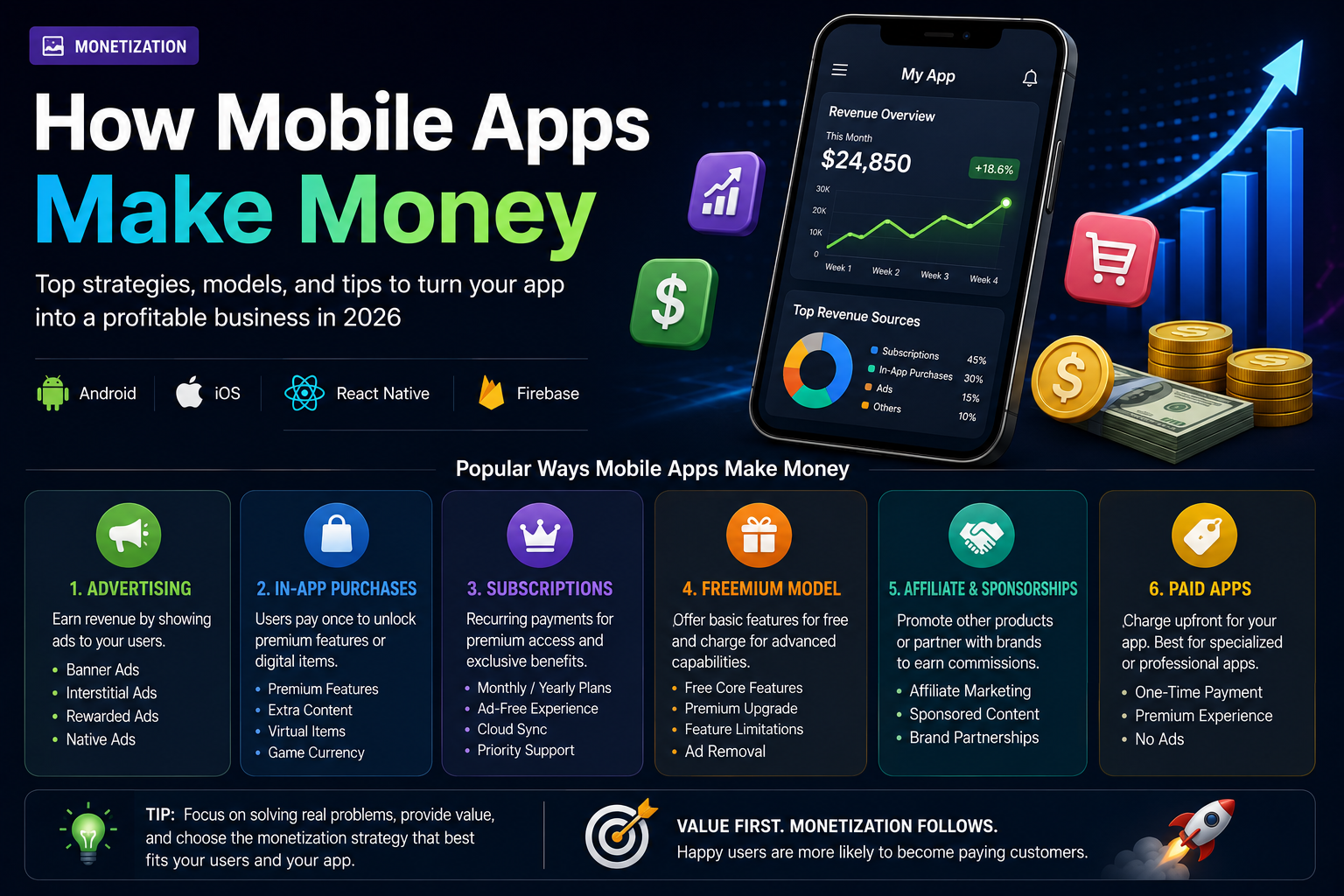
How Mobile Apps Make Money
Building a great mobile app is only half the journey. Understanding how apps generate revenue is equally important. From advertising and subscriptions to in-app purchases and sponsorships, discover the most effective ways mobile apps make money in 2026.
5 min read · 125 views
Mobile Development
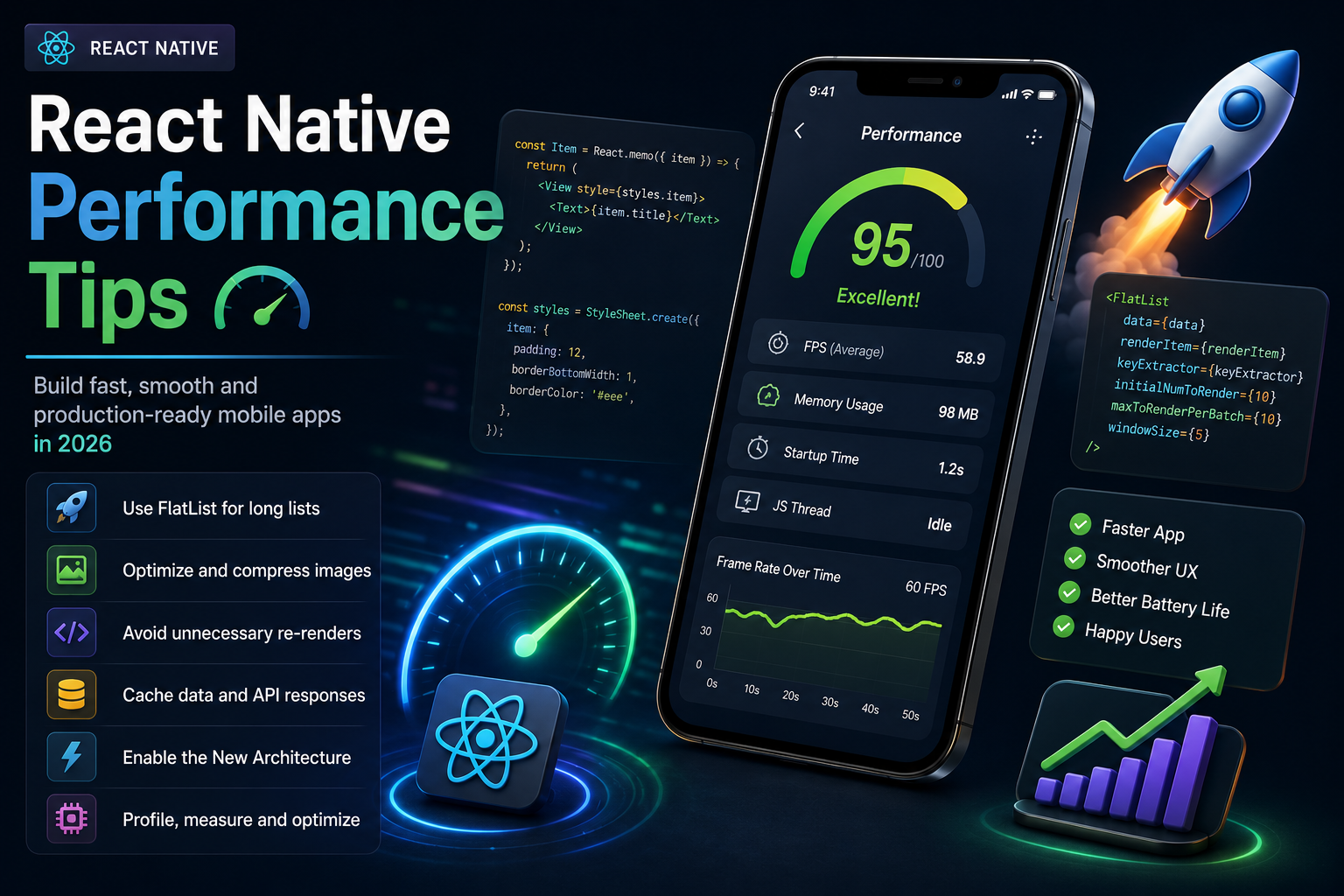
React Native Performance Tips
A fast and responsive app keeps users engaged, while a slow one drives them away. Learn the best React Native performance optimization techniques every developer should know to build smooth, efficient, and production-ready mobile applications in 2026.
5 min read · 113 views
Mobile Development
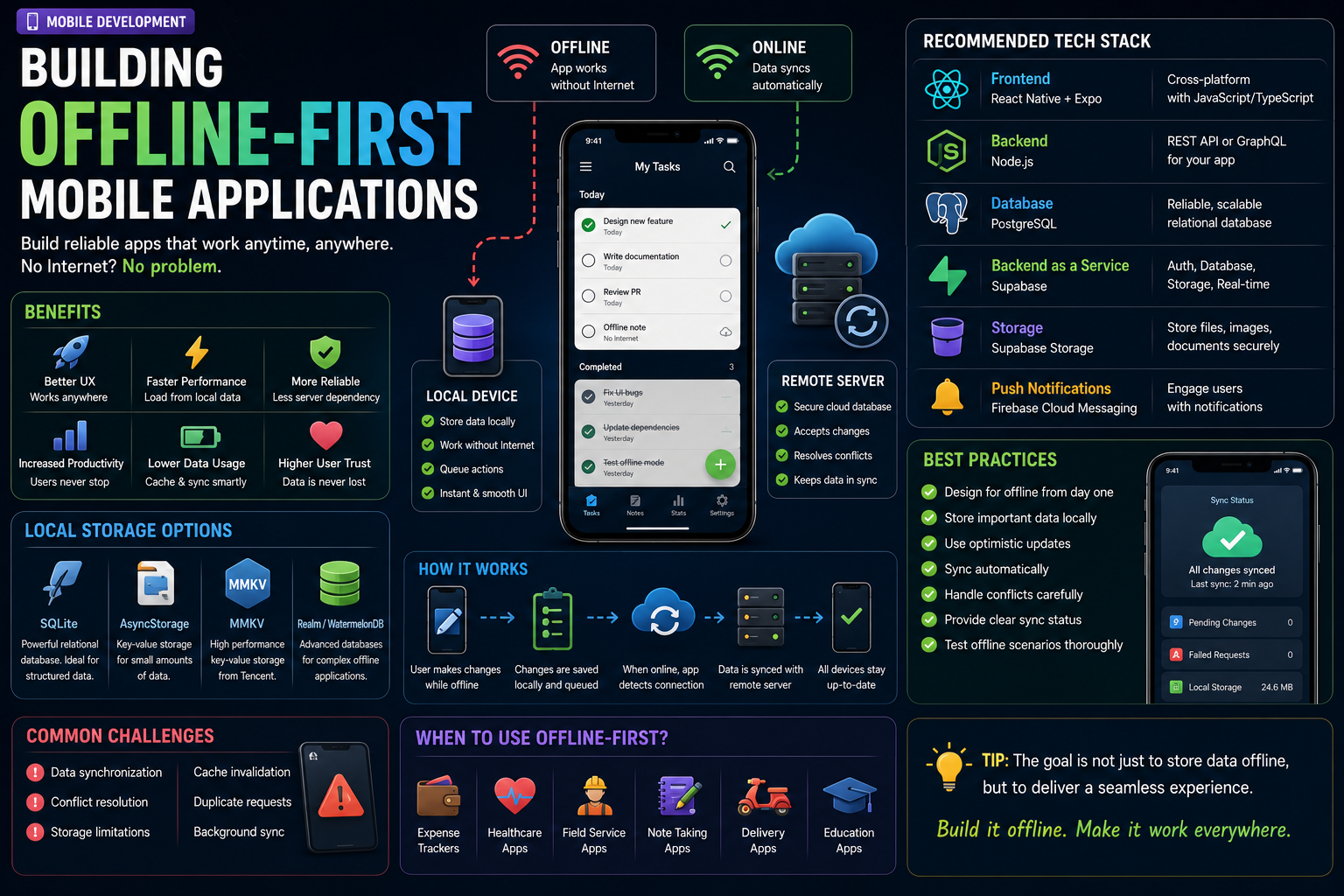
Building Offline-First Mobile Applications
Internet connectivity isn't always reliable, but your app should be. Offline-first mobile applications continue working even without an internet connection, providing a seamless user experience. Learn how to build reliable offline-first apps using modern technologies in 2026.
4 min read · 91 views
Trending
Popular Posts
Productivity Tools That Save Developers Hours in 2026
681 views
The Most Valuable Skills to Learn in the AI Era (2026 and Beyond)
331 views
Vibe Coding vs Learning to Code: Which Path Will Take You Further?
277 views
Next.js 16 Features Every Developer Should Know in 2026
192 views
The Best Folder Structure for Next.js Projects in 2026
152 views
Comments
No approved comments yet.