Mobile Development
Building Cross-Platform Apps with React Native
By Yahya Saeed · 5 min read · 90 views
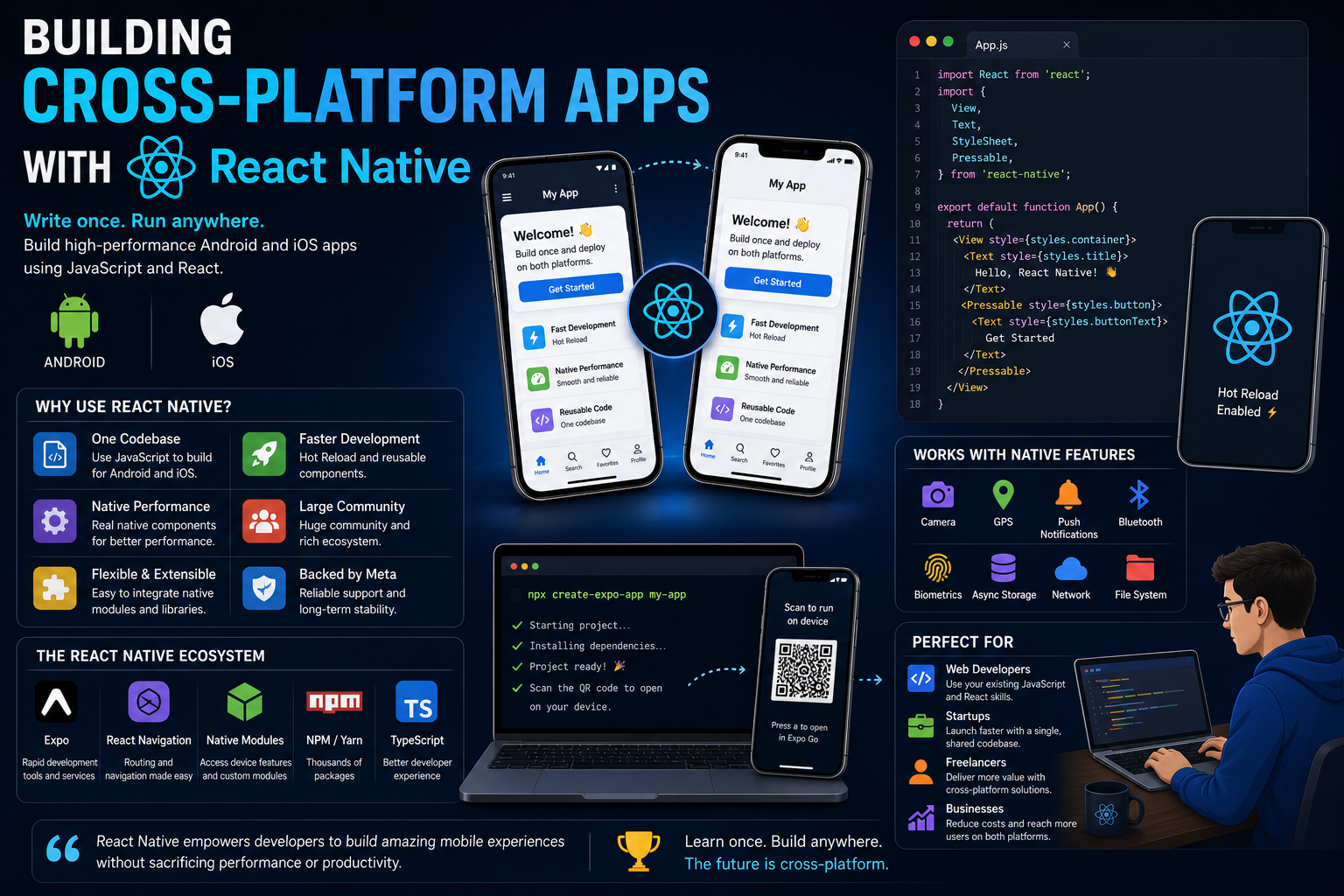
Building Cross-Platform Apps with React Native
Mobile applications have become an essential part of almost every business.
Whether it's an online store, banking platform, healthcare system, food delivery service, or social media app, users expect a smooth experience on both Android and iPhone.
Not long ago, building apps for both platforms meant maintaining two completely different codebases.one for Android and another for iOS.
That approach required more developers, more time, and a larger budget.
React Native changed everything.
By allowing developers to build mobile apps using JavaScript and React, React Native made cross-platform development faster, more affordable, and more accessible than ever before.
In this guide, we'll explore how React Native works, why developers love it, and how you can start building your own mobile applications.
What is React Native?
React Native is an open-source framework developed by Meta.
It enables developers to build native mobile applications using JavaScript and React.
Unlike traditional web applications, React Native doesn't render HTML.
Instead, it uses real native components, allowing your application to feel like a genuine Android or iOS app.
The result is a modern development experience with near-native performance.
Why React Native Is So Popular
React Native has become one of the most widely used mobile development frameworks for several reasons.
Some of its biggest advantages include:
One codebase for Android and iOS
JavaScript and TypeScript support
Large community
Huge package ecosystem
Fast development with Hot Reload
Excellent performance
Easy integration with native features
Strong backing from Meta
These advantages make React Native an attractive choice for startups, businesses, and independent developers.
Build Once, Deploy Everywhere
One of React Native's greatest strengths is code sharing.
Instead of writing separate applications for Android and iOS, you write most of your code once.
This means:
Faster development
Lower maintenance costs
Easier bug fixes
Consistent user experience
Smaller development teams
Although some platform-specific code may still be necessary, the majority of your application can be shared.
If You Already Know React
React developers have a significant advantage.
Many familiar concepts remain exactly the same.
You'll continue working with:
Components
Props
State
Hooks
Context
API requests
JavaScript
TypeScript
Instead of learning an entirely new ecosystem, you're simply applying existing knowledge to mobile development.
React Native Components
Instead of HTML elements like:
div
span
button
img
React Native provides mobile components such as:
View
Text
Image
Pressable
TextInput
ScrollView
FlatList
SafeAreaView
These components render as native UI elements on each platform.
Styling React Native Apps
React Native doesn't use traditional CSS.
Instead, styles are written using JavaScript objects.
This approach keeps styling close to your components while maintaining excellent performance.
Many developers also use libraries like NativeWind to bring Tailwind CSS-like styling to React Native projects.
Navigation
Every mobile application needs navigation.
Popular navigation patterns include:
Stack Navigation
Bottom Tabs
Drawer Navigation
Modal Screens
The React Navigation library provides flexible solutions for creating intuitive mobile experiences.
Working with APIs
Most mobile applications communicate with servers.
React Native makes API integration straightforward.
Common use cases include:
User authentication
Product listings
Dashboard data
Messaging
Notifications
Search functionality
If you've already built APIs with Node.js or Next.js, you'll feel right at home.
Device Features
Modern mobile apps often interact with device hardware.
React Native supports access to:
Camera
Microphone
GPS
Bluetooth
Contacts
Local storage
Push notifications
Biometrics
File system
Many of these features are available through well-maintained community packages.
Expo Makes Development Easier
For beginners, Expo is one of the easiest ways to start building React Native applications.
Expo provides:
Fast project setup
Live preview
OTA updates
Device testing
Simplified development tools
You can often start building your first application within minutes.
Performance
React Native offers excellent performance for most applications.
It's well-suited for:
Business applications
E-commerce apps
Dashboards
Booking systems
Healthcare apps
Educational platforms
Finance applications
Productivity tools
Only highly graphics-intensive applications, such as advanced games, typically require dedicated game engines.
Project Structure
As your application grows, organizing your project becomes increasingly important.
A common folder structure includes:
components
screens
navigation
hooks
services
utils
assets
context
types
A clean project structure improves maintainability and collaboration.
Best Practices
To build scalable React Native applications:
Keep components small and reusable.
Organize files consistently.
Use TypeScript when possible.
Avoid unnecessary re-renders.
Optimize images.
Use environment variables.
Write reusable custom hooks.
Keep dependencies updated.
Good architecture pays off as your application grows.
Common Challenges
Every framework has its learning curve.
Some challenges you may encounter include:
Platform-specific behavior
App permissions
Native modules
App Store requirements
Push notification setup
Performance optimization
Device testing
Fortunately, the React Native community provides excellent documentation and solutions for most common issues.
Who Should Learn React Native?
React Native is an excellent choice for:
React developers
JavaScript developers
Full-stack developers
Freelancers
Startup founders
Indie hackers
Students
Anyone interested in mobile development
If you're already comfortable with React, learning React Native is a natural next step.
A Simple Learning Roadmap
Here's a practical roadmap for getting started:
Learn JavaScript thoroughly.
Master React fundamentals.
Install Expo.
Build a simple mobile app.
Learn navigation.
Connect to APIs.
Add authentication.
Work with device features.
Publish an Android app.
Publish an iOS app.
The more real projects you build, the more confident you'll become.
Why Businesses Choose React Native
Companies increasingly choose React Native because it helps them:
Reduce development costs
Launch products faster
Maintain one codebase
Reach Android and iPhone users simultaneously
Hire JavaScript developers more easily
Update applications efficiently
For many startups, these advantages are difficult to ignore.
Final Thoughts
React Native has transformed mobile development by allowing developers to build high-quality Android and iOS applications using a familiar JavaScript ecosystem.
It combines the flexibility of React with the power of native mobile components, making it one of the best choices for modern cross-platform development.
Whether you're a web developer looking to expand your skills, a freelancer wanting to offer more services, or an entrepreneur building your next SaaS product, React Native provides an excellent foundation for creating mobile experiences that users love.
If your goal is to build apps faster without sacrificing quality, React Native is a framework well worth learning in 2026.
Keep reading
Related Posts
Next.js
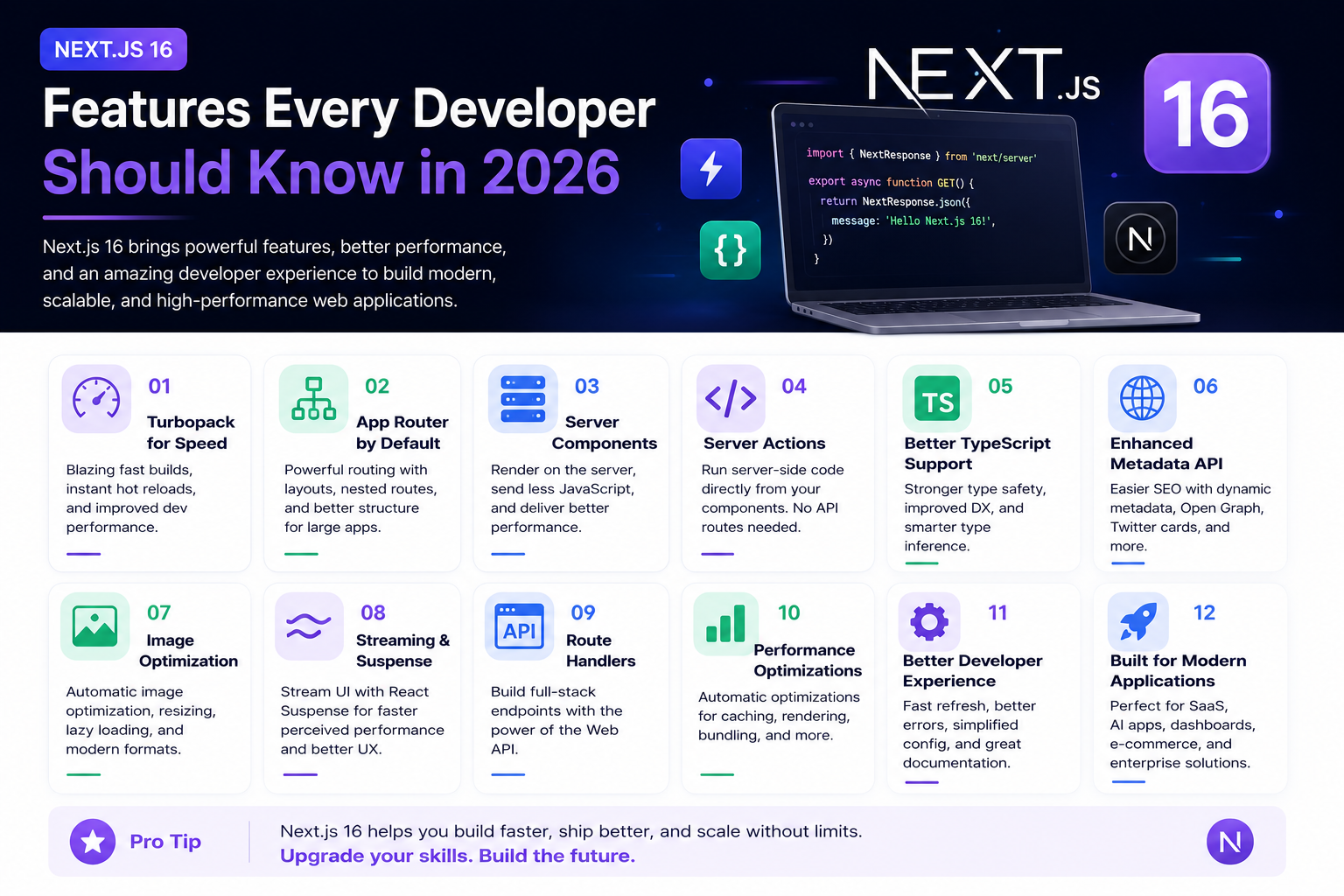
Next.js 16 Features Every Developer Should Know in 2026
Next.js 16 continues to push modern web development forward with improved performance, better developer experience, enhanced routing, and powerful server-side capabilities. Whether you're building a blog, SaaS platform, portfolio, or enterprise application, these are the most important Next.js 16 features every developer should understand.
4 min read · 192 views
Next.js
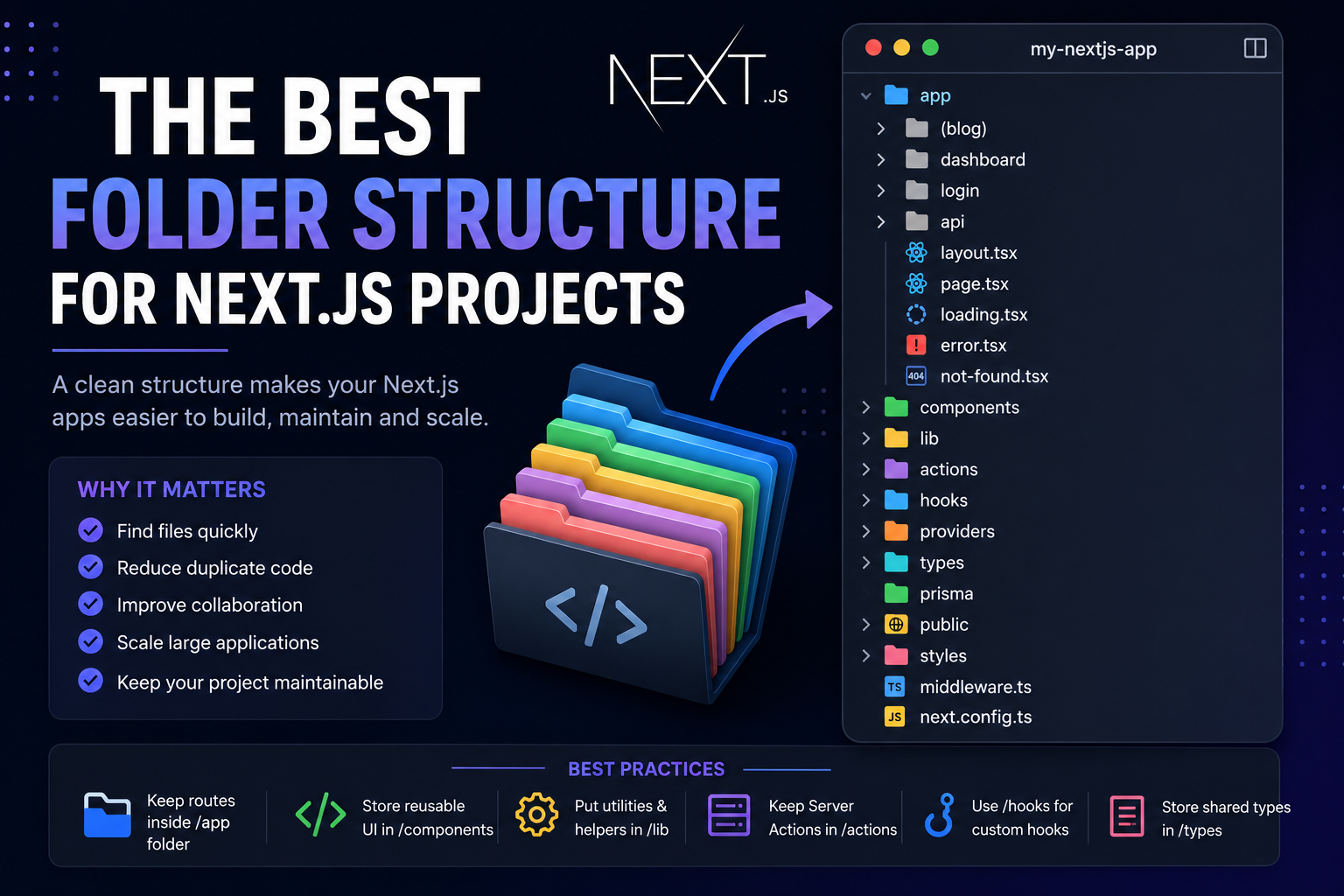
The Best Folder Structure for Next.js Projects in 2026
A clean folder structure makes every Next.js project easier to build, maintain, and scale. Discover the best folder organization for modern Next.js applications in 2026, whether you're building a blog, SaaS, dashboard, or enterprise application.
4 min read · 151 views

Next.js
How to Build a Blog with Next.js 16: Complete Beginner Guide
Learn how to create a modern blog with Next.js 16 using dynamic pages, categories, tags, excerpts, SEO metadata, and a scalable content structure.
3 min read · 140 views
Trending
Popular Posts
Productivity Tools That Save Developers Hours in 2026
681 views
The Most Valuable Skills to Learn in the AI Era (2026 and Beyond)
331 views
Vibe Coding vs Learning to Code: Which Path Will Take You Further?
277 views
Next.js 16 Features Every Developer Should Know in 2026
192 views
The Best Folder Structure for Next.js Projects in 2026
151 views
Comments
No approved comments yet.