Mobile Development
Choosing the Right Tech Stack for Mobile Apps
By Yahya Saeed · 4 min read · 70 views
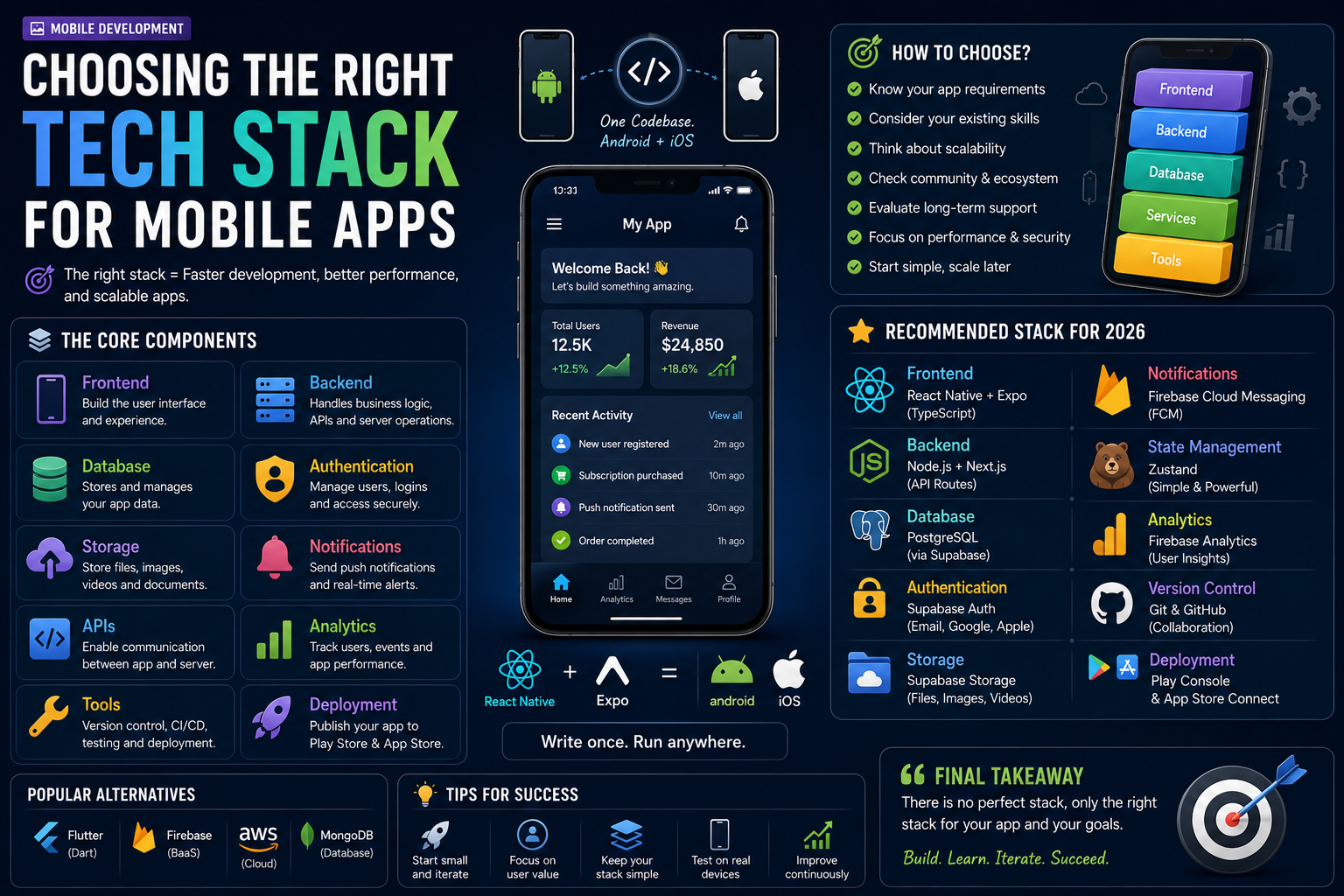
Choosing the Right Tech Stack for Mobile Apps
Every successful mobile application starts with one important decision:
Choosing the right technology stack.
A good tech stack helps you build faster, scale confidently, reduce maintenance costs, and deliver a better experience for your users.
A poor choice can slow development, create unnecessary complexity, and make future updates difficult.
With so many frameworks, databases, backend services, and cloud platforms available today, choosing the right combination can feel overwhelming.
This guide will help you understand the essential parts of a modern mobile tech stack and recommend the best options for most developers in 2026.
What Is a Tech Stack?
A tech stack is the collection of technologies used to build an application.
A complete mobile app usually includes:
Frontend framework
Backend
Database
Authentication
Cloud storage
Push notifications
APIs
Analytics
Deployment tools
Each part works together to create a complete application.
Frontend Framework
The frontend is everything users interact with.
Two of the most popular choices are:
React Native
Flutter
Both are excellent frameworks capable of building production-ready Android and iOS applications.
If you're already familiar with JavaScript or React, React Native is usually the better choice because it allows you to reuse your existing knowledge.
Why React Native Is My Recommendation
React Native offers several advantages:
JavaScript or TypeScript
Large community
Excellent ecosystem
One codebase for Android and iOS
Huge number of third-party libraries
Great job market
Easy transition from React
For web developers, learning React Native feels like a natural progression.
Expo Makes Development Easier
If you're starting with React Native, Expo is highly recommended.
Expo provides:
Quick project setup
Fast refresh
OTA updates
Easy testing
Simplified builds
Rich SDK
Instead of spending hours configuring native projects, you can focus on building your application.
Choosing a Backend
Most modern apps require a backend to store user data, process requests, and synchronize information across devices.
Popular options include:
Node.js
Next.js API Routes
NestJS
Firebase
Supabase
For JavaScript developers, Node.js integrates naturally with React Native.
Database Options
Your database stores all of your application's information.
Popular choices include:
PostgreSQL
Firebase Firestore
MongoDB
SQLite
Supabase Database
Each has different strengths depending on your application's requirements.
Why PostgreSQL Is an Excellent Choice
PostgreSQL remains one of the best databases available.
Advantages include:
Reliable
Scalable
Secure
SQL support
Relationships
JSON support
Excellent performance
Whether you're building a small project or a large SaaS application, PostgreSQL is a dependable choice.
Firebase vs Supabase
Both platforms simplify backend development.
Firebase provides:
Authentication
Firestore
Cloud Storage
Push Notifications
Analytics
Supabase offers:
PostgreSQL
Authentication
Storage
Real-time features
Row-Level Security
SQL support
If you prefer relational databases and SQL, Supabase is often the better fit.
If your application relies heavily on Google's ecosystem, Firebase is an excellent alternative.
Authentication
Every application with user accounts needs authentication.
Common options include:
Email and password
Google Sign-In
Apple Sign-In
GitHub Login
Phone Authentication
Modern backend platforms usually provide authentication systems out of the box.
Avoid building your own authentication unless absolutely necessary.
Cloud Storage
Many applications allow users to upload files.
Examples include:
Profile pictures
Documents
Videos
PDFs
Product images
Popular storage providers include:
Supabase Storage
Firebase Storage
Amazon S3
Cloudinary
Choose a provider that integrates well with your backend.
Push Notifications
Notifications help users stay engaged.
Common uses include:
Order updates
Payment reminders
Chat messages
Marketing campaigns
Task reminders
Services such as Firebase Cloud Messaging make sending notifications straightforward.
State Management
As applications grow, managing state becomes increasingly important.
Popular solutions include:
Context API
Zustand
Redux Toolkit
MobX
For most applications, Context API or Zustand is sufficient.
Only introduce more complex solutions when your project genuinely requires them.
API Communication
Your mobile application communicates with the backend using APIs.
Common API styles include:
REST APIs
GraphQL
REST remains the most widely used option because it's simple, reliable, and well supported.
Analytics
Understanding how users interact with your application helps you improve it.
Analytics can reveal:
Active users
Screen views
Retention
User behavior
Crash reports
Popular analytics platforms include:
Firebase Analytics
Mixpanel
Amplitude
PostHog
Even small applications benefit from basic analytics.
Version Control
Every professional project should use Git.
Benefits include:
Version history
Collaboration
Safe experimentation
Easy rollbacks
Better teamwork
GitHub remains one of the most popular platforms for hosting repositories.
CI/CD
Continuous Integration and Continuous Deployment automate many repetitive tasks.
These systems can:
Run tests
Build applications
Deploy releases
Detect errors
Improve reliability
Automation becomes increasingly valuable as your project grows.
A Recommended Tech Stack for 2026
If you're building a modern mobile application today, this stack is an excellent starting point:
Frontend:
React Native
Expo
TypeScript
Backend:
Node.js
Next.js API Routes
Database:
PostgreSQL
Supabase
Authentication:
Supabase Auth
Storage:
Supabase Storage
State Management:
Zustand
Notifications:
Firebase Cloud Messaging
Deployment:
Google Play Console
Apple App Store Connect
This combination offers an excellent balance of performance, scalability, and developer experience.
Common Mistakes
Many beginners overcomplicate their technology choices.
Avoid these mistakes:
Choosing technologies you don't understand
Using too many libraries
Switching frameworks frequently
Ignoring scalability
Following trends without purpose
Simple and maintainable solutions usually outperform overly complex architectures.
Build First, Optimize Later
Many developers spend weeks researching technology stacks without writing any code.
Remember:
The best tech stack is the one that helps you ship your application.
You can always optimize and improve your architecture as your project grows.
Starting is more important than finding the "perfect" combination.
Final Thoughts
Choosing the right tech stack is one of the first major decisions you'll make as a mobile developer.
Fortunately, modern tools have made building mobile applications easier than ever.
For most developers in 2026, a combination of React Native, Expo, Node.js, PostgreSQL, and Supabase provides a powerful, scalable, and beginner-friendly foundation for creating professional mobile applications.
Instead of chasing every new framework that appears, focus on mastering a small set of reliable technologies and building real projects.
A great tech stack won't guarantee success but it will give you the tools you need to build faster, scale confidently, and turn your ideas into successful mobile apps.
Keep reading
Related Posts
Database
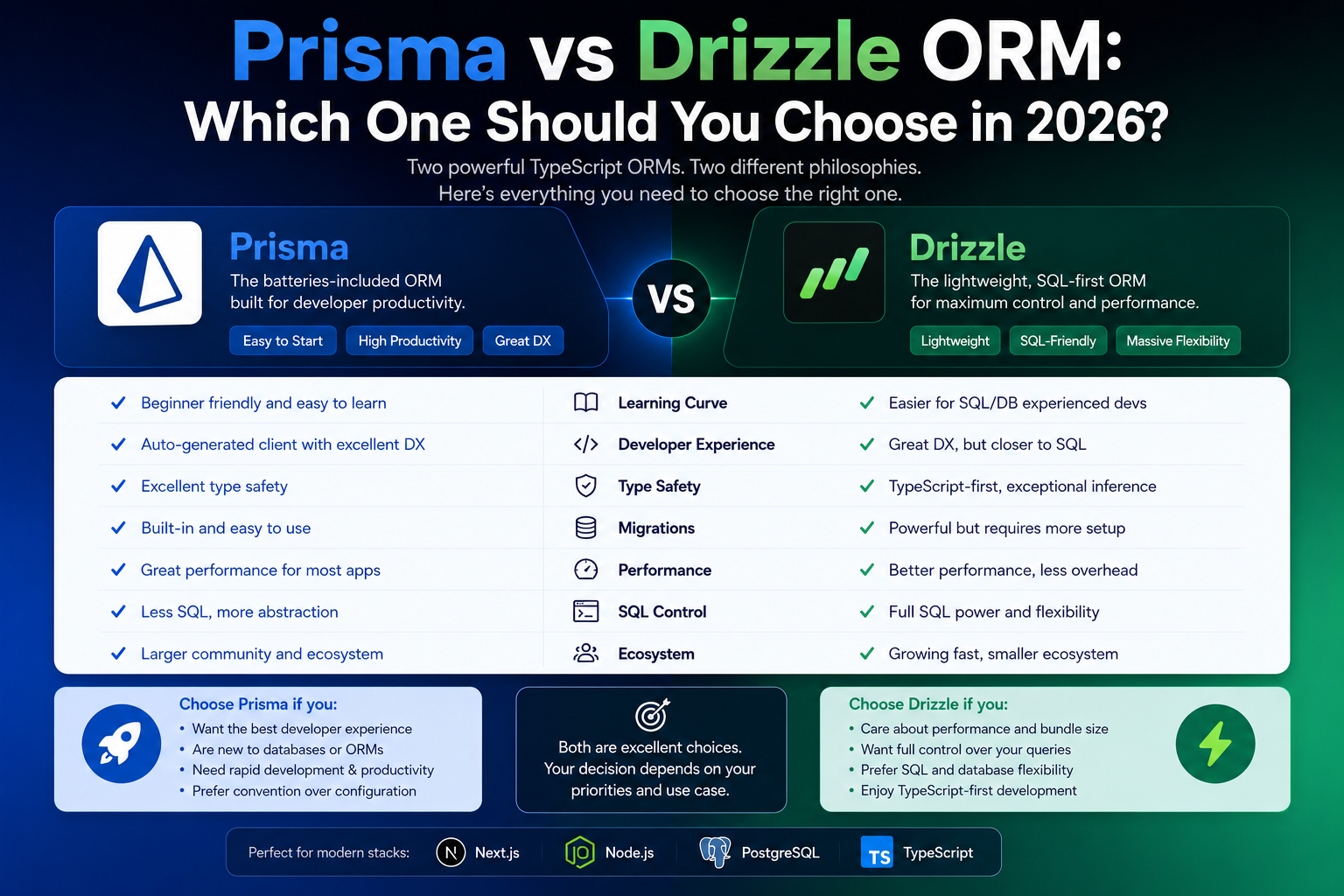
Prisma vs Drizzle ORM: Which One Should You Choose in 2026?
Prisma and Drizzle are currently two of the most popular ORMs in the TypeScript ecosystem. Both offer excellent developer experiences, strong TypeScript support, and modern tooling. But they take very different approaches. Here's a practical comparison to help you choose the right ORM for your next project.
4 min read · 131 views
Mobile Development
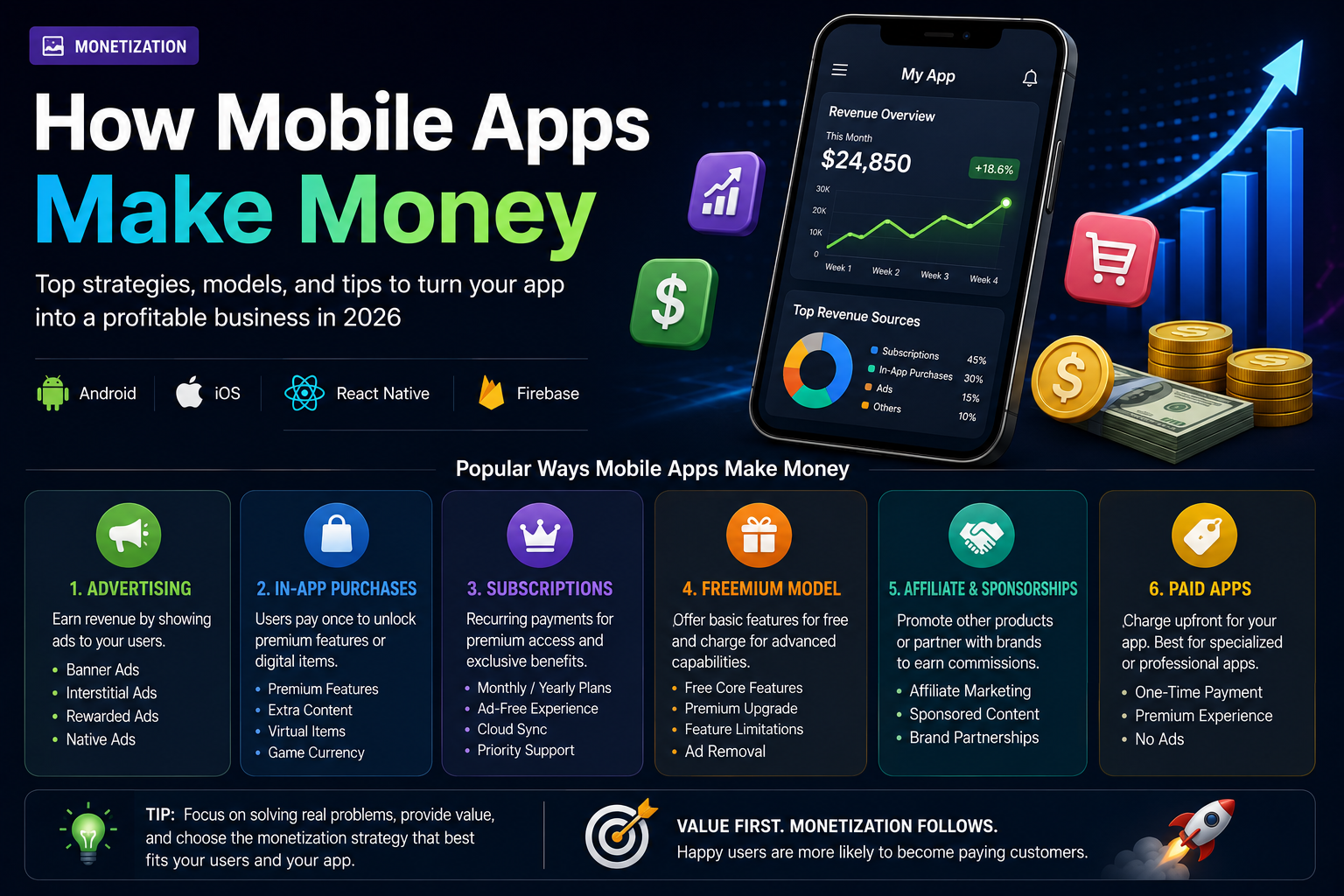
How Mobile Apps Make Money
Building a great mobile app is only half the journey. Understanding how apps generate revenue is equally important. From advertising and subscriptions to in-app purchases and sponsorships, discover the most effective ways mobile apps make money in 2026.
5 min read · 125 views
Web Development
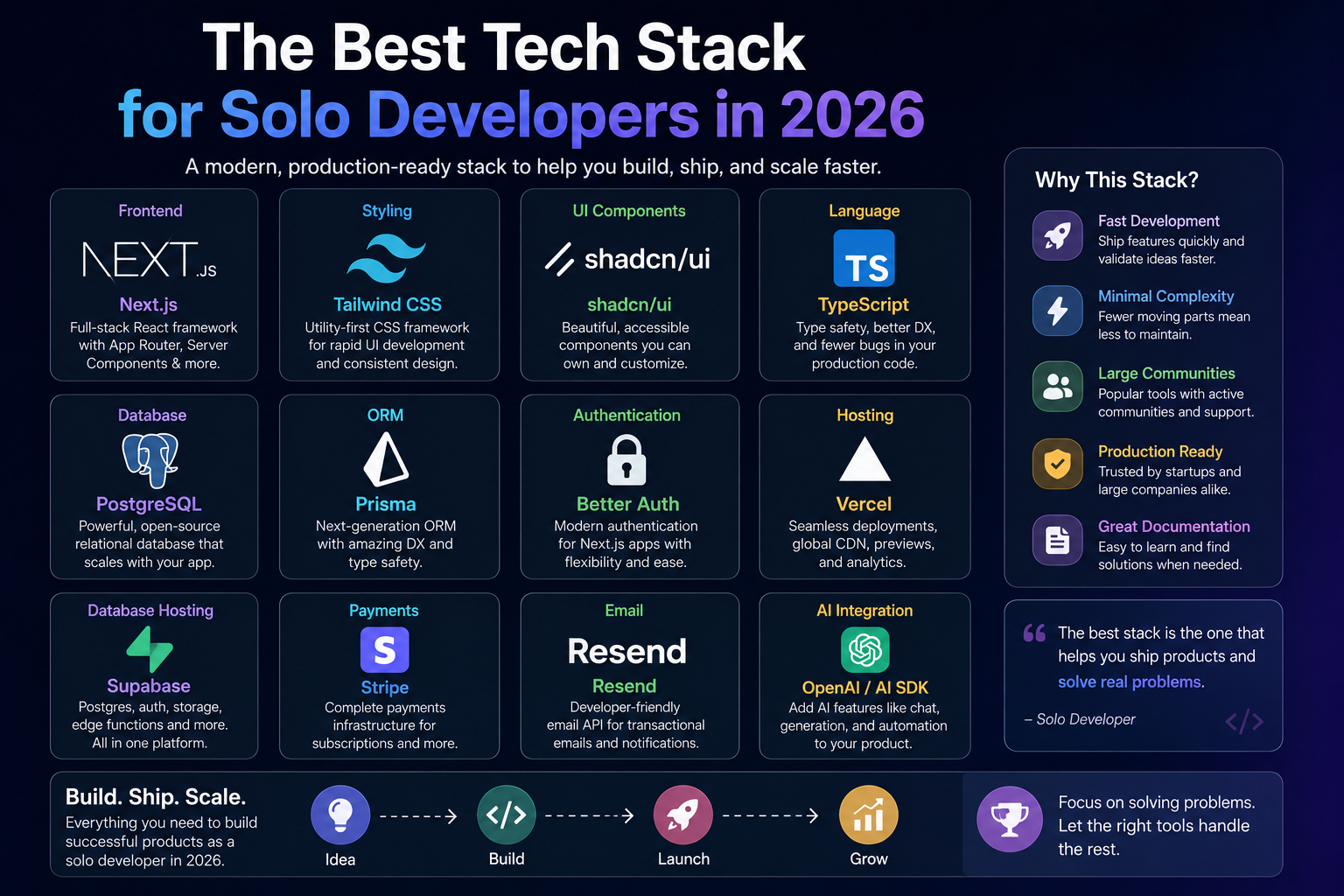
The Best Tech Stack for Solo Developers in 2026
Choosing the right tech stack can make or break a project—especially when you're building alone. As a solo developer, you need tools that help you move fast, stay productive, and scale without unnecessary complexity. Here's the tech stack I believe offers the best balance of speed, simplicity, and power in 2026.
4 min read · 114 views
Trending
Popular Posts
Productivity Tools That Save Developers Hours in 2026
681 views
The Most Valuable Skills to Learn in the AI Era (2026 and Beyond)
331 views
Vibe Coding vs Learning to Code: Which Path Will Take You Further?
277 views
Next.js 16 Features Every Developer Should Know in 2026
192 views
The Best Folder Structure for Next.js Projects in 2026
152 views
Comments
No approved comments yet.