Developer Tools
Productivity Tools That Save Developers Hours in 2026
By Yahya Saeed · 4 min read · 681 views
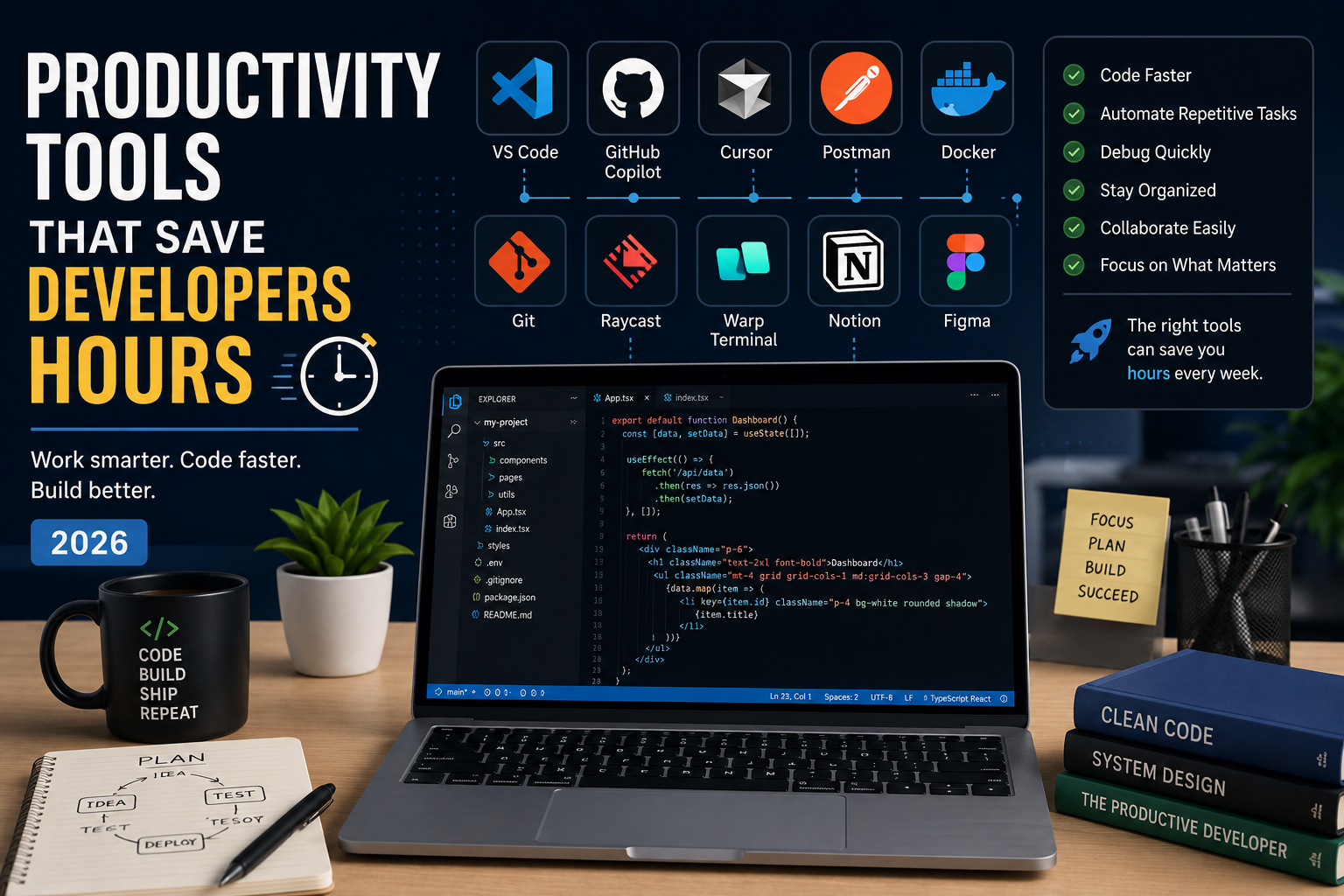
Productivity Tools That Save Developers Hours in 2026
Every developer has the same 24 hours in a day.
The difference between an average developer and a highly productive one often comes down to the tools they use.
Modern development involves writing code, debugging, testing APIs, managing databases, collaborating with teams, deploying applications, and documenting projects. Doing all of that manually wastes valuable time.
Fortunately, today's developer ecosystem is packed with tools designed to automate repetitive work, reduce context switching, and improve focus.
Here are the productivity tools that can genuinely save developers hours every week.
1. Visual Studio Code
No surprise here.
Visual Studio Code remains the most popular code editor among developers.
Why developers love it:
Lightning-fast performance
Massive extension marketplace
Built-in Git support
Intelligent debugging
Excellent TypeScript and JavaScript support
Remote development
Integrated terminal
Recommended extensions:
ESLint
Prettier
GitLens
Error Lens
Tailwind CSS IntelliSense
Prisma
Docker
A well-configured VS Code setup alone can dramatically improve your workflow.
2. GitHub Copilot
AI has become a practical development tool.
GitHub Copilot helps by:
Completing functions
Generating repetitive code
Writing tests
Explaining unfamiliar code
Suggesting fixes
Speeding up boilerplate creation
The best developers use AI as a coding partner—not a replacement for understanding.
3. Cursor
Cursor has quickly become one of the favorite editors for AI-assisted development.
It can:
Understand your entire project
Refactor multiple files
Explain complex code
Generate features
Detect bugs
Answer questions about your codebase
Instead of searching through dozens of files, you can simply ask Cursor.
4. Postman
If your application communicates with APIs, Postman is indispensable.
Use it to:
Test endpoints
Save requests
Manage authentication
Debug API responses
Share collections with teammates
It eliminates the need to constantly rebuild requests in your frontend.
5. Docker Desktop
Docker ensures your application runs consistently across different machines.
Benefits include:
Isolated environments
Easy database setup
Simplified team collaboration
Consistent deployments
Faster onboarding
Instead of spending hours fixing "it works on my machine" problems, Docker creates predictable environments.
6. GitHub Desktop (or Git CLI)
Version control is essential.
Whether you prefer Git's command line or GitHub Desktop's visual interface, mastering version control saves countless hours recovering mistakes.
Key benefits:
Safe experimentation
Easy branching
Reliable collaboration
Complete project history
7. Raycast (macOS) or PowerToys (Windows)
Small actions add up.
These launcher utilities help you:
Search files instantly
Launch applications
Manage clipboard history
Create shortcuts
Automate repetitive tasks
Run commands quickly
Saving just a few seconds hundreds of times a day makes a noticeable difference.
8. Warp Terminal
The traditional terminal hasn't changed much in years.
Warp modernizes the command-line experience with:
AI-powered command suggestions
Command history
Better navigation
Block-based terminal output
Improved readability
Developers who spend hours in the terminal often find Warp much more efficient.
9. Figma
Even developers benefit from understanding design.
Figma helps you:
Inspect designs
Measure spacing
Export assets
Collaborate with designers
Prototype interfaces
Instead of guessing layouts, you can build exactly what's intended.
10. Notion
Keeping ideas organized matters.
Developers use Notion for:
Documentation
Project planning
Learning notes
Meeting notes
Roadmaps
Feature tracking
Good documentation reduces confusion and saves future debugging time.
11. Prisma Studio
If you're working with Prisma, Prisma Studio is a hidden gem.
It provides a visual interface for your database.
You can:
Browse tables
Edit records
Add data
Delete entries
Inspect relationships
No SQL queries required for simple database tasks.
12. TablePlus or DBeaver
Sometimes you need a dedicated database client.
These tools make it easy to:
Write SQL
Inspect tables
Manage indexes
Export data
Compare databases
They're invaluable when debugging production issues.
13. Excalidraw
Complex ideas are easier to understand visually.
Developers use Excalidraw to sketch:
System architecture
Database relationships
API flows
User journeys
Feature planning
A five-minute diagram can replace a thirty-minute explanation.
14. ChatGPT
AI assistants have become an essential part of many developers' workflows.
ChatGPT can help with:
Debugging errors
Explaining documentation
Learning new technologies
Refactoring code
Brainstorming architecture
Writing SQL queries
Creating regex
Generating documentation
Used wisely, it significantly reduces time spent searching through documentation.
15. Browser Developer Tools
Built directly into Chrome, Edge, and Firefox.
Every frontend developer should master:
Elements panel
Network tab
Console
Performance tools
Lighthouse
Responsive design mode
These tools help identify issues in minutes instead of hours.
Build Your Own Productivity Stack
You don't need every tool on this list.
A practical setup could look like this:
VS Code for coding
GitHub Copilot for AI assistance
Postman for APIs
Docker for local environments
Git for version control
Notion for documentation
ChatGPT for debugging and learning
Browser DevTools for frontend testing
This combination covers almost every stage of modern web development.
Tips to Stay Productive
Tools help, but habits matter too.
Try these practices:
Learn keyboard shortcuts.
Automate repetitive tasks.
Use snippets and templates.
Keep your workspace organized.
Limit unnecessary browser tabs.
Batch similar tasks together.
Document solutions to recurring problems.
Review and update your toolset regularly.
Productivity comes from consistent improvements, not constant hustle.
Final Thoughts
The right tools won't make you a great developer overnight, but they can remove countless small frustrations that slow you down every day.
Instead of wasting time on repetitive work, use automation, AI, and modern developer tools to focus on solving real problems and building better software.
Technology evolves quickly, and so do the tools we use. Staying curious and regularly improving your workflow is one of the easiest ways to become a faster, more effective developer in 2026 and beyond.
Keep reading
Related Posts

Career & Technology
The Most Valuable Skills to Learn in the AI Era (2026 and Beyond)
Artificial Intelligence is changing how we work, learn, and build products. Some skills are becoming less valuable, while others are becoming more important than ever. If you want to stay relevant and thrive in 2026 and beyond, these are the skills you should focus on developing.
4 min read · 330 views

Programming
Vibe Coding vs Learning to Code: Which Path Will Take You Further?
AI can build apps faster than ever, leading to the rise of "vibe coding." But does that mean learning to code is no longer necessary? Let's explore the strengths, weaknesses, and future of both approaches to discover which path offers the greatest long-term value.
4 min read · 277 views
Artificial Intelligence
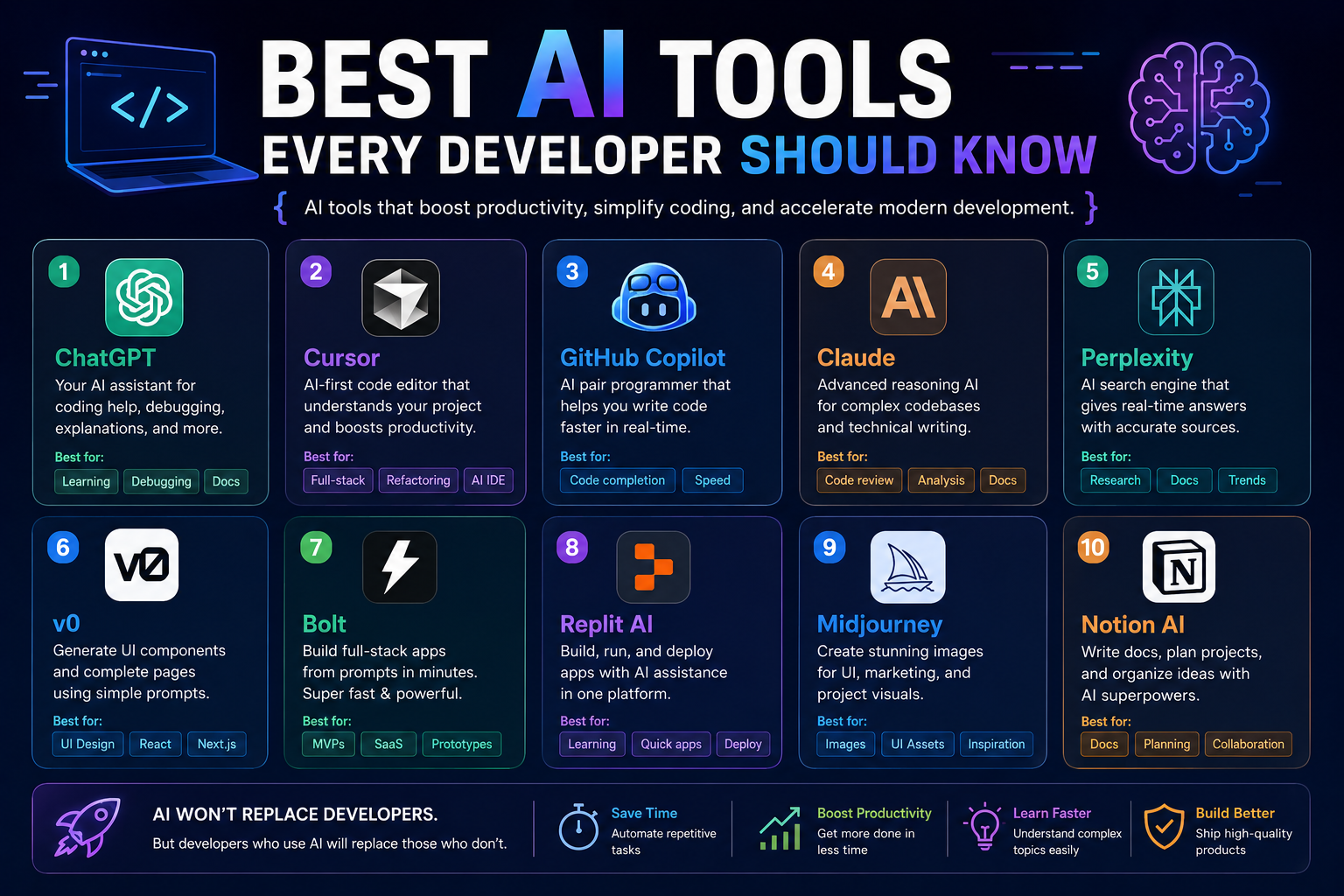
Best AI Tools Every Developer Should Know in 2026
AI is transforming software development faster than ever. From writing code and debugging applications to generating documentation and designing user interfaces, modern AI tools can dramatically improve productivity. Here are the most valuable AI tools every developer should know in 2026.
4 min read · 131 views
Trending
Popular Posts
The Most Valuable Skills to Learn in the AI Era (2026 and Beyond)
331 views
Vibe Coding vs Learning to Code: Which Path Will Take You Further?
277 views
Next.js 16 Features Every Developer Should Know in 2026
192 views
The Best Folder Structure for Next.js Projects in 2026
151 views
How to Build a Blog with Next.js 16: Complete Beginner Guide
140 views
Comments
No approved comments yet.