Mobile Development
Building Offline-First Mobile Applications
By Yahya Saeed · 4 min read · 91 views
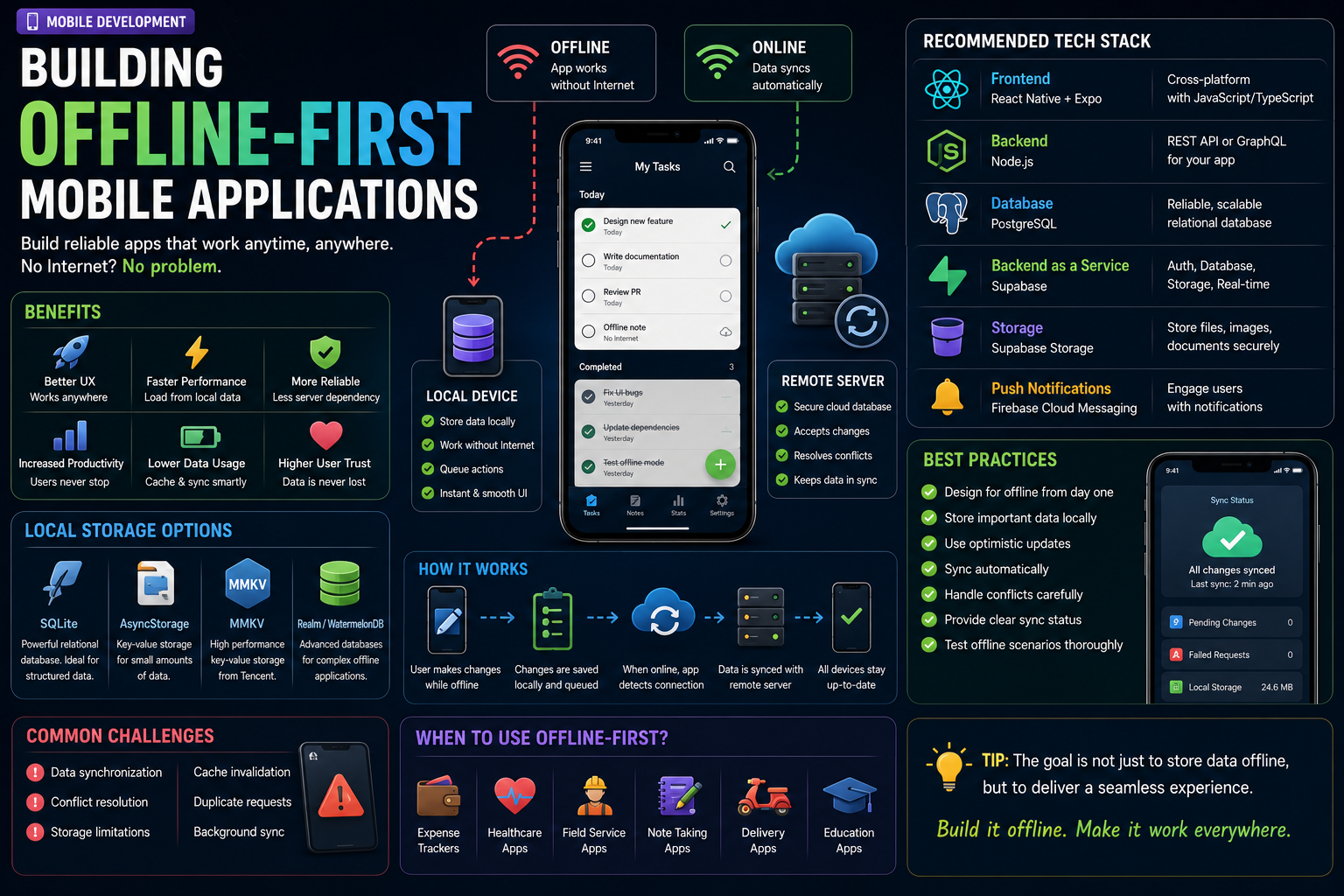
Building Offline-First Mobile Applications
Imagine opening your favorite mobile app while traveling through an area with poor internet coverage.
Instead of displaying an error or endless loading spinner, the app continues working as if nothing happened.
You can still browse data, create notes, add expenses, complete tasks, and make changes.
Once your internet connection returns, everything automatically syncs with the server.
That's the power of an offline-first application.
As mobile apps become increasingly important in everyday life, users expect them to work anytime and anywhere not just when they have a perfect internet connection.
In this guide, you'll learn what offline-first development is, why it matters, and how to build reliable offline-capable mobile applications in 2026.
What Is an Offline-First App?
An offline-first app is designed to work even when the device has no internet connection.
Instead of depending entirely on a remote server, the app stores important data locally on the device.
Users can continue using the application normally, and when connectivity returns, the app synchronizes local changes with the backend.
From the user's perspective, the experience feels smooth and uninterrupted.
Why Offline-First Matters
Mobile users don't always have stable internet.
They might experience:
Slow mobile networks
Airplane mode
Underground travel
Remote locations
Temporary server outages
Weak Wi-Fi connections
If your app only works online, users may become frustrated and abandon it.
Offline-first design helps prevent those problems.
Benefits of Offline-First Development
Building offline support provides several advantages:
Faster app performance
Better user experience
Reduced loading times
Improved reliability
Increased user trust
Lower server dependency
Continued productivity without internet
Many successful mobile applications use this approach.
Apps That Use Offline-First Design
You've probably used offline-first apps without realizing it.
Examples include:
Google Keep
Spotify
Google Maps
Notion
Evernote
Microsoft OneNote
These apps continue working even when the internet disappears.
Local Storage
Offline-first applications rely on local storage to save data on the user's device.
Popular storage options include:
SQLite
AsyncStorage
MMKV
Realm
WatermelonDB
Choosing the right storage solution depends on the complexity of your application.
SQLite
SQLite remains one of the most popular choices for offline applications.
Advantages include:
Fast queries
Relational database
Reliable
Lightweight
Excellent performance
It's ideal for applications that manage structured data.
AsyncStorage
For smaller amounts of data, AsyncStorage is often enough.
It's useful for storing:
User preferences
Authentication tokens
Theme settings
Cached responses
However, it's not intended for managing large databases.
Synchronizing Data
Offline-first doesn't mean abandoning the cloud.
Instead, your app keeps two copies of the data:
Local database
Remote server
When connectivity becomes available, the application synchronizes any pending changes.
This process should happen automatically whenever possible.
Handling Conflicts
Imagine a user edits the same record on two different devices before synchronization.
Which version should win?
Common conflict resolution strategies include:
Last write wins
Timestamp comparison
Manual user selection
Server priority
Merge changes intelligently
Choosing the right strategy depends on your application's requirements.
Detecting Network Changes
Your application should know when the device goes online or offline.
When connectivity changes, the app can:
Start synchronization
Retry failed requests
Refresh cached data
Update the interface
Users appreciate apps that adapt automatically.
Caching Data
Caching improves both speed and reliability.
Instead of downloading identical information repeatedly, the application stores recently used data locally.
Benefits include:
Faster loading
Reduced bandwidth
Better battery life
Improved responsiveness
Smart caching creates a noticeably smoother user experience.
Optimistic Updates
One powerful offline-first technique is optimistic updating.
Instead of waiting for the server to confirm every action, the app immediately updates the interface.
For example:
A user creates a new task.
Instead of displaying a loading spinner, the task instantly appears in the list.
Synchronization happens quietly in the background.
The application feels significantly faster.
Queueing Actions
When users perform actions offline, the app shouldn't simply reject them.
Instead, create a queue.
Examples include:
Creating notes
Updating profiles
Adding expenses
Sending messages
Completing tasks
Once internet access returns, the queue processes automatically.
This creates a seamless experience.
Backend Considerations
Your backend should also support synchronization.
Good backend APIs should:
Accept repeated requests safely
Handle conflicts
Return timestamps
Support incremental updates
Validate incoming data
A well-designed backend makes offline synchronization much easier.
Recommended Tech Stack
A modern offline-first stack might include:
Frontend:
React Native
Expo
Local Database:
SQLite
Backend:
Node.js
Supabase
Cloud Database:
PostgreSQL
Authentication:
Supabase Auth
State Management:
Zustand
This combination provides excellent performance while remaining relatively simple to maintain.
Common Challenges
Offline-first applications introduce additional complexity.
Some common challenges include:
Data synchronization
Conflict resolution
Storage limits
Cache invalidation
Duplicate requests
Background synchronization
Planning these scenarios early saves significant development time later.
Best Practices
When building offline-first apps:
Store important data locally.
Sync automatically when possible.
Cache frequently used information.
Handle failed requests gracefully.
Show synchronization status.
Test without internet regularly.
Design for unreliable networks.
Users should never lose their work because of a poor connection.
Testing Offline Functionality
Before publishing your application, test it under realistic conditions.
Try:
Airplane Mode
Weak Wi-Fi
Slow mobile data
Interrupted synchronization
Server downtime
If your application performs well during these scenarios, it'll likely perform well in the real world.
Who Should Build Offline-First Apps?
Offline-first architecture is especially valuable for:
Expense trackers
Healthcare applications
CRM systems
Inventory management
Task managers
Note-taking apps
Delivery applications
Field service software
Any app used outside reliable internet coverage benefits from offline support.
Final Thoughts
Users shouldn't have to think about whether they're online or offline.
The best mobile applications simply work.
By storing data locally, synchronizing intelligently, and designing for unreliable networks, you can create applications that feel faster, more dependable, and far more enjoyable to use.
Offline-first development may require additional planning, but the payoff is worth it. Your users gain confidence knowing they can continue working anytime, anywhere, regardless of network conditions.
In 2026, reliability is a competitive advantage. Build apps that work beyond the internet, and your users will thank you for it.
Keep reading
Related Posts
Mobile Development
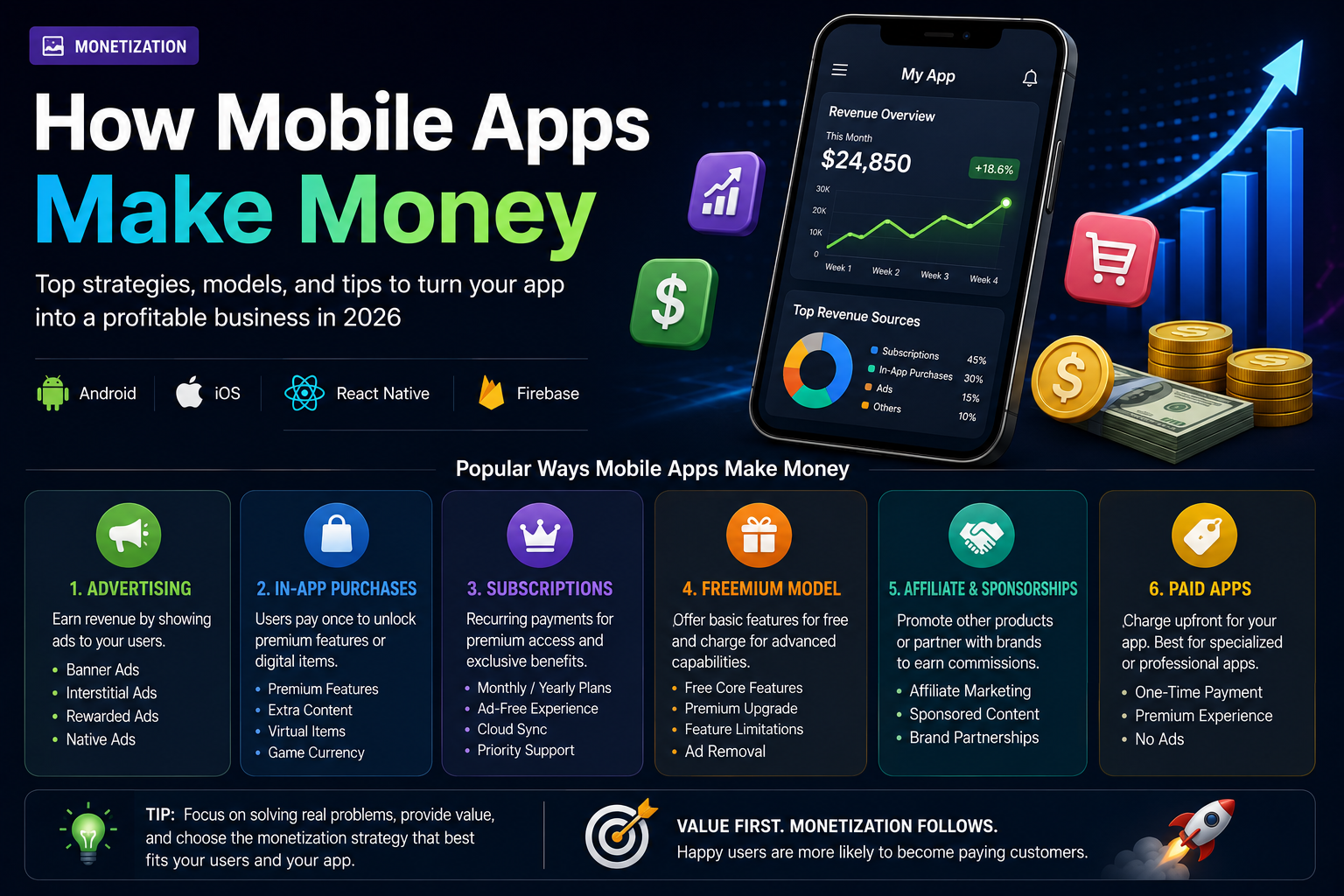
How Mobile Apps Make Money
Building a great mobile app is only half the journey. Understanding how apps generate revenue is equally important. From advertising and subscriptions to in-app purchases and sponsorships, discover the most effective ways mobile apps make money in 2026.
5 min read · 125 views
Mobile Development
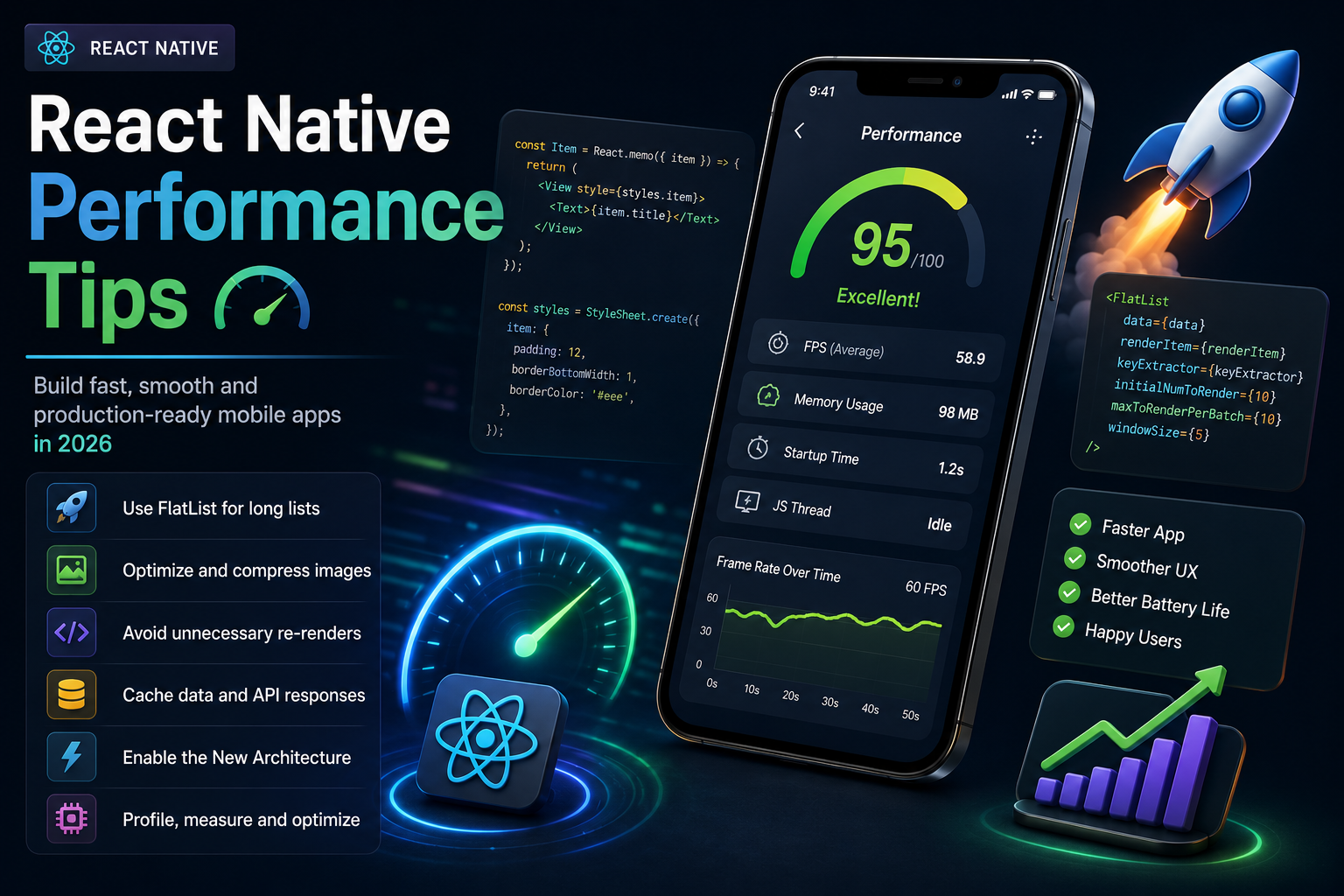
React Native Performance Tips
A fast and responsive app keeps users engaged, while a slow one drives them away. Learn the best React Native performance optimization techniques every developer should know to build smooth, efficient, and production-ready mobile applications in 2026.
5 min read · 113 views
SaaS & Entrepreneurship
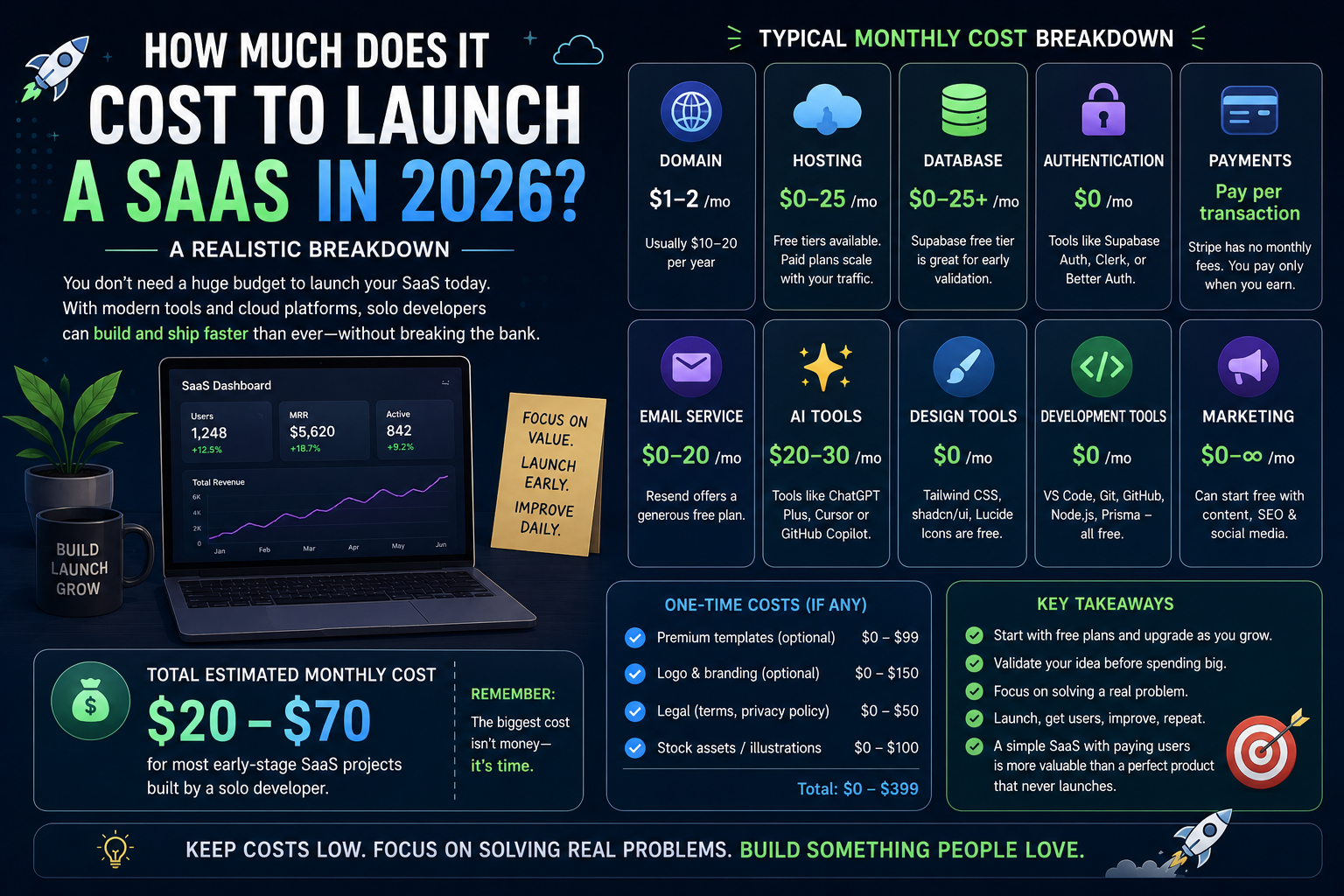
How Much Does It Cost to Launch a SaaS in 2026? A Realistic Breakdown
Launching a SaaS no longer requires hundreds of thousands of dollars. Thanks to modern frameworks, cloud platforms, and AI-powered tools, solo developers can build and launch professional software products on surprisingly small budgets. Here's a realistic look at what it actually costs to launch a SaaS in 2026.
4 min read · 101 views
Trending
Popular Posts
Productivity Tools That Save Developers Hours in 2026
681 views
The Most Valuable Skills to Learn in the AI Era (2026 and Beyond)
331 views
Vibe Coding vs Learning to Code: Which Path Will Take You Further?
277 views
Next.js 16 Features Every Developer Should Know in 2026
192 views
The Best Folder Structure for Next.js Projects in 2026
151 views
Comments
No approved comments yet.