Web Development
Building Secure Web Applications
By Yahya Saeed · 5 min read · 69 views
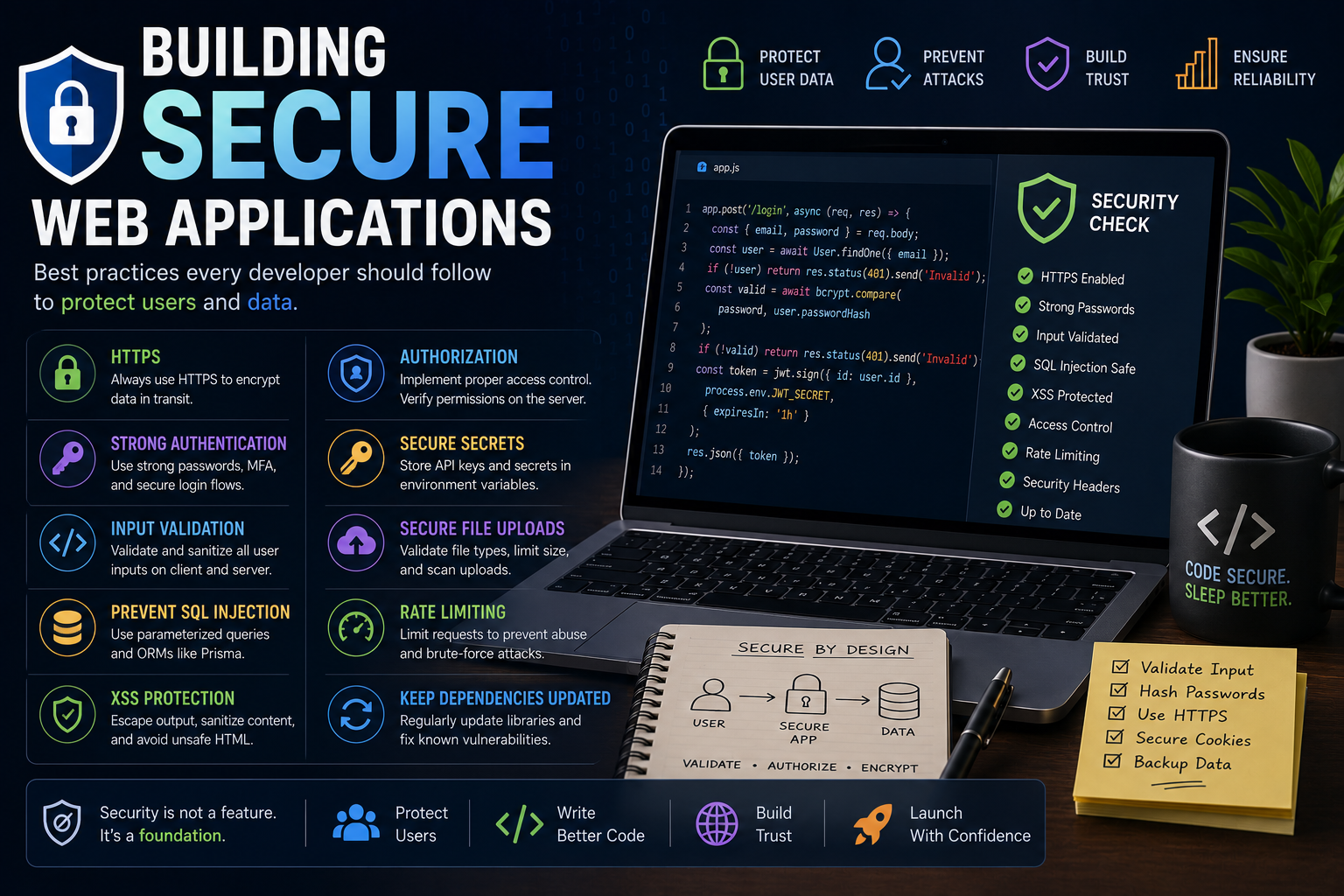
Building Secure Web Applications
Every day, millions of users trust web applications with their personal information.
They share passwords, payment details, emails, photos, and sensitive business data.
As developers, protecting that information isn't just a good practice—it's a responsibility.
The reality is that even small security mistakes can lead to data breaches, financial loss, and damaged reputations.
The good news is that building secure web applications doesn't require becoming a cybersecurity expert. By following a handful of proven principles and best practices, you can significantly reduce the risk of common attacks.
In this guide, we'll explore the essential security practices every modern web developer should understand.
Why Web Security Matters
Security isn't something you add after your application is finished.
It should be part of the development process from the very beginning.
A secure application helps you:
Protect user data
Prevent unauthorized access
Build customer trust
Avoid costly vulnerabilities
Meet compliance requirements
Reduce maintenance headaches
Good security isn't about making your application impossible to attack—it's about making attacks much more difficult and minimizing damage if something goes wrong.
Always Use HTTPS
HTTPS encrypts communication between users and your server.
Without HTTPS, sensitive information like passwords and authentication tokens can be intercepted.
Modern browsers also warn users when websites don't use HTTPS, reducing trust and affecting SEO.
Always deploy your production applications using HTTPS.
Never Store Plain Text Passwords
Passwords should never be stored directly in your database.
Instead, hash passwords using a strong algorithm like:
bcrypt
Argon2
scrypt
Hashing ensures that even if your database is compromised, attackers cannot easily recover user passwords.
Validate Every User Input
Never trust data coming from users.
Every form field, query parameter, API request, and file upload should be validated.
Proper validation helps prevent:
SQL Injection
Cross-Site Scripting (XSS)
Invalid data
Application crashes
Always validate input on both the client and the server.
Protect Against SQL Injection
SQL Injection remains one of the most dangerous web vulnerabilities.
Avoid building SQL queries using string concatenation.
Instead, use:
Parameterized queries
Prepared statements
Modern ORMs like Prisma
These tools automatically escape user input and greatly reduce the risk of SQL Injection.
Prevent Cross-Site Scripting (XSS)
XSS occurs when attackers inject malicious JavaScript into your application.
Protect against XSS by:
Escaping user-generated content
Sanitizing HTML
Avoiding unsafe HTML rendering
Using modern frontend frameworks responsibly
React and Next.js provide built-in protections, but developers still need to be careful when rendering raw HTML.
Use Authentication Properly
Authentication proves a user's identity.
Modern applications commonly use:
Sessions
JWTs
OAuth
Passkeys
Multi-Factor Authentication (MFA)
Choose an authentication system that fits your application and avoid building your own unless absolutely necessary.
Implement Authorization
Authentication answers:
"Who are you?"
Authorization answers:
"What are you allowed to do?"
Every protected route should verify that users have permission to perform the requested action.
Never rely solely on hiding buttons in the frontend.
Always enforce permissions on the server.
Store Secrets Securely
Never hardcode sensitive information inside your source code.
Keep secrets such as:
API keys
Database URLs
JWT secrets
Email credentials
Payment gateway keys
inside environment variables.
Never commit .env files to GitHub.
Secure File Uploads
File uploads introduce additional security risks.
Always:
Limit file size
Validate file types
Rename uploaded files
Scan files when possible
Store uploads securely
Never assume uploaded files are safe.
Protect Your APIs
APIs should verify every request.
Good API security includes:
Authentication
Authorization
Input validation
Rate limiting
Logging
Error handling
Every endpoint should assume incoming requests may be malicious.
Rate Limiting
Without rate limiting, attackers can repeatedly send requests to your server.
Rate limiting helps prevent:
Brute-force attacks
API abuse
Denial-of-Service attempts
Credential stuffing
Many frameworks provide middleware that makes implementing rate limiting straightforward.
Use Secure Cookies
When storing authentication cookies, configure them securely.
Important options include:
HttpOnly
Secure
SameSite
These settings help reduce the risk of cookie theft and cross-site attacks.
Keep Dependencies Updated
Outdated packages frequently contain known vulnerabilities.
Regularly:
Update dependencies
Remove unused packages
Monitor security advisories
Run dependency audits
A simple update can sometimes fix critical security issues.
Handle Errors Carefully
Detailed error messages can unintentionally reveal sensitive information.
Instead of exposing stack traces to users:
Log detailed errors internally.
Return user-friendly error messages.
Avoid revealing database details or server configuration.
Good error handling improves both security and user experience.
Backup Your Data
Even secure systems can fail.
Regular backups help protect against:
Hardware failures
Human mistakes
Ransomware
Database corruption
Test your backup restoration process regularly to ensure it actually works.
Follow the Principle of Least Privilege
Applications should only have the permissions they actually need.
For example:
Database users should have limited permissions.
Employees should only access relevant systems.
APIs should use restricted credentials.
Reducing permissions limits the impact of security breaches.
Learn the OWASP Top 10
The OWASP Top 10 lists the most critical web application security risks.
Every developer should understand topics such as:
Broken Access Control
Cryptographic Failures
Injection
Insecure Design
Security Misconfiguration
Vulnerable Components
Authentication Failures
Learning these common vulnerabilities helps you avoid introducing them into your own applications.
Security Is an Ongoing Process
Security isn't something you complete once.
As your application grows, continue to:
Review your code
Monitor logs
Patch vulnerabilities
Update dependencies
Improve authentication
Conduct security testing
A secure application evolves over time.
Best Practices Checklist
Before launching your application, ask yourself:
Is HTTPS enabled?
Are passwords hashed?
Are inputs validated?
Are APIs protected?
Are permissions enforced?
Are secrets stored securely?
Are dependencies updated?
Is rate limiting enabled?
Are backups configured?
Have common vulnerabilities been reviewed?
Checking these items before deployment can prevent many serious problems.
Final Thoughts
Building secure web applications isn't about fear.it's about responsibility.
Most successful attacks exploit simple mistakes rather than advanced hacking techniques. By following secure coding practices, validating user input, protecting authentication, and staying informed about common vulnerabilities, you can build applications that users trust.
Security should never be treated as an afterthought. The best developers think about security from the first line of code to the final deployment.
As your skills grow, continue learning, stay curious, and remember that a secure application is one of the strongest foundations for long-term success.
Keep reading
Related Posts
Next.js
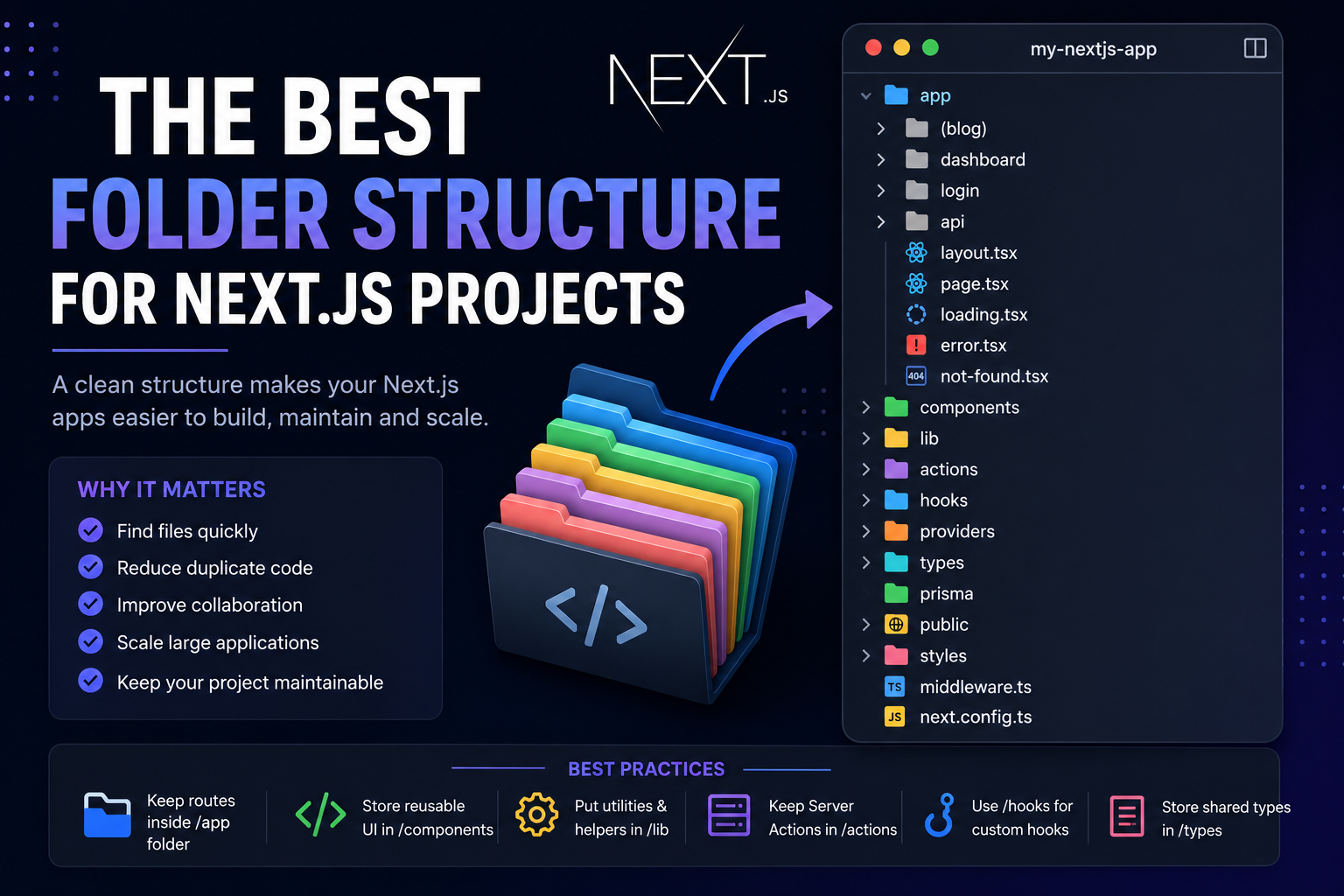
The Best Folder Structure for Next.js Projects in 2026
A clean folder structure makes every Next.js project easier to build, maintain, and scale. Discover the best folder organization for modern Next.js applications in 2026, whether you're building a blog, SaaS, dashboard, or enterprise application.
4 min read · 151 views

Database
Prisma vs Drizzle ORM: Which One Should You Choose in 2026?
Prisma and Drizzle are currently two of the most popular ORMs in the TypeScript ecosystem. Both offer excellent developer experiences, strong TypeScript support, and modern tooling. But they take very different approaches. Here's a practical comparison to help you choose the right ORM for your next project.
4 min read · 131 views
CSS
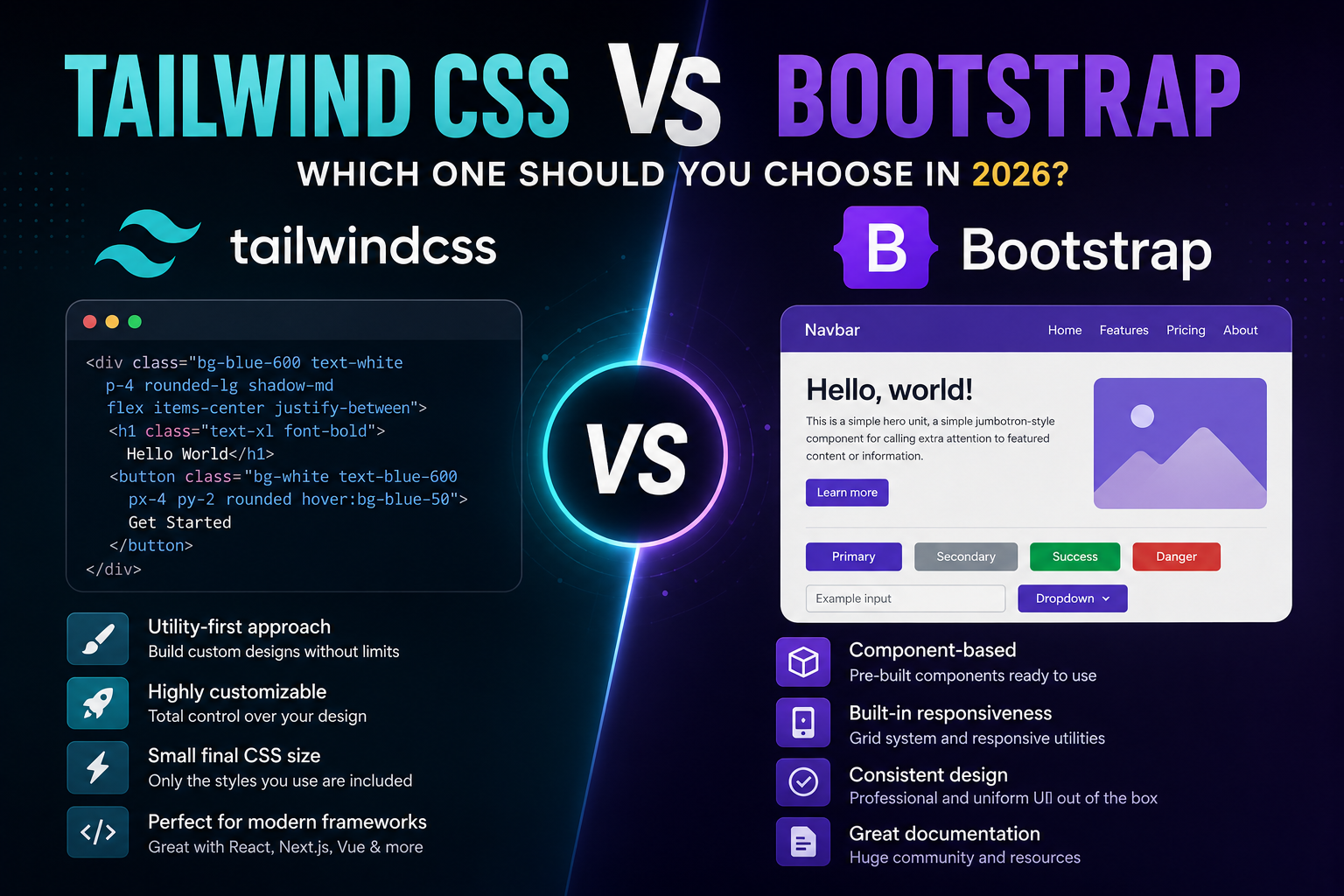
Tailwind CSS vs Bootstrap: Which One Should You Choose in 2026?
Tailwind CSS and Bootstrap are two of the most popular frontend frameworks ever created. Both help developers build websites faster, but they take completely different approaches. If you're starting a new project in 2026, which one should you choose? Let's compare them and find out.
4 min read · 117 views
Trending
Popular Posts
Productivity Tools That Save Developers Hours in 2026
681 views
The Most Valuable Skills to Learn in the AI Era (2026 and Beyond)
331 views
Vibe Coding vs Learning to Code: Which Path Will Take You Further?
277 views
Next.js 16 Features Every Developer Should Know in 2026
192 views
The Best Folder Structure for Next.js Projects in 2026
151 views
Comments
No approved comments yet.