Next.js
How to Optimize Next.js for SEO: A Complete Guide for 2026
By Yahya Saeed · 4 min read · 102 views
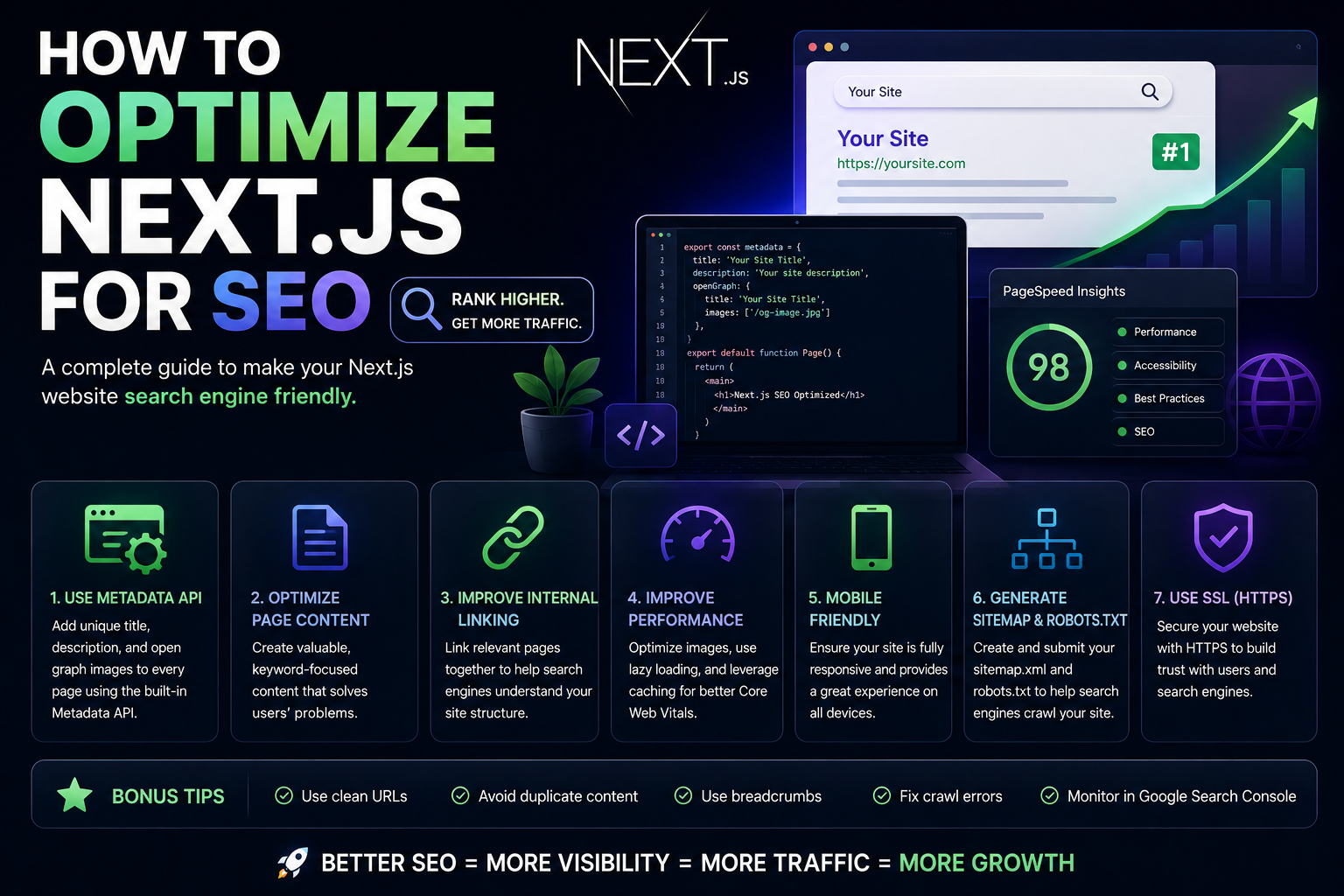
How to Optimize Next.js for SEO: A Complete Guide for 2026
Search Engine Optimization (SEO) remains one of the most powerful ways to attract visitors to your website.
No matter how beautiful your application is, people need a way to discover it.
That's where SEO comes in.
The good news is that Next.js is one of the best frameworks for building search-engine-friendly websites.
Its server-side rendering capabilities, metadata support, and performance optimizations provide a strong foundation for ranking in search results.
However, many developers make the mistake of assuming that using Next.js automatically guarantees good SEO.
It doesn't.
To achieve strong rankings, you need to optimize several important areas.
Let's explore how.
Why SEO Matters
Good SEO can help your website:
Rank higher on Google
Attract organic traffic
Improve user experience
Increase conversions
Reduce advertising costs
For blogs, SaaS products, portfolios, and business websites, SEO can become a major source of long-term growth.
Use the Metadata API
One of the easiest ways to improve SEO in Next.js is by using the built-in Metadata API.
Every page should have:
Unique title
Meta description
Open Graph image
Keywords (optional)
Example:
export const metadata = {
  title: "How to Optimize Next.js for SEO",
  description: "Complete SEO guide for Next.js developers.",
};
Search engines use this information to understand your content.
Create Meaningful Page Titles
Your page title is one of the most important ranking signals.
A good title should:
Describe the content clearly
Include primary keywords
Remain concise
Example:
✅ Good
"How to Optimize Next.js for SEO in 2026"
❌ Bad
"SEO Tips"
Specific titles perform better.
Write Strong Meta Descriptions
Meta descriptions don't directly improve rankings, but they influence click-through rates.
A good description should:
Summarize the article
Include important keywords
Encourage users to click
Think of it as an advertisement for your page in search results.
Optimize Your URLs
Clean URLs help both users and search engines.
Good examples:
/blog/nextjs-seo-guide
/blog/tailwind-css-vs-bootstrap
/blog/prisma-vs-drizzle
Avoid:
/post?id=123
/page?article=seo-guide
Simple URLs are easier to understand and share.
Use Semantic HTML
Search engines rely on HTML structure to understand content.
Use:
h1
h2
h3
article
section
nav
correctly.
Every page should have one clear H1 heading.
Example:
<h1>How to Optimize Next.js for SEO</h1>Well-structured content improves readability and SEO.
Optimize Images
Large images slow down websites.
Slow websites often rank lower.
Use the Next.js Image component:
import Image from "next/image";Benefits include:
Automatic optimization
Lazy loading
Responsive sizing
Better performance
Also remember to add descriptive alt text.
Example:
alt="Next.js SEO optimization dashboard"Improve Core Web Vitals
Google considers user experience when ranking pages.
Important metrics include:
Largest Contentful Paint (LCP)
How quickly main content loads.
Interaction to Next Paint (INP)
How responsive the page feels.
Cumulative Layout Shift (CLS)
How stable the layout remains.
Next.js helps with these metrics, but developers must still:
Optimize images
Reduce JavaScript
Minimize third-party scripts
Performance matters.
Create a Sitemap
A sitemap helps search engines discover your pages.
Next.js makes this simple.
Example:
export default function sitemap() {
  return [
    {
      url: "https://yourdomain.com",
    },
  ];
}
Sitemaps improve crawl efficiency.
Especially for larger websites.
Generate robots.txt
Search engines use robots.txt to understand which pages can be crawled.
Example:
User-agent: *
Allow: /
This helps search engines navigate your website correctly.
Build Internal Links
Internal links help users and search engines discover content.
Example:
If you write about:
Next.js SEO
Tailwind CSS
React Performance
link related articles together.
Benefits include:
Better navigation
Increased page views
Improved crawlability
Strong internal linking is often overlooked.
Create High-Quality Content
Technical SEO alone isn't enough.
Google ultimately wants to rank useful content.
Your articles should:
Solve real problems
Answer user questions
Provide practical value
Remain easy to read
Content quality remains one of the most important ranking factors.
Mobile Optimization
Most web traffic now comes from mobile devices.
Your website should:
Be responsive
Load quickly
Display correctly on small screens
A poor mobile experience can hurt rankings significantly.
Use Open Graph Metadata
Open Graph improves how pages appear when shared on social media.
Example:
openGraph: {
  title: "Next.js SEO Guide",
  description: "Learn modern SEO techniques.",
  images: ["/og-image.jpg"],
}
This helps generate attractive social previews.
Monitor Search Performance
After publishing content, track results using:
Google Search Console
Google Analytics
PageSpeed Insights
These tools help identify:
Ranking opportunities
Performance issues
Indexing problems
SEO is an ongoing process.
Not a one-time task.
Common SEO Mistakes
Avoid these common problems:
Duplicate content
Missing titles
Missing descriptions
Slow loading pages
Broken links
Poor mobile experience
Keyword stuffing
Even great content can struggle if technical issues exist.
Final Thoughts
Next.js provides one of the strongest foundations for SEO in modern web development.
Its built-in support for server-side rendering, metadata management, image optimization, and performance makes it an excellent choice for websites that rely on organic traffic.
However, SEO success requires more than technology.
You must combine:
Technical optimization
Fast performance
Quality content
Good user experience
When these elements work together, your Next.js website has a much better chance of ranking well and attracting consistent traffic.
And in 2026, organic traffic remains one of the most valuable assets any website can have.
Keep reading
Related Posts

Programming
Vibe Coding vs Learning to Code: Which Path Will Take You Further?
AI can build apps faster than ever, leading to the rise of "vibe coding." But does that mean learning to code is no longer necessary? Let's explore the strengths, weaknesses, and future of both approaches to discover which path offers the greatest long-term value.
4 min read · 277 views

Next.js
Next.js 16 Features Every Developer Should Know in 2026
Next.js 16 continues to push modern web development forward with improved performance, better developer experience, enhanced routing, and powerful server-side capabilities. Whether you're building a blog, SaaS platform, portfolio, or enterprise application, these are the most important Next.js 16 features every developer should understand.
4 min read · 192 views
Next.js
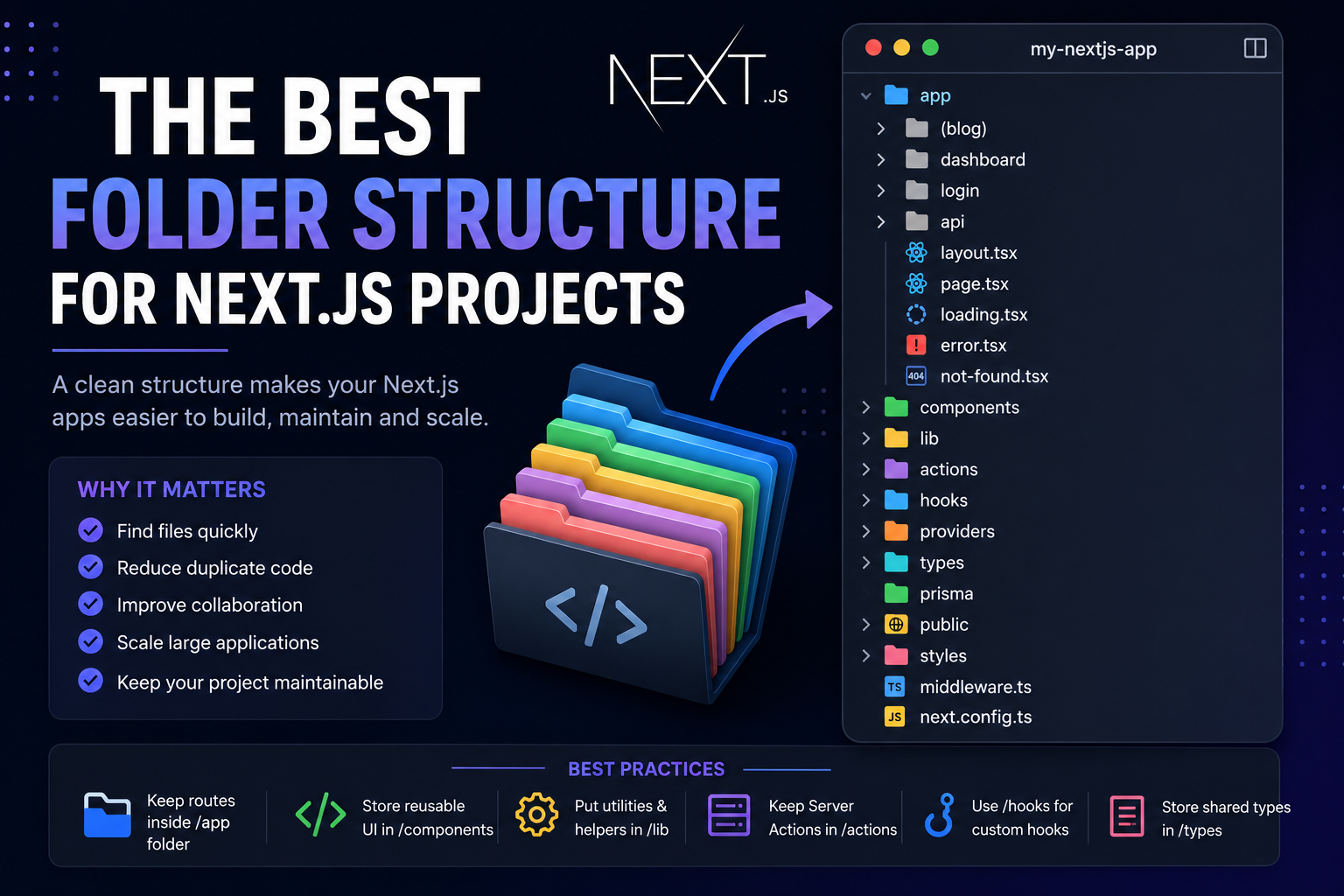
The Best Folder Structure for Next.js Projects in 2026
A clean folder structure makes every Next.js project easier to build, maintain, and scale. Discover the best folder organization for modern Next.js applications in 2026, whether you're building a blog, SaaS, dashboard, or enterprise application.
4 min read · 152 views
Trending
Popular Posts
Productivity Tools That Save Developers Hours in 2026
681 views
The Most Valuable Skills to Learn in the AI Era (2026 and Beyond)
331 views
Vibe Coding vs Learning to Code: Which Path Will Take You Further?
277 views
Next.js 16 Features Every Developer Should Know in 2026
192 views
The Best Folder Structure for Next.js Projects in 2026
152 views
Comments
No approved comments yet.