JavaScript
The Modern JavaScript Handbook: Everything You Need to Know in 2026
By Yahya Saeed · 4 min read · 84 views
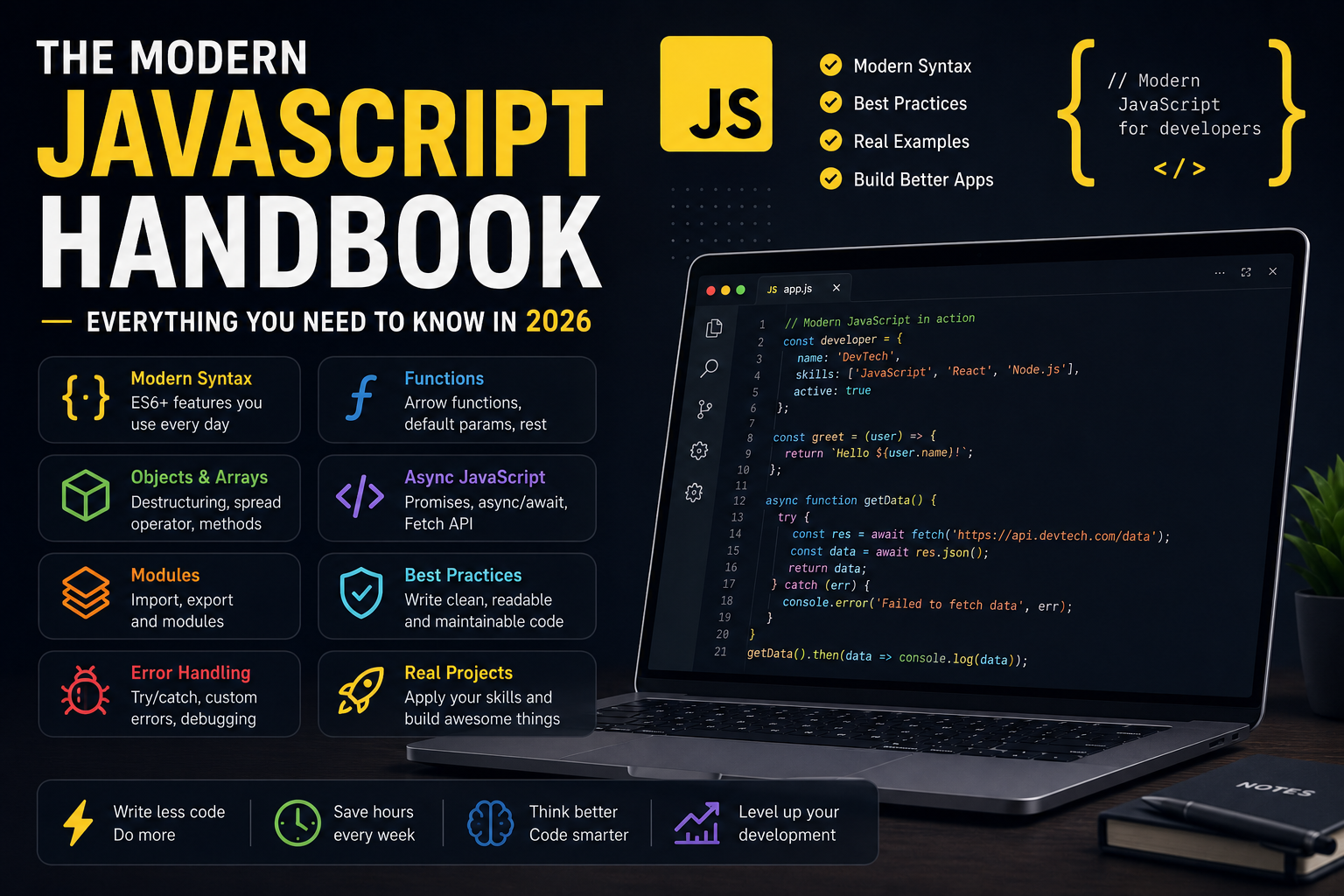
The Modern JavaScript Handbook: Everything You Need to Know in 2026
JavaScript is no longer "just a browser language."
Today it powers websites, mobile applications, desktop software, backend servers, AI tools, IoT devices, and even game engines.
Whether you're learning web development, building SaaS products, or preparing for developer interviews, mastering modern JavaScript is one of the best investments you can make.
This handbook covers the concepts every JavaScript developer should understand in 2026.
Why JavaScript Still Dominates
Despite the rise of new languages, JavaScript remains one of the most widely used programming languages in the world.
Developers choose JavaScript because it is:
Easy to start learning
Extremely versatile
Supported by every modern browser
Backed by a massive ecosystem
Used on both frontend and backend
Continuously evolving
Learning JavaScript opens doors to countless frameworks, libraries, and career opportunities.
Variables: let and const
Modern JavaScript replaced many uses of var with let and const.
const appName = "DevTech";

let users = 0;

users++;
Use:
constfor values that shouldn't be reassigned.letfor values that will change.Avoid
varin modern applications.
Data Types
JavaScript supports several primitive data types:
const name = "John";
const age = 28;
const active = true;
const score = null;
let city;
The main types include:
String
Number
Boolean
Null
Undefined
BigInt
Symbol
Objects and arrays are reference types.
Functions
Functions are the building blocks of JavaScript.
Traditional function:
function greet(name) {
  return `Hello ${name}`;
}
Arrow function:
const greet = (name) => `Hello ${name}`;Arrow functions provide shorter syntax and are commonly used in React and modern applications.
Objects
Objects store related data together.
const developer = {
  name: "Sarah",
  language: "JavaScript",
  experience: 5,
};
Access properties using:
developer.name
developer["language"]
Objects are everywhere in JavaScript.
Arrays
Arrays store ordered collections.
const frameworks = [
  "React",
  "Next.js",
  "Vue",
  "Svelte",
];
Useful methods include:
map()
filter()
find()
reduce()
some()
every()
sort()
Learning array methods dramatically improves your coding skills.
Destructuring
Extract values easily.
const user = {
  name: "Ali",
  age: 25,
};

const { name, age } = user;
Arrays can also be destructured.
const [first, second] = frameworks;Template Literals
Instead of string concatenation:
const message = `Welcome ${name}!`;Template literals improve readability and support multi-line strings.
Spread Operator
Copy and merge data easily.
const numbers = [1, 2, 3];

const newNumbers = [...numbers, 4];
Objects:
const updatedUser = {
  ...user,
  active: true,
};
The spread operator is heavily used in React state management.
Rest Parameters
Collect multiple values.
function sum(...numbers) {
  return numbers.reduce((a, b) => a + b, 0);
}
Perfect for functions that accept unlimited arguments.
Optional Chaining
Avoid errors when accessing nested objects.
user?.address?.cityInstead of crashing, JavaScript safely returns undefined.
Nullish Coalescing
Provide fallback values.
const username = user.name ?? "Guest";Unlike ||, this only falls back for null or undefined.
Async and Await
Modern JavaScript handles asynchronous code beautifully.
async function loadUsers() {
  const response = await fetch("/api/users");
  return response.json();
}
This replaces long chains of .then() calls and makes code easier to read.
Fetch API
Communicate with servers.
const response = await fetch("/api/posts");
const posts = await response.json();
Every frontend developer should understand API requests.
Modules
Modern JavaScript uses ES Modules.
Export:
export function calculateTotal() {}Import:
import { calculateTotal } from "./utils.js";Modules keep projects organized and maintainable.
Error Handling
Applications should gracefully handle failures.
try {
  const data = await fetchData();
} catch (error) {
  console.error(error);
}
Proper error handling improves reliability and debugging.
Classes
JavaScript supports object-oriented programming.
class User {
  constructor(name) {
    this.name = name;
  }

  greet() {
    return `Hello ${this.name}`;
  }
}
While many developers prefer functions, classes are still useful in many scenarios.
Modern Array Methods
Instead of loops, use expressive array methods.
Examples:
products.filter()

users.map()

orders.reduce()

tasks.find()
These methods produce cleaner and more maintainable code.
Promises
Before async/await, JavaScript relied on promises.
fetch("/api/data")
  .then((response) => response.json())
  .then((data) => console.log(data))
  .catch(console.error);
Understanding promises helps when working with many libraries.
Closures
Closures allow functions to remember variables from their surrounding scope.
function counter() {
  let count = 0;

  return () => ++count;
}
Closures power many advanced JavaScript patterns.
Event Loop
One of JavaScript's most important concepts.
Understanding the event loop helps explain:
Asynchronous code
Promises
Timers
Microtasks
Performance
It's a common interview topic and essential for debugging.
Best Practices
Write cleaner JavaScript by following these habits:
Prefer
constoverletwhen possible.Use meaningful variable names.
Keep functions small and focused.
Avoid deeply nested code.
Write reusable utility functions.
Handle errors gracefully.
Use ESLint and Prettier.
Learn modern syntax instead of outdated patterns.
A Practical Learning Roadmap
If you're learning JavaScript today, focus on this order:
Variables and data types
Functions
Objects and arrays
Array methods
DOM manipulation
ES6 features
Async/await
Fetch API
Modules
Error handling
Classes
Build real projects
Projects are where everything starts to click.
Final Thoughts
JavaScript continues to evolve, but the fundamentals remain the same.
Instead of trying to memorize every feature, focus on understanding the language deeply and building real applications. Modern JavaScript is clean, expressive, and powerful enough to create everything from simple websites to enterprise-scale applications.
Master the concepts in this handbook, practice consistently, and you'll have a strong foundation for learning frameworks like React, Next.js, Vue, or Node.js.
JavaScript isn't just a language—it's the backbone of modern web development, and learning it well will continue to pay dividends throughout your development career.
Keep reading
Related Posts

Career & Technology
The Most Valuable Skills to Learn in the AI Era (2026 and Beyond)
Artificial Intelligence is changing how we work, learn, and build products. Some skills are becoming less valuable, while others are becoming more important than ever. If you want to stay relevant and thrive in 2026 and beyond, these are the skills you should focus on developing.
4 min read · 331 views

Programming
Vibe Coding vs Learning to Code: Which Path Will Take You Further?
AI can build apps faster than ever, leading to the rise of "vibe coding." But does that mean learning to code is no longer necessary? Let's explore the strengths, weaknesses, and future of both approaches to discover which path offers the greatest long-term value.
4 min read · 277 views
Next.js
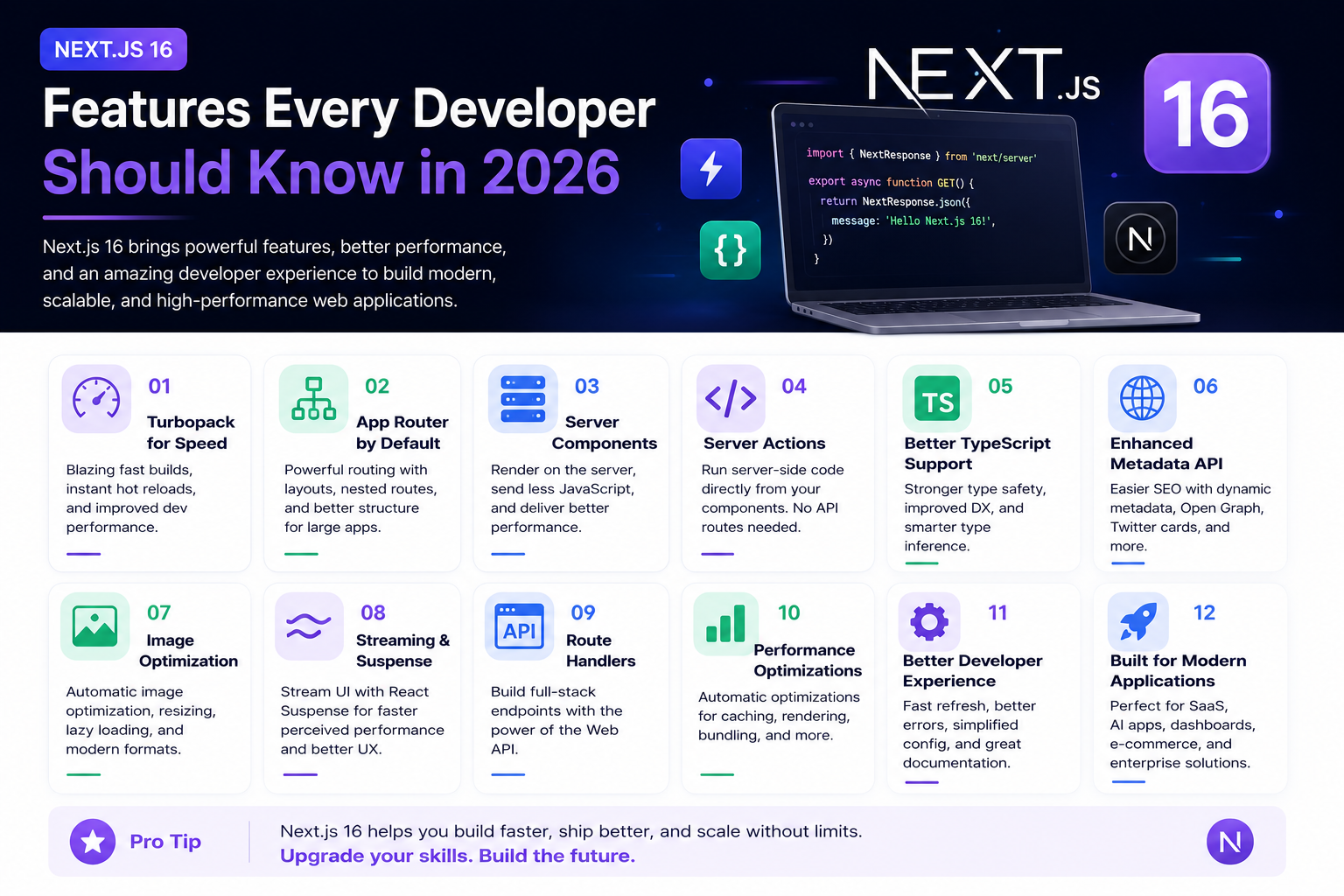
Next.js 16 Features Every Developer Should Know in 2026
Next.js 16 continues to push modern web development forward with improved performance, better developer experience, enhanced routing, and powerful server-side capabilities. Whether you're building a blog, SaaS platform, portfolio, or enterprise application, these are the most important Next.js 16 features every developer should understand.
4 min read · 192 views
Trending
Popular Posts
Productivity Tools That Save Developers Hours in 2026
681 views
The Most Valuable Skills to Learn in the AI Era (2026 and Beyond)
331 views
Vibe Coding vs Learning to Code: Which Path Will Take You Further?
277 views
Next.js 16 Features Every Developer Should Know in 2026
192 views
The Best Folder Structure for Next.js Projects in 2026
152 views
Comments
No approved comments yet.