Mobile Development
React Native Performance Tips
By Yahya Saeed · 5 min read · 113 views
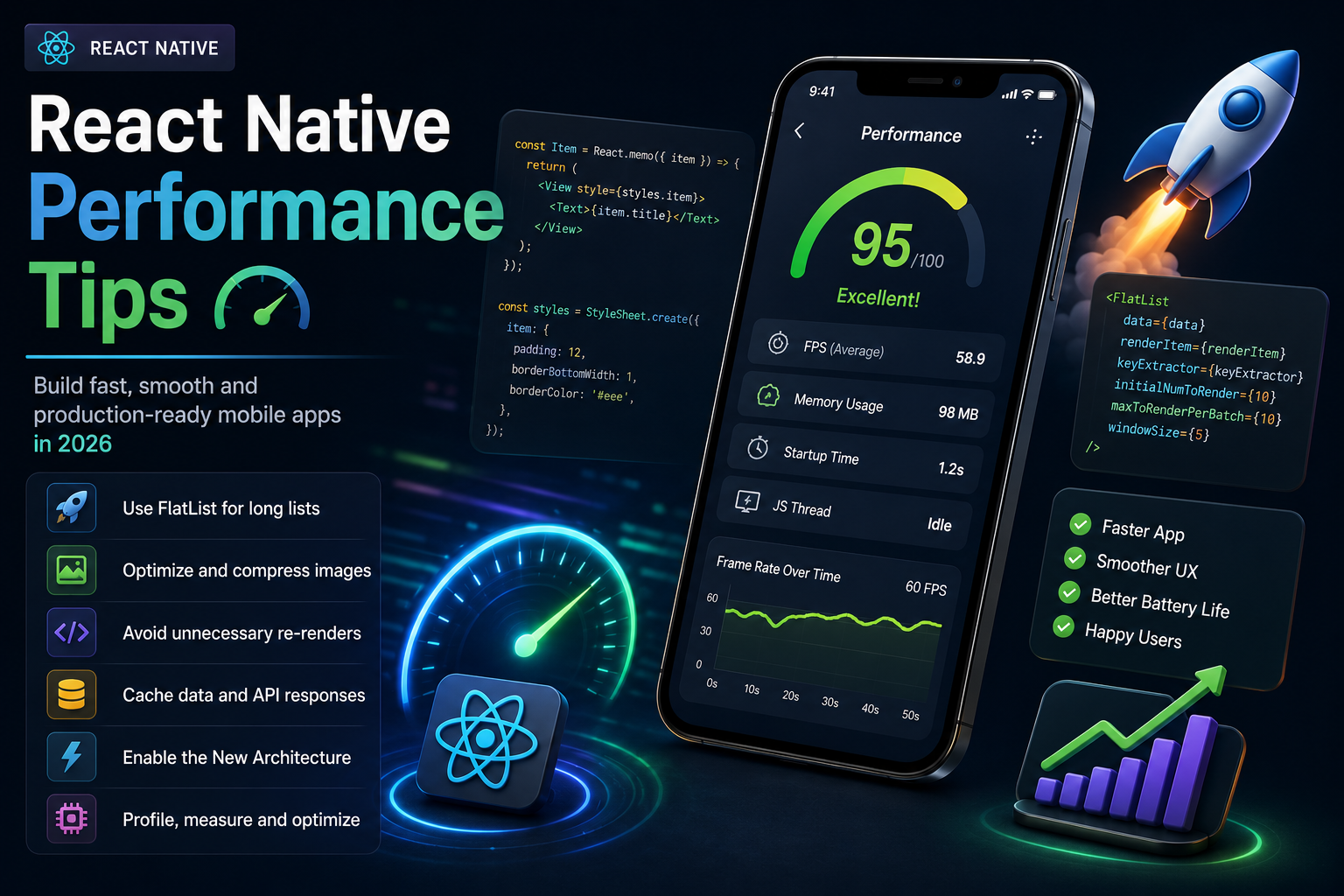
React Native Performance Tips
A beautiful mobile app means very little if it feels slow.
Users expect applications to launch instantly, scroll smoothly, respond immediately to touches, and consume as little battery as possible.
If your app freezes, stutters, or takes too long to load, users are likely to uninstall it.no matter how good its features are.
The good news is that React Native provides excellent performance when used correctly.
By following a few best practices, you can build mobile applications that feel fast, responsive, and professional.
Let's explore the most important React Native performance tips every developer should know in 2026.
Why Performance Matters
Performance directly affects user satisfaction.
A fast application provides:
Better user experience
Higher user retention
Improved app ratings
Better battery efficiency
Lower memory usage
Faster navigation
More successful user interactions
Small improvements in performance can make a surprisingly large difference.
Use the Latest React Native Version
Each new React Native release includes:
Performance improvements
Bug fixes
Better memory management
Faster rendering
New architecture enhancements
Keeping your project updated allows you to benefit from continuous optimizations.
Prefer the New Architecture
Modern React Native applications benefit from the New Architecture.
Features include:
Fabric Renderer
TurboModules
Faster communication between JavaScript and native code
Better rendering performance
Whenever possible, build new projects using the latest architecture.
Avoid Unnecessary Re-renders
One of the biggest causes of poor performance is unnecessary component rendering.
If components render more often than needed, your application becomes slower.
You can reduce unnecessary renders by:
Splitting large components
Using
React.memo()Memoizing callbacks
Memoizing expensive calculations
Rendering only what changes improves responsiveness.
Use FlatList Instead of ScrollView
When displaying long lists, always prefer FlatList.
Unlike ScrollView, FlatList renders only visible items.
Benefits include:
Lower memory usage
Faster scrolling
Better battery life
Improved performance with large datasets
This is one of the easiest optimizations you can make.
Optimize Images
Large images are one of the biggest performance killers.
Best practices include:
Compress images
Use modern formats
Resize images appropriately
Cache remote images
Avoid unnecessarily large assets
Optimized images improve loading speed significantly.
Lazy Load Screens
There's no need to load every screen when the application starts.
Instead:
Load screens only when needed.
Split large features.
Defer expensive operations.
This reduces startup time and improves perceived performance.
Reduce JavaScript Work
The JavaScript thread handles much of your application's logic.
Avoid blocking it with:
Heavy calculations
Large loops
Complex synchronous operations
If expensive work is required, move it to background tasks or native modules whenever appropriate.
Cache API Responses
Downloading identical data repeatedly wastes bandwidth and slows the application.
Cache frequently used data whenever possible.
Benefits include:
Faster loading
Reduced network requests
Better offline experience
Improved responsiveness
Smart caching makes your app feel much faster.
Optimize Network Requests
Good networking practices include:
Combining requests when possible
Loading only required data
Using pagination
Compressing responses
Avoiding duplicate API calls
Efficient networking improves both speed and battery life.
Use Pagination
Loading thousands of records at once is inefficient.
Instead, load data gradually.
Examples include:
Infinite scrolling
Page-by-page loading
Load more buttons
Pagination keeps memory usage low while improving user experience.
Minimize State Updates
Every state update can trigger rendering.
Avoid:
Updating state unnecessarily
Storing duplicate data
Frequent deep object mutations
Keep your state simple and predictable.
Use Efficient State Management
Choosing the right state management solution matters.
Popular options include:
Zustand
Context API
Redux Toolkit
For most applications, Zustand provides an excellent balance between simplicity and performance.
Optimize Animations
Smooth animations create a premium user experience.
For best results:
Use the native driver whenever possible.
Avoid expensive layout recalculations.
Keep animation logic lightweight.
Modern animation libraries also provide excellent performance.
Keep Dependencies Minimal
Every library increases your application's size and complexity.
Before installing a package, ask yourself:
Do I really need it?
Can I build this myself?
Is the package actively maintained?
Smaller applications usually perform better.
Profile Your App
Optimization without measurement is mostly guesswork.
Use profiling tools to identify:
Slow renders
Memory leaks
Large bundles
Network bottlenecks
Excessive CPU usage
Fix the biggest problems first.
Test on Real Devices
An application may perform perfectly on a powerful development computer while struggling on an older phone.
Always test on:
Budget Android devices
Mid-range phones
High-end devices
Different screen sizes
Real-world testing reveals issues that simulators often miss.
Keep Bundle Size Small
Large application bundles increase download size and startup time.
Reduce bundle size by:
Removing unused libraries
Compressing assets
Optimizing images
Eliminating dead code
Smaller apps generally provide a better experience.
Optimize Database Queries
If your app stores local data using SQLite or another database:
Query only necessary columns.
Use indexes where appropriate.
Limit returned records.
Avoid repeated database queries.
Efficient database operations improve responsiveness.
Monitor Memory Usage
Memory leaks gradually slow applications over time.
Common causes include:
Forgotten timers
Event listeners
Large cached objects
Unreleased resources
Regular testing helps identify memory-related issues early.
Build for Production
Development mode includes debugging tools that reduce performance.
Always test production builds before publishing.
Production builds provide:
Faster startup
Better rendering
Smaller bundles
More realistic performance
Never judge your app's speed based solely on development mode.
Common Performance Mistakes
Many developers unknowingly reduce performance by:
Rendering huge lists with ScrollView
Loading oversized images
Making unnecessary API requests
Installing too many dependencies
Updating state too frequently
Ignoring profiling tools
Avoiding these mistakes can dramatically improve your app.
A Performance Checklist
Before publishing your application, review this checklist:
Keep React Native updated.
Use FlatList for long lists.
Optimize images.
Cache API responses.
Minimize unnecessary renders.
Test on real devices.
Keep dependencies lightweight.
Profile your application.
Optimize animations.
Build and test production releases.
Following these steps helps ensure a smooth user experience.
Final Thoughts
Performance isn't a feature that users notice when it's good.it's something they immediately notice when it's bad.
A responsive, smooth application feels professional and earns user trust, while a sluggish app can quickly lose users regardless of its functionality.
Fortunately, React Native offers excellent performance out of the box when combined with good development practices.
By focusing on efficient rendering, optimized networking, lightweight assets, and continuous performance testing, you can build mobile applications that feel fast on both high-end and budget devices.
Remember, the fastest app isn't necessarily the one with the most advanced technology.it's the one that respects the user's time and delivers a consistently smooth experience.
Keep reading
Related Posts
Next.js
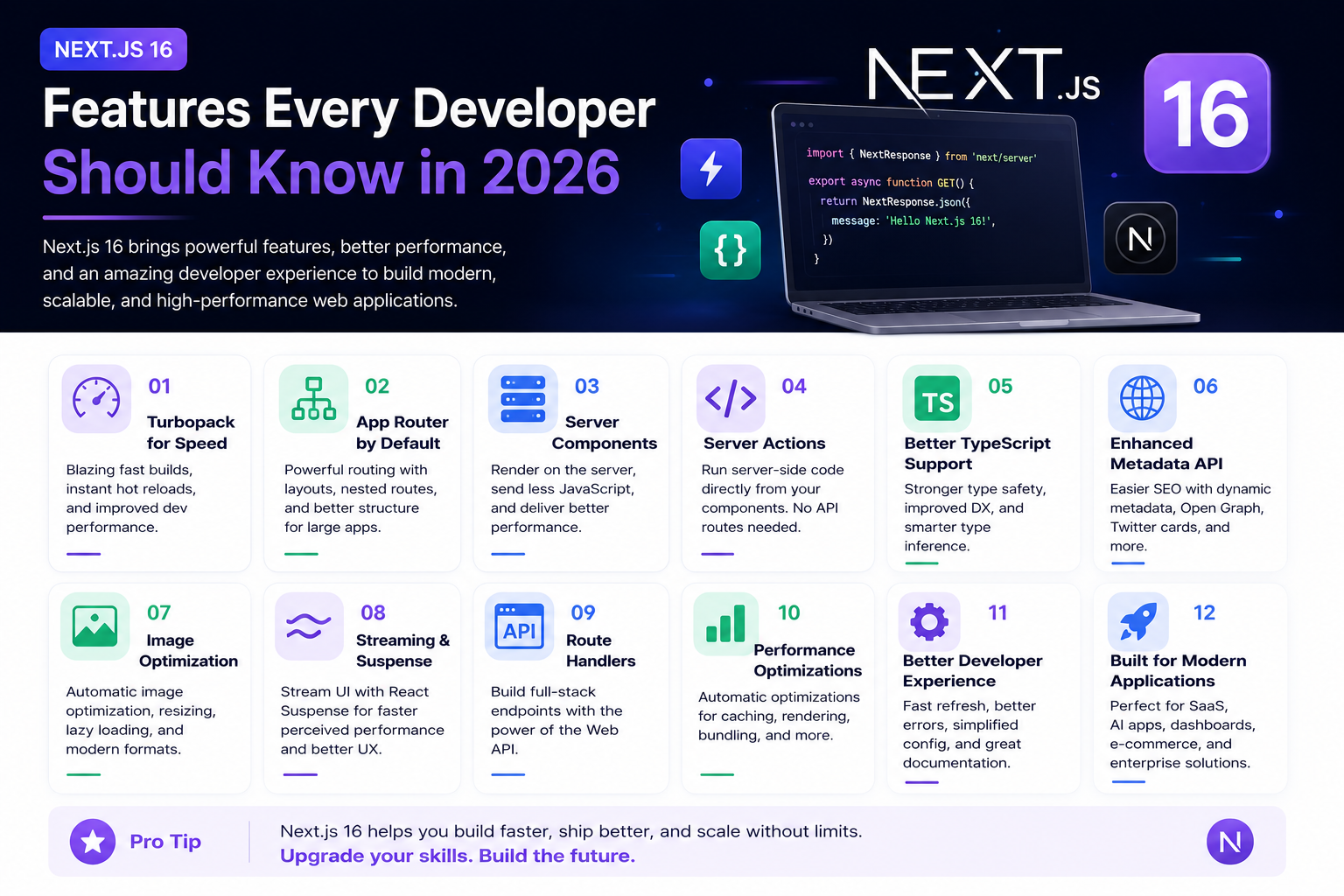
Next.js 16 Features Every Developer Should Know in 2026
Next.js 16 continues to push modern web development forward with improved performance, better developer experience, enhanced routing, and powerful server-side capabilities. Whether you're building a blog, SaaS platform, portfolio, or enterprise application, these are the most important Next.js 16 features every developer should understand.
4 min read · 192 views
Next.js
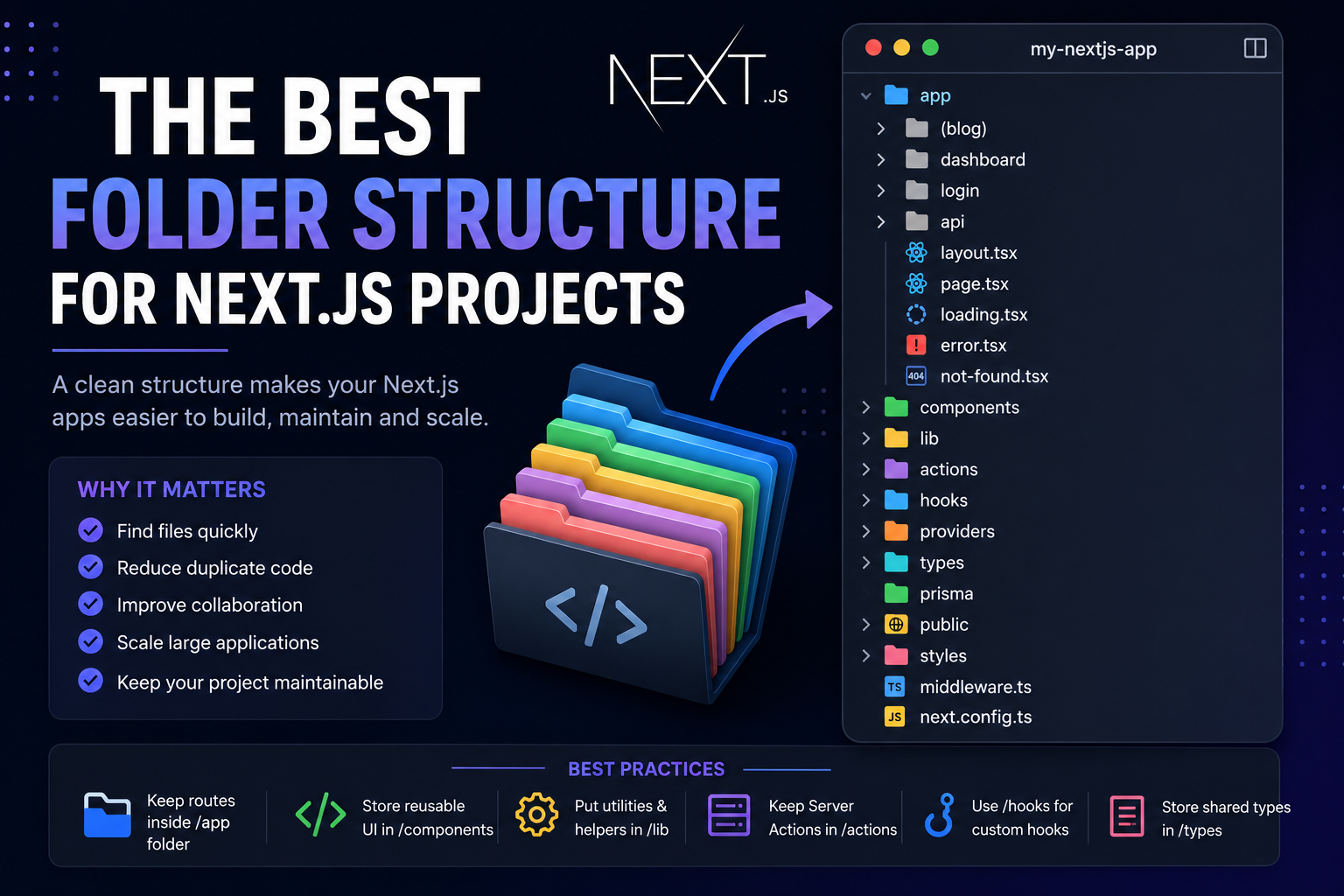
The Best Folder Structure for Next.js Projects in 2026
A clean folder structure makes every Next.js project easier to build, maintain, and scale. Discover the best folder organization for modern Next.js applications in 2026, whether you're building a blog, SaaS, dashboard, or enterprise application.
4 min read · 151 views
Mobile Development
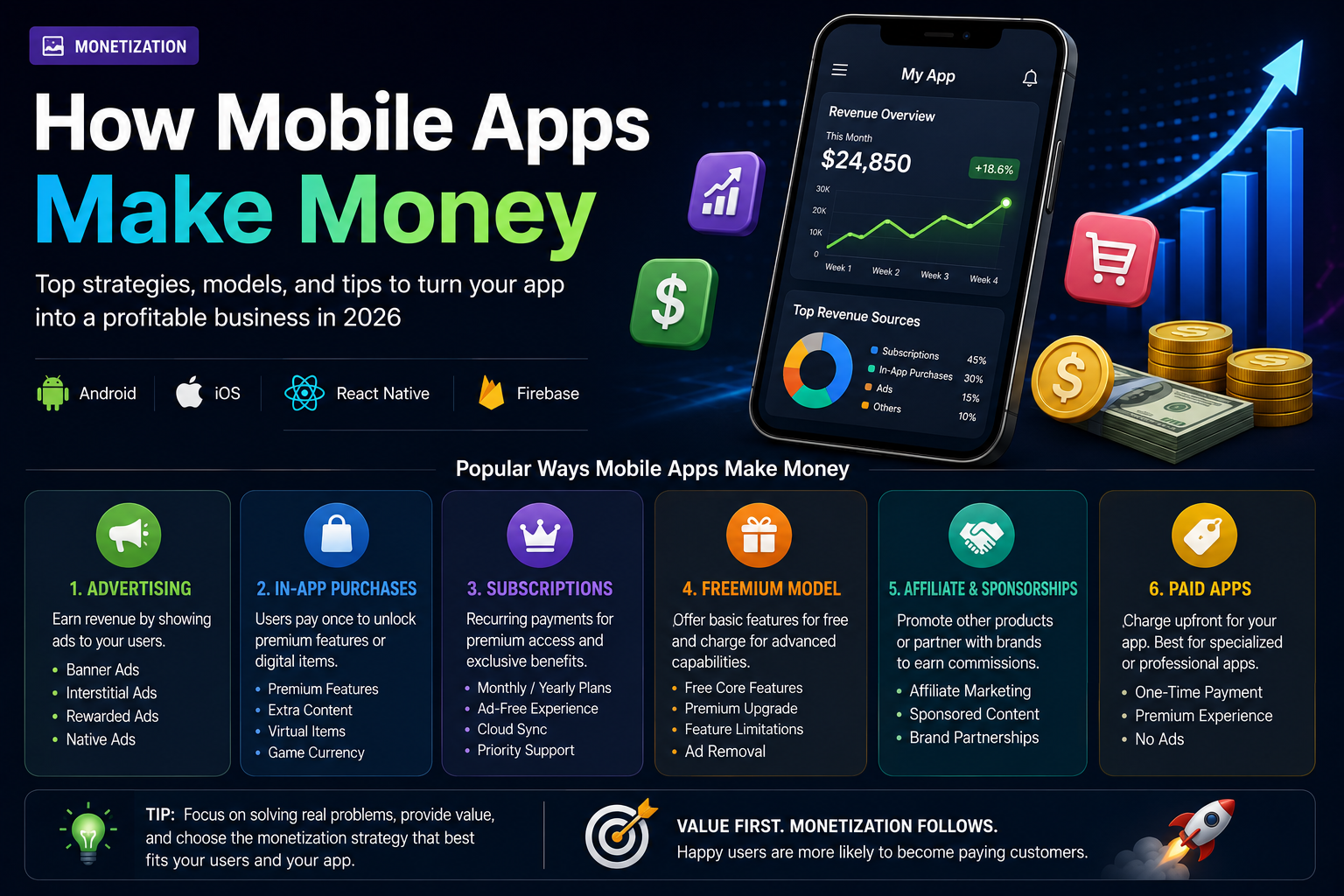
How Mobile Apps Make Money
Building a great mobile app is only half the journey. Understanding how apps generate revenue is equally important. From advertising and subscriptions to in-app purchases and sponsorships, discover the most effective ways mobile apps make money in 2026.
5 min read · 125 views
Trending
Popular Posts
Productivity Tools That Save Developers Hours in 2026
681 views
The Most Valuable Skills to Learn in the AI Era (2026 and Beyond)
331 views
Vibe Coding vs Learning to Code: Which Path Will Take You Further?
277 views
Next.js 16 Features Every Developer Should Know in 2026
192 views
The Best Folder Structure for Next.js Projects in 2026
151 views
Comments
No approved comments yet.