AI & Development
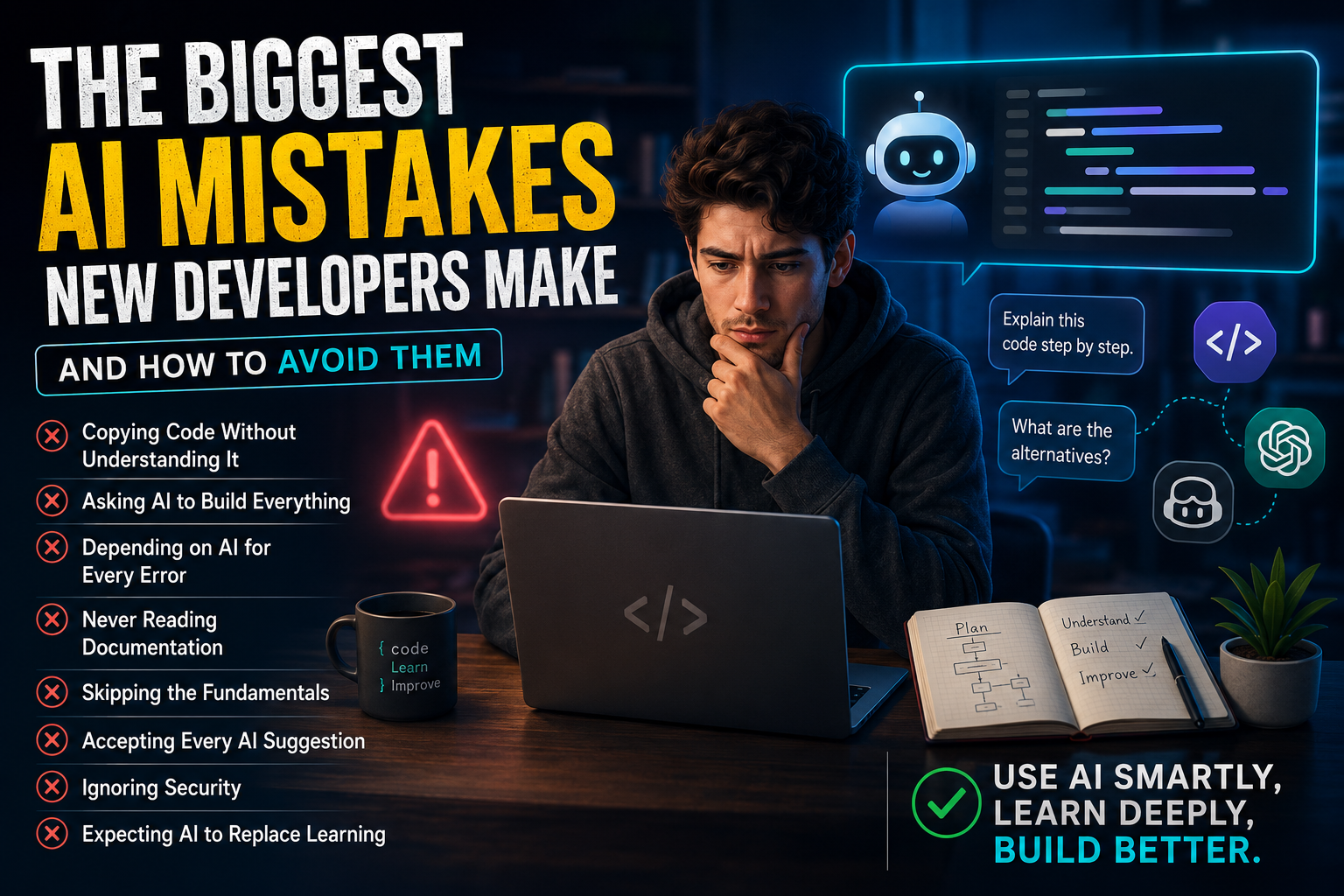
The Biggest AI Mistakes New Developers Make (And How to Avoid Them)
By Yahya Saeed · 4 min read · 92 views
The Biggest AI Mistakes New Developers Make (And How to Avoid Them)
Artificial Intelligence has become one of the most valuable tools available to developers. Whether it's generating code, explaining concepts, debugging applications, or writing documentation, AI can dramatically improve productivity.
However, many beginner developers unknowingly use AI in ways that hurt their learning instead of helping it.
The difference between a great developer and an average one isn't whether they use AI—it's how they use it.
Let's explore the biggest mistakes beginners make and how to avoid them.
Mistake #1: Copying Code Without Understanding It
One of the most common mistakes is copying AI-generated code directly into a project without reading or understanding it.
The code may work today, but what happens when something breaks tomorrow?
If you don't understand:
Variables
Functions
Loops
Components
API calls
Database queries
then you'll struggle to fix even small issues.
Better Approach
Ask AI questions like:
Why does this code work?
Explain this line by line.
Can you simplify this example?
What are the alternatives?
Understanding always beats copying.
Mistake #2: Asking AI to Build Everything
Some beginners try prompts like:
Build me a complete social media app.
While AI can generate impressive code, you won't learn much if it does all the work.
Large projects contain hundreds of moving parts.
Instead, build the project yourself and ask AI for help with individual problems.
For example:
Build a login page
Create a navigation bar
Design a dashboard
Connect a database
Debug an authentication error
This approach develops real programming skills.
Mistake #3: Depending on AI for Every Error
Seeing an error?
Many beginners immediately paste it into ChatGPT.
There's nothing wrong with asking AI for help, but first try to solve the problem yourself.
Read the error carefully.
Check:
File name
Line number
Variable names
Imports
Documentation
You'll often solve the issue before needing AI.
Developers grow fastest by learning how to debug.
Mistake #4: Never Reading Documentation
AI provides quick answers, but official documentation remains the most accurate source of information.
Frameworks like:
React
Next.js
Prisma
Tailwind CSS
Node.js
all maintain excellent documentation.
The best developers use AI and documentation together.
AI explains concepts.
Documentation provides the official implementation.
Mistake #5: Accepting Every AI Suggestion
AI isn't always correct.
Sometimes it:
Uses outdated APIs
Suggests deprecated methods
Misses edge cases
Produces inefficient code
Always review generated code before using it.
Think of AI as a helpful teammate—not an infallible expert.
Mistake #6: Skipping the Fundamentals
Some developers jump straight into AI-assisted development without learning the basics.
You still need to understand:
HTML
CSS
JavaScript
Git
APIs
Databases
These fundamentals allow you to evaluate whether AI-generated code makes sense.
Without them, it's difficult to recognize mistakes.
Mistake #7: Using One AI Tool Only
Many beginners stick to a single AI assistant.
Different tools have different strengths.
For example:
ChatGPT is excellent for explanations and planning.
GitHub Copilot speeds up coding inside your editor.
Claude performs well with large codebases and long conversations.
Cursor AI integrates AI deeply into the development workflow.
Learning when to use each tool makes you more productive.
Mistake #8: Ignoring Security
AI can generate authentication systems, database queries, and API endpoints.
Never assume they're secure.
Always review code for:
SQL injection
Authentication
Authorization
Secret keys
Environment variables
User input validation
Security should never be an afterthought.
Mistake #9: Expecting AI to Replace Learning
Some people believe AI means they no longer need to learn programming.
In reality, AI increases the value of skilled developers.
Developers who understand software architecture, debugging, databases, performance, and user experience will always outperform those who simply copy generated code.
AI amplifies skill—it doesn't replace it.
How Professional Developers Use AI
Experienced developers typically follow a workflow like this:
Understand the problem.
Design a solution.
Write an initial implementation.
Use AI to improve or optimize the code.
Test everything thoroughly.
Refactor when necessary.
AI speeds up development, but human judgment remains essential.
Best Practices for Learning with AI
To get the most from AI, try these habits:
Ask AI to explain concepts instead of only generating code.
Solve small problems yourself before asking for help.
Read official documentation alongside AI responses.
Experiment with the generated code.
Test every solution.
Keep learning programming fundamentals.
These habits will make you a stronger developer over time.
Final Thoughts
Artificial Intelligence is one of the greatest productivity tools developers have ever had.
But using AI effectively requires curiosity, critical thinking, and a willingness to learn.
Don't let AI become a shortcut that limits your growth.
Instead, use it as a mentor, a coding partner, and a productivity booster.
The developers who thrive in the AI era won't be the ones who rely on AI the most—they'll be the ones who know when to trust it, when to question it, and how to build better software because of it.
Keep reading
Related Posts
Developer Tools
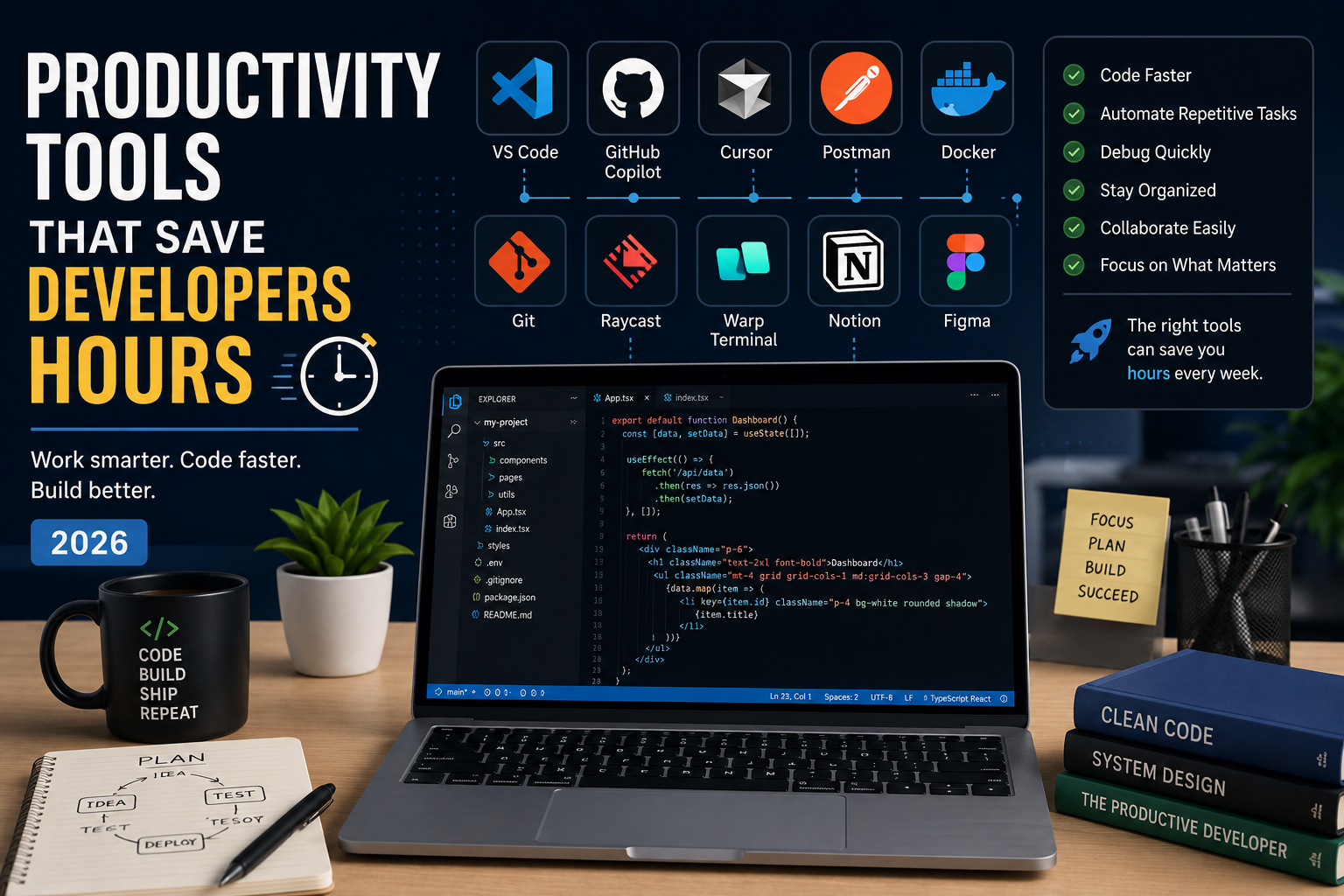
Productivity Tools That Save Developers Hours in 2026
The best developers aren't just fast—they use the right tools. From AI coding assistants to terminal upgrades and API testing platforms, these productivity tools can save developers hours every week and help them focus on building great software instead of repetitive tasks.
4 min read · 681 views
Career & Technology
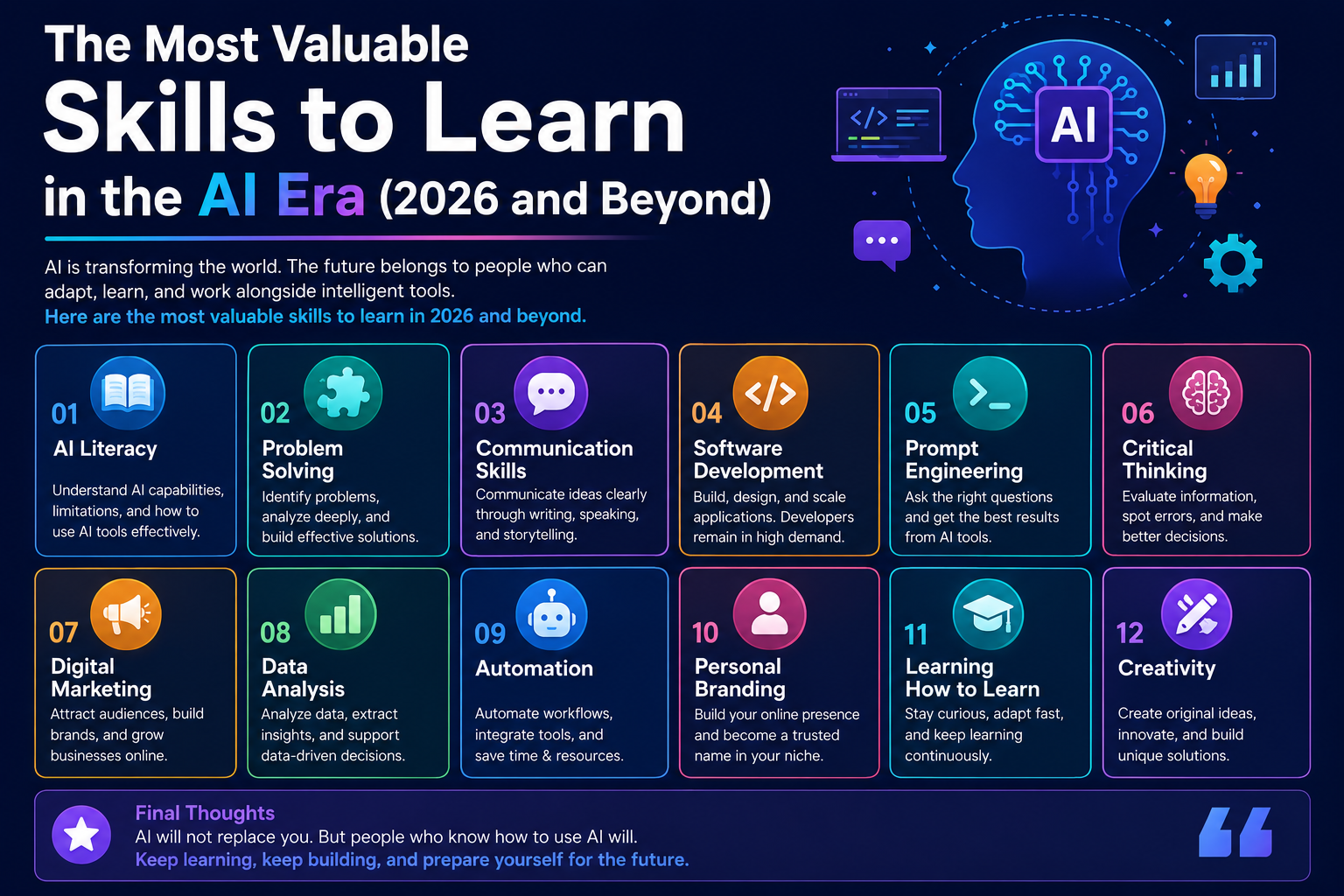
The Most Valuable Skills to Learn in the AI Era (2026 and Beyond)
Artificial Intelligence is changing how we work, learn, and build products. Some skills are becoming less valuable, while others are becoming more important than ever. If you want to stay relevant and thrive in 2026 and beyond, these are the skills you should focus on developing.
4 min read · 331 views
Programming
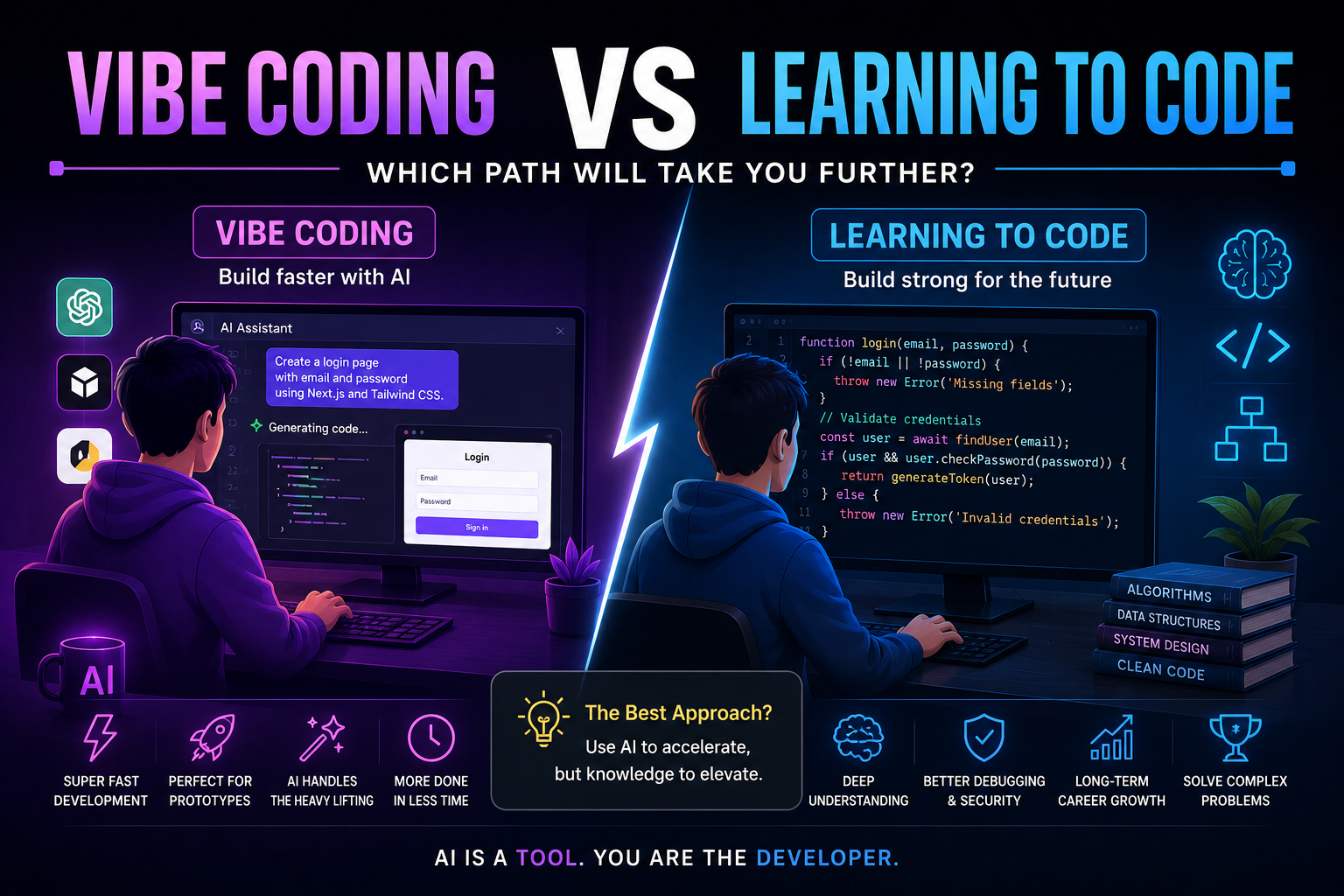
Vibe Coding vs Learning to Code: Which Path Will Take You Further?
AI can build apps faster than ever, leading to the rise of "vibe coding." But does that mean learning to code is no longer necessary? Let's explore the strengths, weaknesses, and future of both approaches to discover which path offers the greatest long-term value.
4 min read · 277 views
Trending
Popular Posts
Productivity Tools That Save Developers Hours in 2026
681 views
The Most Valuable Skills to Learn in the AI Era (2026 and Beyond)
331 views
Vibe Coding vs Learning to Code: Which Path Will Take You Further?
277 views
Next.js 16 Features Every Developer Should Know in 2026
192 views
The Best Folder Structure for Next.js Projects in 2026
152 views
Comments
No approved comments yet.