Developer Tools
The Best Browser Extensions for Developers in 2026
By Yahya Saeed · 4 min read · 91 views
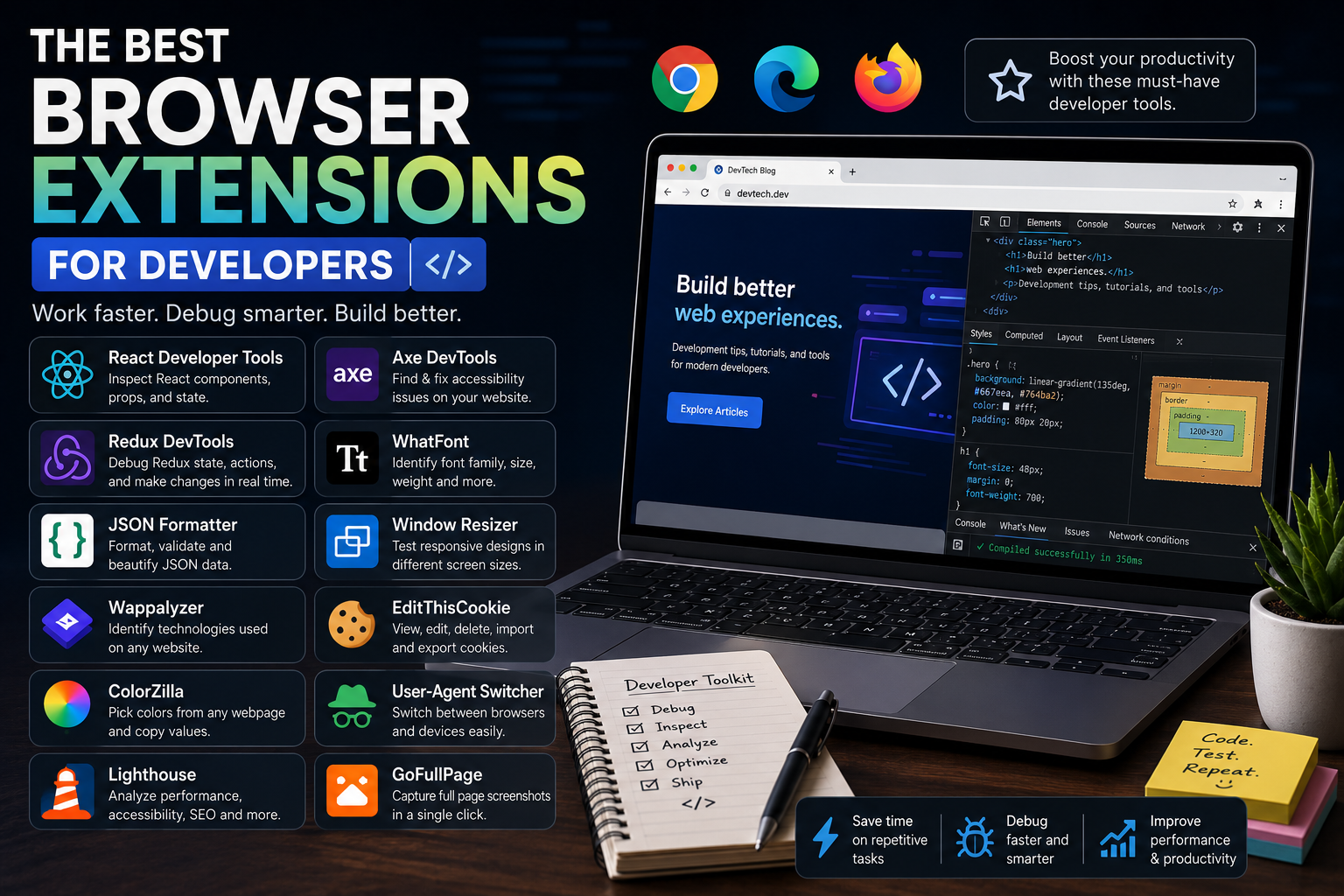
The Best Browser Extensions for Developers in 2026
Every developer spends a significant amount of time inside a web browser.
Whether you're debugging a React application, testing APIs, inspecting CSS, checking website performance, or researching documentation, your browser becomes your primary development workspace.
While browsers like Chrome, Edge, and Firefox already include excellent built-in Developer Tools, installing a few carefully chosen extensions can dramatically improve your productivity.
In this guide, we'll explore the best browser extensions every developer should have in 2026.
Why Browser Extensions Matter
The right browser extensions can help you:
Debug applications faster
Inspect websites more efficiently
Improve web accessibility
Analyze performance
Test APIs
Save development time
Reduce repetitive tasks
Increase overall productivity
Instead of switching between multiple applications, many development tasks can be completed directly inside your browser.
React Developer Tools
If you build React or Next.js applications, React Developer Tools is essential.
It allows you to:
Inspect React components
View component hierarchy
Check props and state
Debug hooks
Analyze component rendering
Finding bugs becomes much easier when you can inspect your application's internal structure.
Redux DevTools
If your project uses Redux, this extension is invaluable.
Features include:
View application state
Track dispatched actions
Time-travel debugging
Replay state changes
Inspect middleware behavior
Even experienced developers rely on Redux DevTools when debugging complex applications.
JSON Formatter
APIs often return raw JSON that is difficult to read.
JSON Formatter automatically:
Beautifies JSON
Collapses nested objects
Highlights syntax
Validates JSON structure
Makes API responses easier to inspect
It's one of the simplest yet most useful extensions you can install.
Wappalyzer
Ever wondered what technologies a website uses?
Wappalyzer instantly detects technologies such as:
React
Next.js
Vue
Angular
Laravel
WordPress
Node.js
Nginx
PostgreSQL
Cloudflare
Analytics tools
It's perfect for learning how successful websites are built.
ColorZilla
Frontend developers constantly work with colors.
ColorZilla allows you to:
Pick colors from any webpage
Copy HEX values
Copy RGB values
Generate gradients
Analyze page colors
A must-have extension for UI developers.
Lighthouse
Website speed directly affects user experience and SEO.
Lighthouse analyzes your website and provides reports for:
Performance
Accessibility
SEO
Best Practices
Progressive Web Apps
Improving these scores often results in faster, more user-friendly websites.
Axe DevTools
Accessibility is an important part of modern web development.
Axe DevTools helps identify:
Missing labels
Low contrast
ARIA issues
Keyboard navigation problems
Accessibility violations
Fixing accessibility issues early makes applications more inclusive.
VisBug
VisBug lets you edit a webpage visually without modifying the actual code.
You can:
Edit text
Adjust spacing
Change colors
Experiment with layouts
Inspect fonts
It's incredibly useful when testing UI ideas.
WhatFont
Ever found a beautiful font and wondered what it was?
WhatFont instantly identifies:
Font family
Font weight
Font size
Line height
Color
It's one of the easiest ways to learn typography from well-designed websites.
Window Resizer
Responsive design is essential.
Window Resizer allows you to quickly switch between common device sizes including:
Mobile
Tablet
Laptop
Desktop
Custom resolutions
Testing responsiveness becomes much faster.
EditThisCookie
Authentication bugs often involve cookies.
EditThisCookie helps you:
View cookies
Edit cookies
Delete cookies
Import and export cookies
Debug authentication issues
Backend and full-stack developers will appreciate this tool.
User-Agent Switcher
Sometimes websites behave differently depending on the browser or device.
This extension lets you simulate different browsers and operating systems without leaving your current browser.
It's useful for compatibility testing.
ModHeader
Need to test custom request headers?
ModHeader allows you to:
Add custom headers
Modify requests
Test authentication
Simulate API clients
Debug server behavior
A very useful tool when working with APIs.
GoFullPage
Developers frequently need full-page screenshots.
GoFullPage captures an entire webpage—even content outside the visible screen.
Perfect for:
Documentation
Portfolio screenshots
Bug reports
Client presentations
Grammarly
Even developers spend time writing.
Whether you're creating documentation, README files, blog posts, emails, or GitHub issues, Grammarly helps improve grammar and clarity.
Better communication is just as valuable as writing better code.
Bitwarden
Managing passwords manually is risky.
Bitwarden securely stores:
Passwords
API keys
Notes
Credit cards
Secure credentials
Using a password manager improves both security and convenience.
Browser Developer Tools
Although not technically an extension, every developer should master the built-in browser DevTools.
Important panels include:
Elements
Console
Network
Sources
Performance
Memory
Application
Lighthouse
Many debugging problems can be solved without installing anything.
Extension Management Tips
Installing too many extensions can slow your browser.
A better approach is to:
Install only what you regularly use.
Remove outdated extensions.
Disable extensions you don't currently need.
Keep extensions updated.
Review permissions before installing.
A lightweight browser is often a faster browser.
My Recommended Extension Stack
If you're a modern JavaScript developer, this combination works extremely well:
React Developer Tools
Redux DevTools
JSON Formatter
Wappalyzer
ColorZilla
Lighthouse
Axe DevTools
WhatFont
GoFullPage
Bitwarden
These extensions cover debugging, design, performance, accessibility, security, and productivity.
Final Thoughts
The best developers don't just write better code—they build better workflows.
Browser extensions won't magically make you a better programmer, but they can eliminate repetitive tasks, improve debugging, and save hours every week.
Start with just a few of the extensions in this guide, learn how to use them effectively, and gradually build a browser environment that helps you work faster and smarter.
In 2026, productivity isn't about working longer hours—it's about using the right tools to get more done with less effort.
Keep reading
Related Posts
Developer Tools
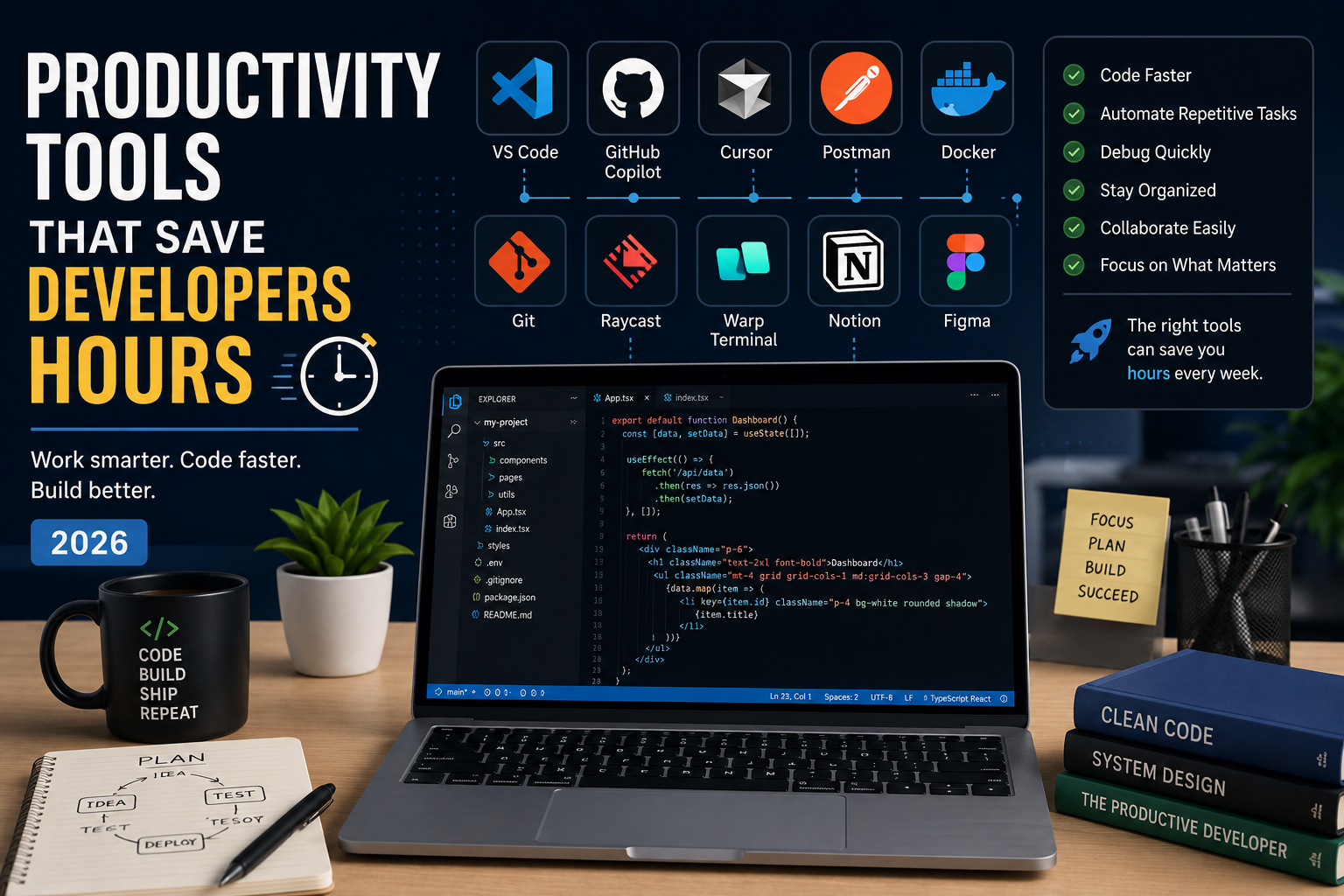
Productivity Tools That Save Developers Hours in 2026
The best developers aren't just fast—they use the right tools. From AI coding assistants to terminal upgrades and API testing platforms, these productivity tools can save developers hours every week and help them focus on building great software instead of repetitive tasks.
4 min read · 681 views

Programming
Vibe Coding vs Learning to Code: Which Path Will Take You Further?
AI can build apps faster than ever, leading to the rise of "vibe coding." But does that mean learning to code is no longer necessary? Let's explore the strengths, weaknesses, and future of both approaches to discover which path offers the greatest long-term value.
4 min read · 277 views
Next.js
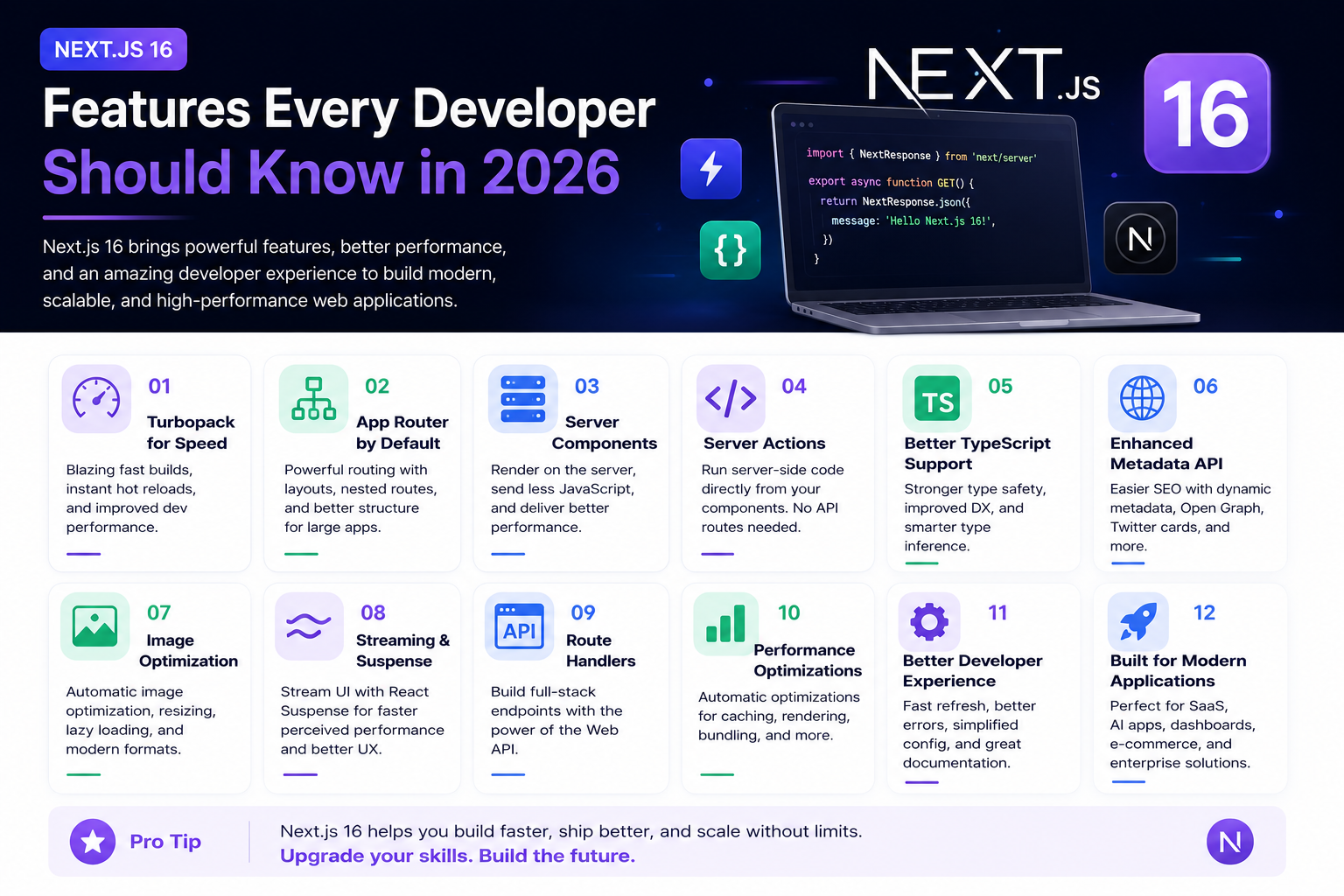
Next.js 16 Features Every Developer Should Know in 2026
Next.js 16 continues to push modern web development forward with improved performance, better developer experience, enhanced routing, and powerful server-side capabilities. Whether you're building a blog, SaaS platform, portfolio, or enterprise application, these are the most important Next.js 16 features every developer should understand.
4 min read · 192 views
Trending
Popular Posts
Productivity Tools That Save Developers Hours in 2026
681 views
The Most Valuable Skills to Learn in the AI Era (2026 and Beyond)
331 views
Vibe Coding vs Learning to Code: Which Path Will Take You Further?
277 views
Next.js 16 Features Every Developer Should Know in 2026
192 views
The Best Folder Structure for Next.js Projects in 2026
151 views
Comments
No approved comments yet.