AI & Development
The Best AI Coding Assistants Compared: Which One Should You Use in 2026?
By Yahya Saeed · 4 min read · 90 views
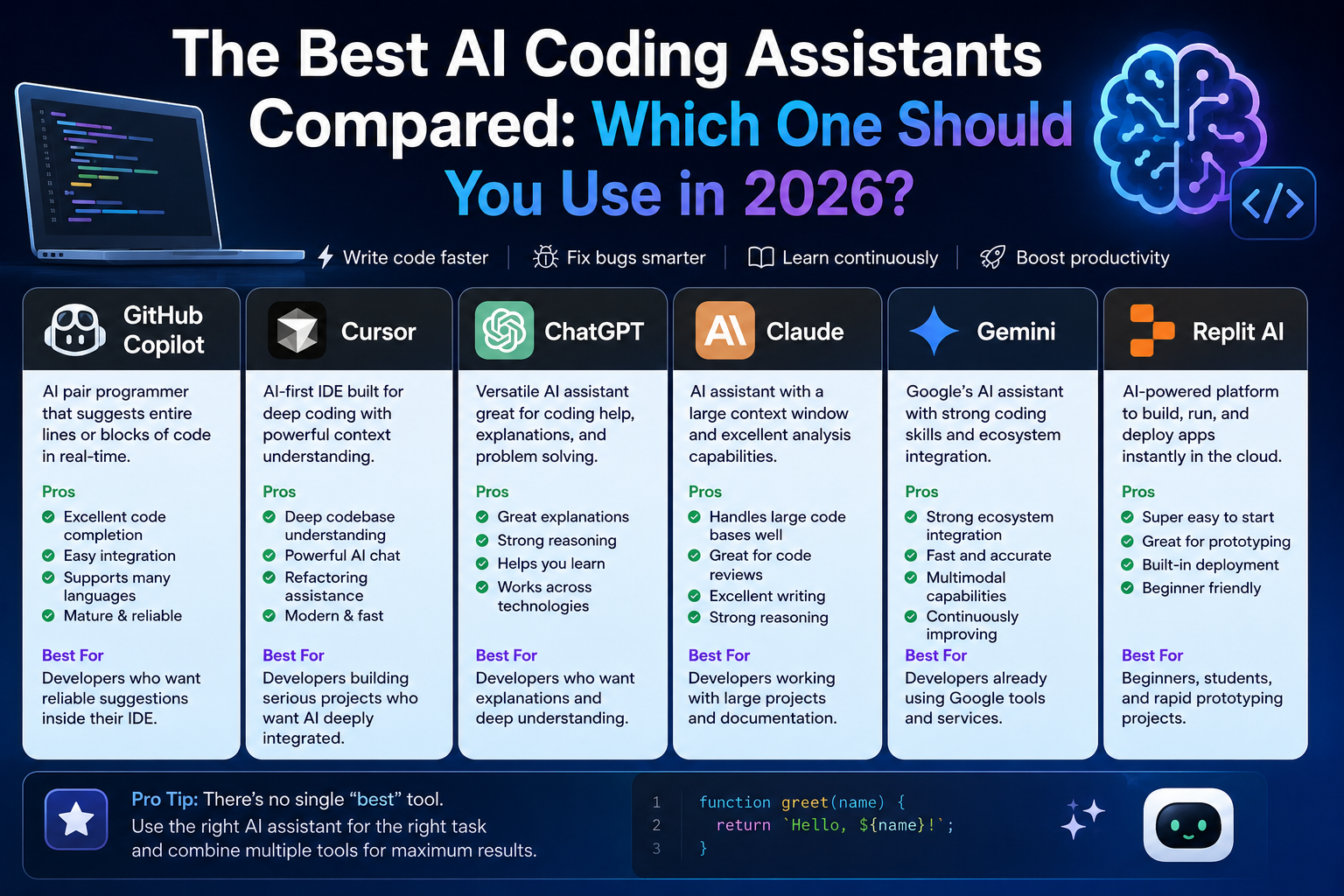
The Best AI Coding Assistants Compared: Which One Should You Use in 2026?
AI has become a standard part of modern software development.
What started as simple code suggestions has evolved into intelligent assistants capable of:
Writing code
Fixing bugs
Explaining concepts
Refactoring applications
Creating documentation
Building complete features
Today, developers have more AI tools available than ever before.
The challenge is no longer finding an AI assistant.
The challenge is choosing the right one.
Let's compare the most popular AI coding assistants in 2026 and see which tool fits different types of developers.
Why AI Coding Assistants Matter
Software development involves many repetitive tasks.
Developers spend time:
Writing boilerplate code
Looking up documentation
Fixing common bugs
Refactoring code
Searching Stack Overflow
AI assistants reduce this friction.
Instead of replacing developers, they help developers work faster and focus on solving real problems.
The best AI assistant is the one that improves your workflow without getting in your way.
GitHub Copilot
GitHub Copilot remains one of the most widely used AI coding assistants.
Built directly into popular editors such as VS Code and JetBrains IDEs, it focuses on code completion and suggestions.
Pros
Excellent code completion
Strong language support
Easy integration
Fast suggestions
Mature ecosystem
Cons
Limited project understanding compared to newer tools
Can generate incorrect solutions
Subscription required
Best For
Developers who want reliable AI assistance directly inside their editor.
Cursor
Cursor has quickly become one of the most talked-about AI development tools.
Unlike traditional AI assistants, Cursor is designed around AI from the ground up.
It understands larger portions of your codebase and can perform more advanced tasks.
Pros
Deep codebase understanding
Powerful AI chat
Refactoring assistance
Fast workflow
Modern interface
Cons
More expensive than some alternatives
Learning curve for new users
Best For
Developers building large projects who want AI deeply integrated into their workflow.
ChatGPT
ChatGPT remains one of the most versatile tools available.
Although it isn't tied directly to an editor, it excels at:
Learning
Debugging
Architecture discussions
Problem solving
Code explanations
Many developers use ChatGPT alongside their IDE.
Pros
Excellent explanations
Strong reasoning capabilities
Helpful for learning
Works across technologies
Cons
Not directly integrated into most coding workflows
Requires context to be pasted manually
Best For
Developers who want both coding assistance and technical explanations.
Claude
Claude has become popular among developers because of its ability to handle large amounts of context.
Many developers use it for:
Reviewing large files
Analyzing codebases
Writing documentation
Planning systems
Pros
Large context window
Strong reasoning
Great for code reviews
Excellent writing abilities
Cons
Not as deeply integrated into IDEs
Can be slower for certain tasks
Best For
Developers working with large projects and extensive documentation.
Gemini
Google's Gemini continues to improve rapidly.
Its biggest advantage is integration with Google's ecosystem and growing multimodal capabilities.
Pros
Strong ecosystem integration
Fast responses
Good coding capabilities
Access to Google's AI ecosystem
Cons
Developer workflows still less mature than competitors
Best For
Developers already using Google's services and tools.
Replit AI
Replit focuses on simplicity and rapid development.
It allows developers to build applications directly in the browser with AI assistance.
Pros
Easy setup
Browser-based development
Fast prototyping
Beginner-friendly
Cons
Less powerful for large production applications
Best For
Students, beginners, and rapid prototyping.
Which AI Assistant Is the Most Accurate?
Accuracy varies depending on the task.
For code generation and project understanding:
Cursor
Claude
ChatGPT
GitHub Copilot
Gemini
However, no AI assistant is perfect.
Developers should always review generated code before using it in production.
Which AI Assistant Is Best for Beginners?
If you're learning development, ChatGPT is usually the best starting point.
Why?
Because it doesn't just generate code.
It explains concepts.
Beginners often learn more from understanding solutions than simply receiving them.
For learning:
ChatGPT
Claude
are usually the strongest choices.
Which AI Assistant Is Best for Professional Developers?
For daily development workflows:
Cursor
GitHub Copilot
are currently among the strongest options.
Their IDE integration makes them feel like natural extensions of the development environment.
Should You Use Multiple AI Tools?
Many experienced developers do.
A common setup looks like this:
Cursor for coding
ChatGPT for learning and debugging
Claude for reviewing large codebases
Each tool has strengths and weaknesses.
Using the right tool for the right task often produces the best results.
The Biggest Mistake Developers Make
Many developers expect AI to replace thinking.
That is a mistake.
AI should help you:
Learn faster
Build faster
Debug faster
But understanding fundamentals remains essential.
The best developers use AI as a productivity multiplier, not as a substitute for knowledge.
My Recommendation
If you're a solo developer or freelancer in 2026:
Choose ChatGPT if:
You want to learn
You need explanations
You solve complex problems
Choose Cursor if:
You spend most of your day coding
You want deep codebase integration
You build large projects
Choose GitHub Copilot if:
You want lightweight assistance
You already use VS Code heavily
Choose Claude if:
You work with large files
You need strong code reviews
You write lots of documentation
Final Thoughts
AI coding assistants are no longer optional tools.
They've become an important part of modern software development.
The good news is that there isn't a single perfect choice.
The best AI assistant depends on your workflow, experience level, and goals.
Whether you choose ChatGPT, Cursor, GitHub Copilot, Claude, or another tool, the most important thing is learning how to use AI effectively.
Because in 2026, developers aren't being replaced by AI.
They're being empowered by it.
Keep reading
Related Posts
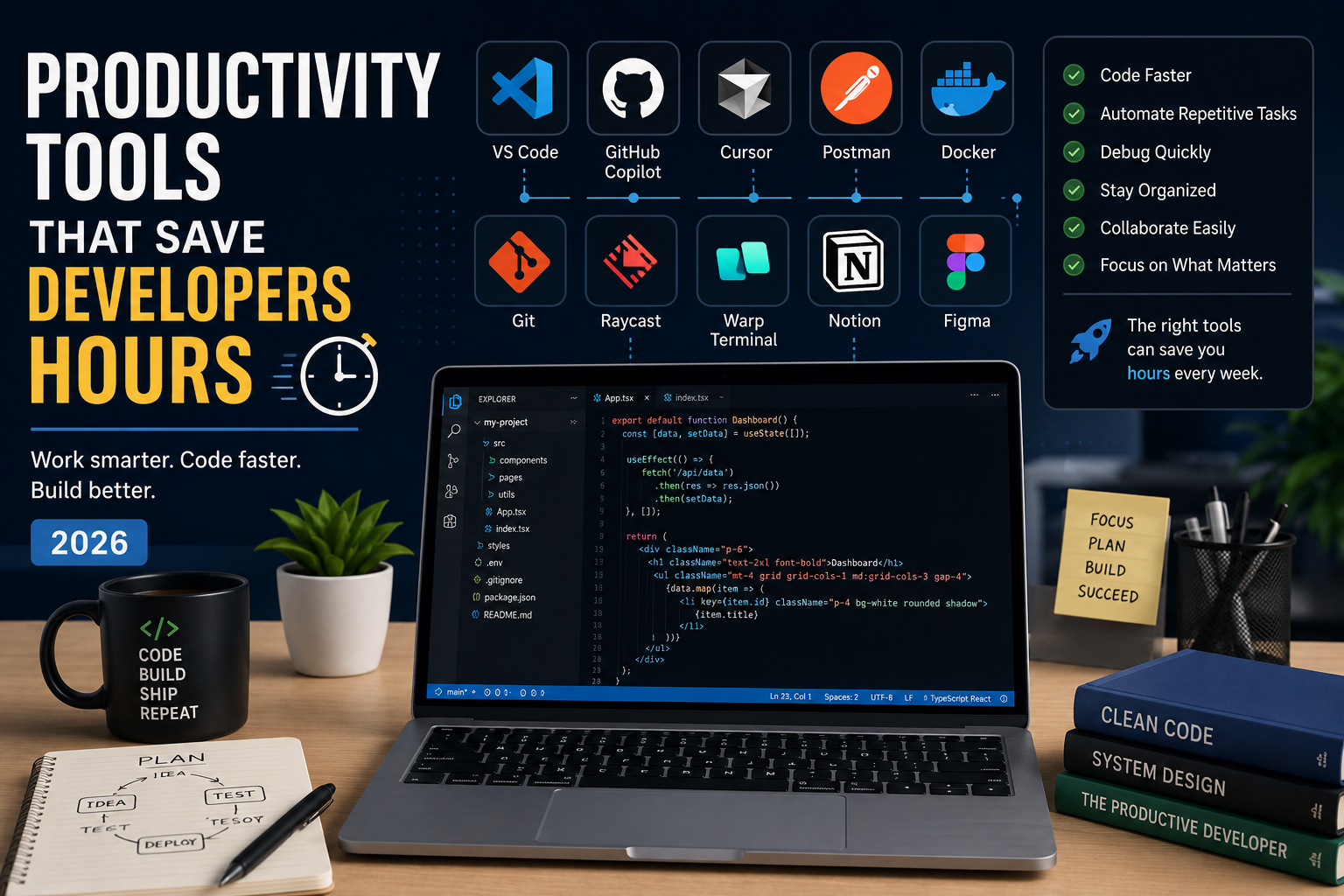
Developer Tools
Productivity Tools That Save Developers Hours in 2026
The best developers aren't just fast—they use the right tools. From AI coding assistants to terminal upgrades and API testing platforms, these productivity tools can save developers hours every week and help them focus on building great software instead of repetitive tasks.
4 min read · 681 views
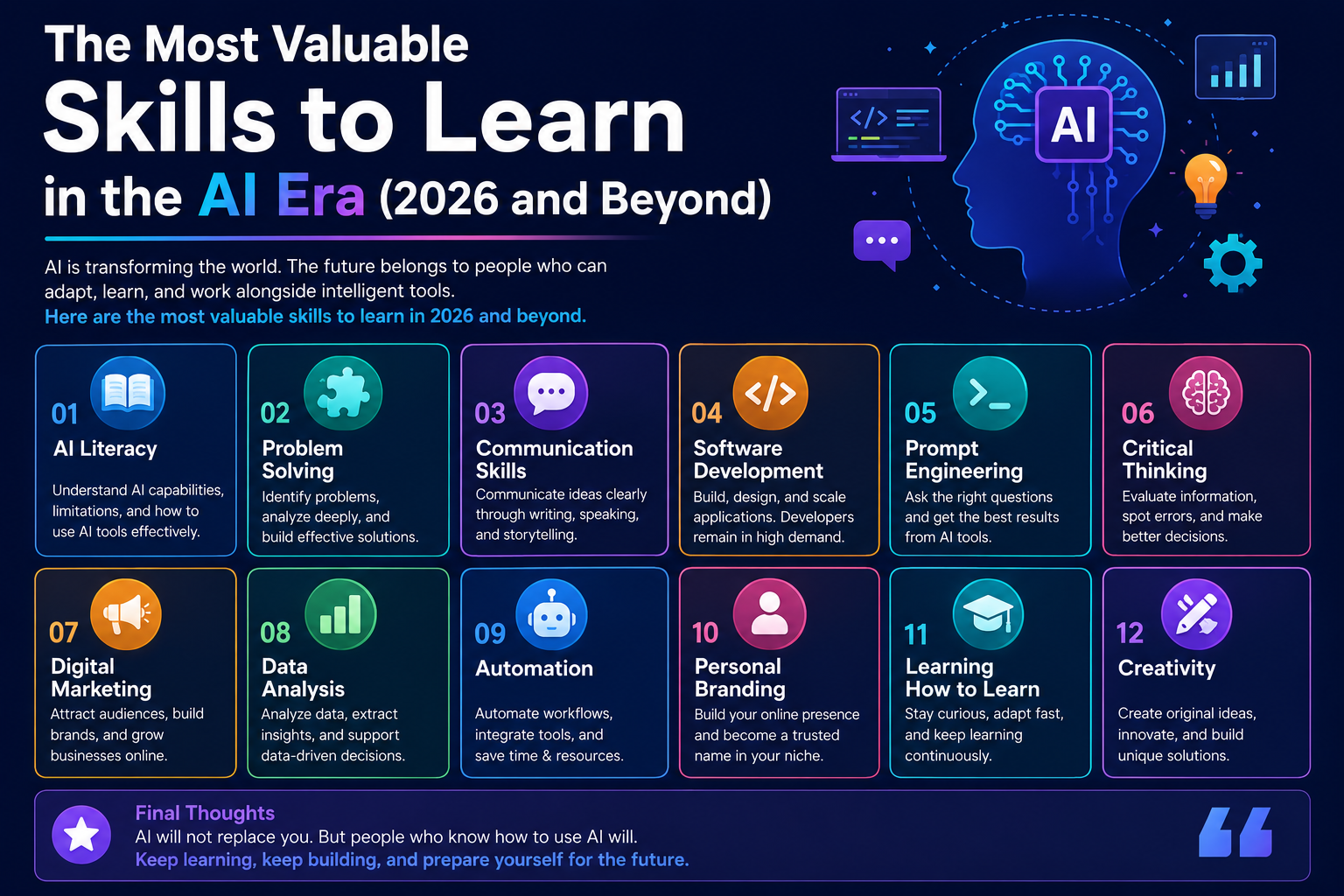
Career & Technology
The Most Valuable Skills to Learn in the AI Era (2026 and Beyond)
Artificial Intelligence is changing how we work, learn, and build products. Some skills are becoming less valuable, while others are becoming more important than ever. If you want to stay relevant and thrive in 2026 and beyond, these are the skills you should focus on developing.
4 min read · 331 views
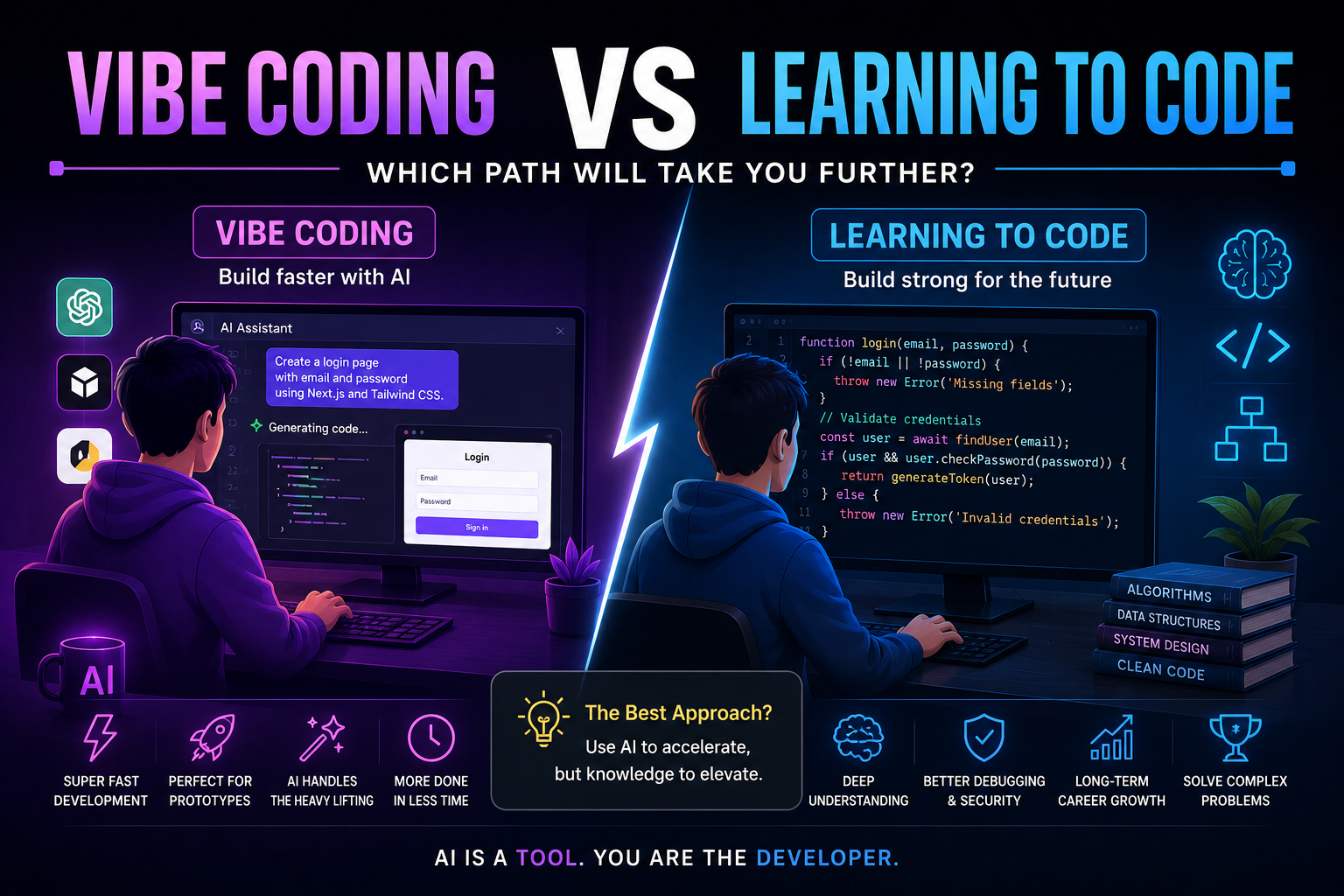
Programming
Vibe Coding vs Learning to Code: Which Path Will Take You Further?
AI can build apps faster than ever, leading to the rise of "vibe coding." But does that mean learning to code is no longer necessary? Let's explore the strengths, weaknesses, and future of both approaches to discover which path offers the greatest long-term value.
4 min read · 277 views
Trending
Popular Posts
Productivity Tools That Save Developers Hours in 2026
681 views
The Most Valuable Skills to Learn in the AI Era (2026 and Beyond)
331 views
Vibe Coding vs Learning to Code: Which Path Will Take You Further?
277 views
Next.js 16 Features Every Developer Should Know in 2026
192 views
The Best Folder Structure for Next.js Projects in 2026
152 views
Comments
No approved comments yet.