Web Development
How I Would Learn Web Development Today If I Were Starting From Scratch
By Yahya Saeed · 4 min read · 73 views
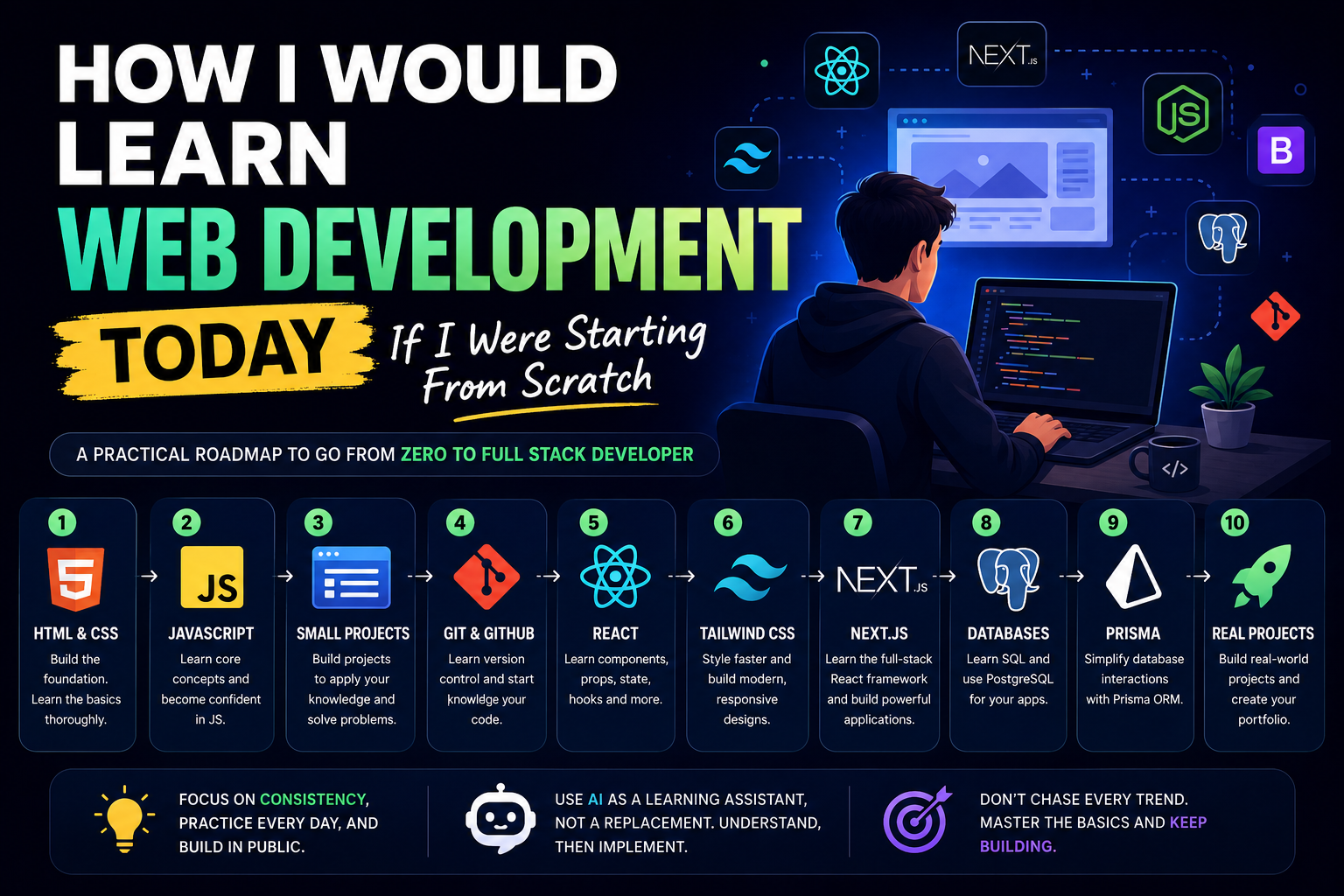
How I Would Learn Web Development Today If I Were Starting From Scratch
One of the most common questions beginners ask is:
"If you had to start over today, how would you learn web development?"
It's a great question.
The internet is full of courses, roadmaps, tutorials, and opinions.
One person tells you to learn React.
Another says learn Vue.
Someone else says AI will replace developers.
And before you know it, you're spending more time researching than actually learning.
If I had to start from zero in 2026, I would follow a much simpler path.
Not because it's the only way.
But because it's the fastest route to becoming capable of building real projects.
Step 1: Learn HTML and CSS Properly
Many beginners rush straight into frameworks.
That's a mistake.
Before touching React, Next.js, or any modern tool, I would learn:
HTML
CSS
Responsive Design
Flexbox
CSS Grid
These are the foundations of the web.
Every framework eventually generates HTML and CSS.
Without understanding these basics, you'll constantly struggle when something breaks.
The goal isn't mastery.
The goal is becoming comfortable creating static websites.
Step 2: Learn JavaScript
After HTML and CSS, I would focus entirely on JavaScript.
This is where real programming begins.
Important topics include:
Variables
Functions
Arrays
Objects
Loops
Conditionals
DOM Manipulation
Async/Await
APIs
I would spend significant time here.
Many developers struggle with frameworks because they never learned JavaScript properly.
Strong JavaScript skills make everything easier.
Step 3: Build Small Projects
At this stage, I wouldn't watch more tutorials.
I would start building.
Examples:
Calculator
To-do App
Weather App
Notes App
Quiz App
The goal is not creating perfect projects.
The goal is learning how to solve problems independently.
Every project teaches something new.
Step 4: Learn Git and GitHub
Modern developers use version control every day.
I would learn:
Git basics
Commits
Branches
Pull Requests
GitHub repositories
Not because it's exciting.
But because it's essential.
Git quickly becomes second nature.
Step 5: Learn React
Once comfortable with JavaScript, I would move to React.
React remains one of the most valuable frontend technologies in 2026.
Key concepts include:
Components
Props
State
Hooks
Conditional Rendering
Forms
React teaches a different way of thinking about user interfaces.
Once it clicks, development becomes much more enjoyable.
Step 6: Learn Tailwind CSS
Instead of spending months on advanced CSS techniques, I would learn Tailwind CSS.
Benefits include:
Faster development
Modern workflows
Better consistency
Great React integration
Most modern web applications use Tailwind or a similar utility-first approach.
Learning it early saves time later.
Step 7: Learn Next.js
After React, I would immediately learn Next.js.
Why?
Because modern React development increasingly happens through Next.js.
It provides:
Routing
Backend APIs
Server Components
SEO optimization
Full-stack capabilities
Instead of learning multiple tools separately, Next.js brings everything together.
Step 8: Learn Databases
At some point, every serious application needs data.
I would start with PostgreSQL.
Topics include:
Tables
Relationships
Queries
Indexes
Database design
PostgreSQL remains one of the most valuable databases for web developers.
Step 9: Learn Prisma
Once comfortable with databases, I would learn Prisma.
Prisma makes database development significantly easier.
Benefits include:
Type safety
Easy queries
Better developer experience
Faster development
For modern Next.js projects, Prisma is an excellent choice.
Step 10: Build Real Projects
This is where real growth happens.
Instead of following tutorials, I would build:
Portfolio Website
Blog Platform
Expense Tracker
SaaS Dashboard
CRM System
E-commerce Project
These projects teach lessons no tutorial can provide.
Real projects create real skills.
Step 11: Use AI as a Learning Tool
Many beginners ask whether AI is good or bad for learning.
My answer:
AI is amazing when used correctly.
I would use AI to:
Explain concepts
Review code
Debug issues
Suggest improvements
But I wouldn't let AI solve every problem for me.
Learning happens when you think.
AI should accelerate learning, not replace it.
What I Would Avoid
If starting over, I would avoid:
Learning five frameworks at once
Watching endless tutorials
Chasing every new trend
Constantly switching technologies
Many beginners fail because they never stay focused long enough to become good at anything.
Consistency beats complexity.
The Biggest Lesson
Web development isn't about knowing every technology.
It's about learning how to solve problems.
Frameworks will change.
Tools will evolve.
AI will continue improving.
But the ability to think like a developer remains valuable.
That's the skill worth building.
Final Thoughts
If I were starting web development today, my path would be simple:
HTML → CSS → JavaScript → Git → React → Tailwind → Next.js → PostgreSQL → Prisma → Real Projects
No shortcuts.
No magic roadmap.
Just a practical progression from fundamentals to full-stack development.
The good news is that learning web development has never been easier.
The tools are better.
The resources are better.
And AI can help you learn faster than ever before.
The challenge isn't finding information.
The challenge is staying focused long enough to use it.
Start small.
Build consistently.
And keep shipping projects.
That's still the fastest way to become a developer in 2026.
Keep reading
Related Posts
Career & Technology
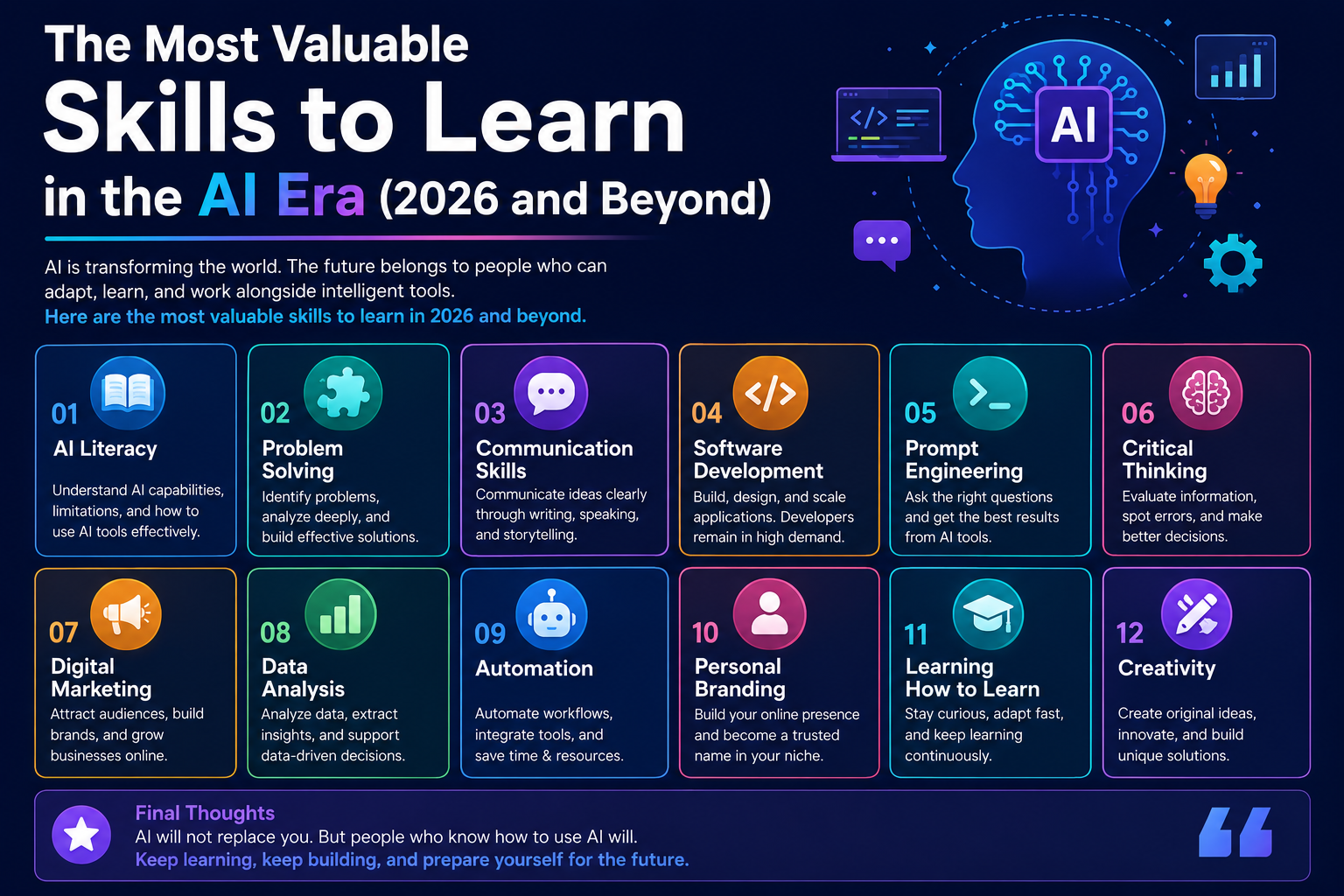
The Most Valuable Skills to Learn in the AI Era (2026 and Beyond)
Artificial Intelligence is changing how we work, learn, and build products. Some skills are becoming less valuable, while others are becoming more important than ever. If you want to stay relevant and thrive in 2026 and beyond, these are the skills you should focus on developing.
4 min read · 331 views
Programming
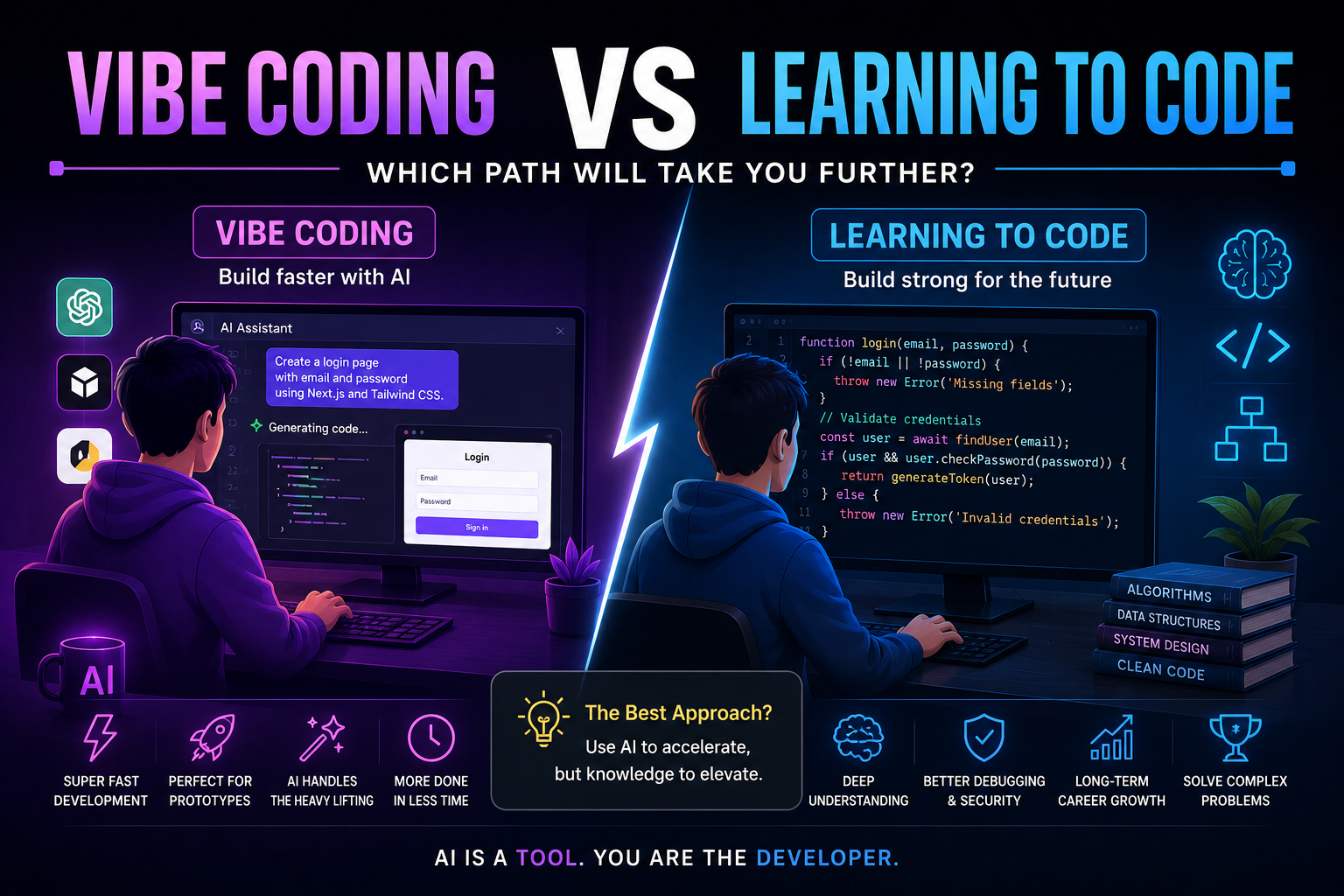
Vibe Coding vs Learning to Code: Which Path Will Take You Further?
AI can build apps faster than ever, leading to the rise of "vibe coding." But does that mean learning to code is no longer necessary? Let's explore the strengths, weaknesses, and future of both approaches to discover which path offers the greatest long-term value.
4 min read · 277 views
Next.js
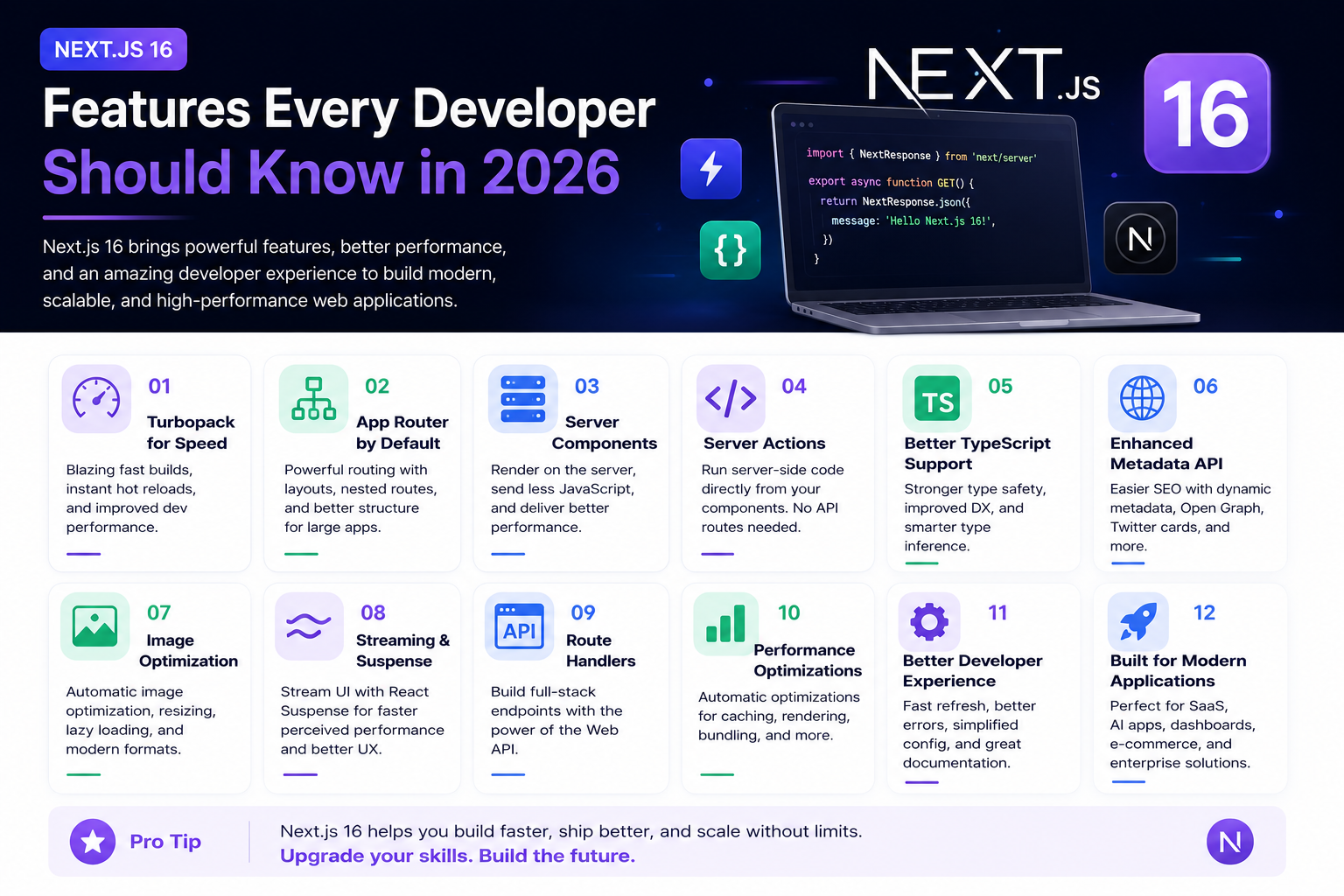
Next.js 16 Features Every Developer Should Know in 2026
Next.js 16 continues to push modern web development forward with improved performance, better developer experience, enhanced routing, and powerful server-side capabilities. Whether you're building a blog, SaaS platform, portfolio, or enterprise application, these are the most important Next.js 16 features every developer should understand.
4 min read · 192 views
Trending
Popular Posts
Productivity Tools That Save Developers Hours in 2026
681 views
The Most Valuable Skills to Learn in the AI Era (2026 and Beyond)
331 views
Vibe Coding vs Learning to Code: Which Path Will Take You Further?
277 views
Next.js 16 Features Every Developer Should Know in 2026
192 views
The Best Folder Structure for Next.js Projects in 2026
152 views
Comments
No approved comments yet.