JavaScript
Common JavaScript Mistakes Beginners Make
By Yahya Saeed · 4 min read · 95 views
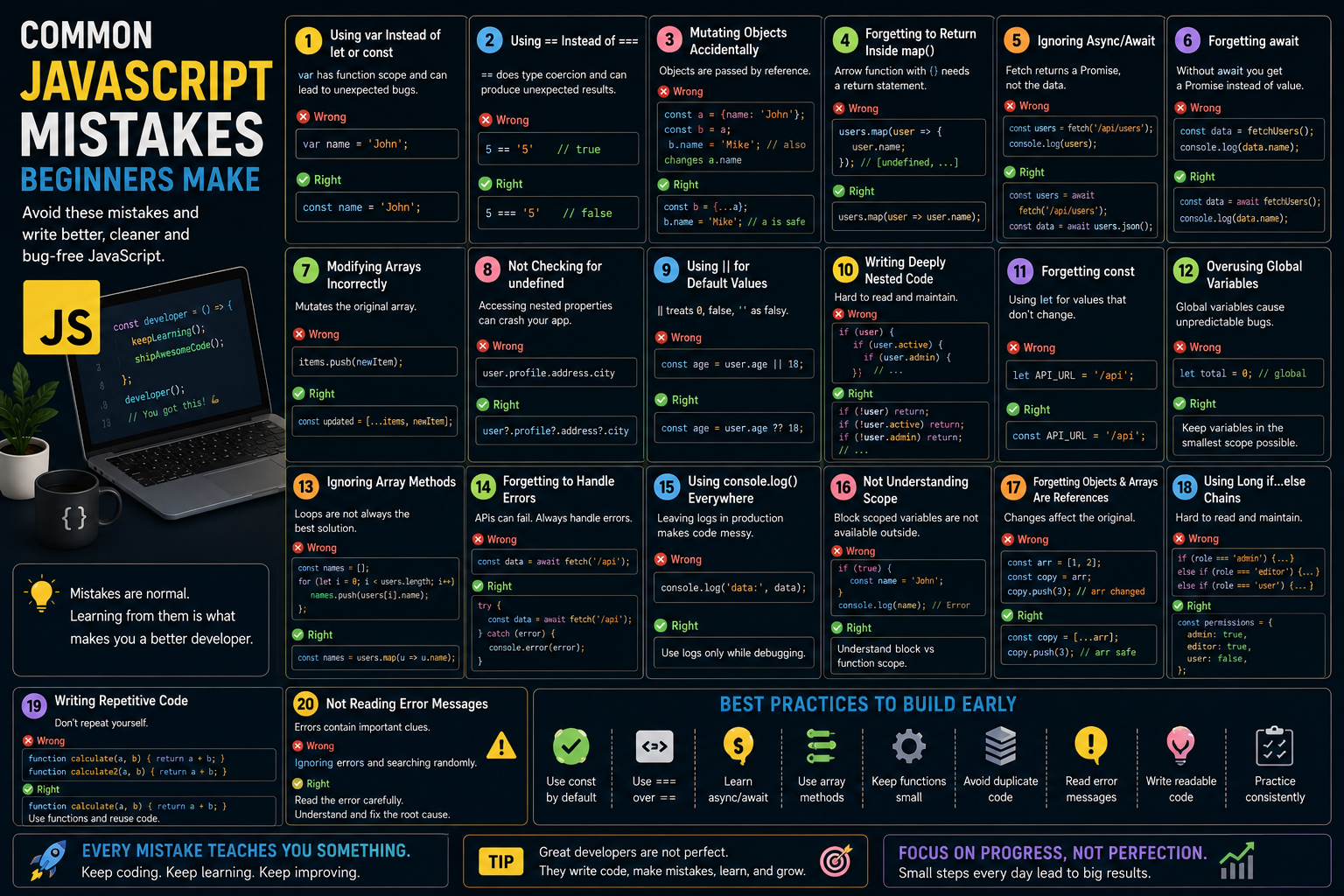
Common JavaScript Mistakes Beginners Make
Every JavaScript developer has written code they later looked back on and thought:
"What was I thinking?"
That's completely normal.
JavaScript is one of the easiest programming languages to start learning, but it's also full of small quirks that can confuse beginners.
Many of these mistakes don't cause immediate errors.
Instead, they quietly create bugs that are difficult to find later.
The good news is that most beginner mistakes are easy to avoid once you know what to look for.
Let's explore the most common JavaScript mistakes beginners make and how to avoid them.
Using var Instead of let or const
Many older tutorials still teach var.
Modern JavaScript rarely uses it.
Instead:
Use
constwhenever the value shouldn't change.Use
letwhen the value needs to change.
Example:
const appName = "DevTech";

let count = 0;
Avoid var because it behaves differently with scope and can lead to unexpected bugs.
Forgetting the Difference Between == and ===
One of the most common mistakes.
This:
5 == "5"returns:
trueBecause JavaScript converts the values before comparing them.
Instead use:
5 === "5"Result:
falseAlways prefer strict equality (===).
Mutating Objects Accidentally
Objects are passed by reference.
Example:
const user = {
  name: "John",
};

const admin = user;

admin.name = "Mike";
Now both objects contain:
MikeInstead create a copy:
const admin = {
  ...user,
};
Forgetting to Return Inside map()
Incorrect:
users.map(user => {
  user.name;
});
This returns:
undefinedCorrect:
users.map(user => user.name);Or:
users.map(user => {
  return user.name;
});
Ignoring Async/Await
Beginners often write:
const users = fetch("/api/users");This does not contain the data.
It contains a Promise.
Instead:
const users = await fetch("/api/users");Understanding asynchronous programming is essential.
Forgetting await
Another common mistake:
const data = fetchUsers();Instead:
const data = await fetchUsers();Without await, you're working with a Promise instead of the resolved value.
Modifying Arrays Incorrectly
Instead of:
items.push(newItem);Sometimes you should create a new array:
const updated = [...items, newItem];This is especially important when working with React state.
Not Checking for undefined
Writing:
user.profile.address.citycan easily crash your application.
Instead use:
user?.profile?.address?.cityOptional chaining prevents unnecessary runtime errors.
Using || for Default Values
Many beginners write:
const age = user.age || 18;If age is 0, JavaScript still returns 18.
Instead use:
const age = user.age ?? 18;Nullish coalescing handles defaults correctly.
Writing Deeply Nested Code
Instead of:
if (user) {
  if (user.active) {
    if (user.admin) {
      console.log("Welcome");
    }
  }
}
Prefer early returns:
if (!user) return;

if (!user.active) return;

if (!user.admin) return;

console.log("Welcome");
Cleaner.
Easier to read.
Forgetting const
Many beginners use let for everything.
Instead:
const API_URL = "/api/users";Using const communicates your intent clearly.
Overusing Global Variables
Avoid:
let total = 0;outside of functions unless absolutely necessary.
Global variables make debugging more difficult.
Keep variables inside the smallest scope possible.
Ignoring Array Methods
Instead of:
for (let i = 0; i < users.length; i++) {

}
Modern JavaScript provides:
map()
filter()
reduce()
find()
some()
every()
These methods produce cleaner and more readable code.
Forgetting to Handle Errors
Never assume an API request always succeeds.
Instead:
try {
  const data = await fetchUsers();
} catch (error) {
  console.error(error);
}
Error handling improves reliability.
Using console.log() Everywhere
Logging is useful.
Leaving dozens of logs inside production code isn't.
Use logging while debugging, then remove unnecessary statements before deployment.
Not Understanding Scope
Variables created with let and const exist only inside their block.
Example:
if (true) {
  const name = "John";
}
Outside the block:
console.log(name);This throws an error.
Understanding scope prevents many bugs.
Forgetting That Objects and Arrays Are References
Example:
const numbers = [1, 2];

const copy = numbers;

copy.push(3);
Both arrays now contain:
[1, 2, 3]Instead:
const copy = [...numbers];Using Long if...else Chains
Instead of:
if (role === "admin") {}

else if (role === "editor") {}

else if (role === "user") {}
Sometimes an object lookup is cleaner:
const permissions = {
  admin: true,
  editor: true,
  user: false,
};
Writing Repetitive Code
If you're copying the same code several times, consider creating a function.
Functions improve:
Readability
Reusability
Maintenance
Ignoring Code Formatting
Consistent formatting makes code easier to read.
Use tools like:
Prettier
ESLint
They automatically format your code and catch common mistakes.
Trying to Memorize Everything
JavaScript is huge.
Professional developers don't memorize every method.
Instead they understand:
Core concepts
Problem-solving
Documentation
The rest can always be looked up.
Not Reading Error Messages
Many beginners immediately search Google.
Instead, carefully read the error.
JavaScript usually tells you:
Which file failed
Which line failed
Why it failed
Learning to read errors is one of the fastest ways to improve.
Comparing Yourself to Experienced Developers
Experienced developers also made beginner mistakes.
The difference is that they've solved them many times before.
Focus on learning not comparing.
Best Habits to Build Early
As you continue learning JavaScript, try to develop these habits:
Use
constby default.Prefer
===over==.Learn async/await.
Use array methods.
Keep functions small.
Avoid duplicate code.
Read error messages carefully.
Write readable code.
Practice consistently.
Small habits create better developers.
Final Thoughts
Making mistakes is part of learning JavaScript.
Every bug teaches you something new.
The goal isn't to write perfect code from day one.
The goal is to recognize mistakes, understand why they happen, and avoid repeating them.
As your experience grows, you'll spend less time debugging and more time building great applications.
Remember, every professional JavaScript developer started exactly where you are today.
Keep writing code.
Keep experimenting.
And don't be afraid of mistakes they're often your best teachers.
Keep reading
Related Posts

Programming
Vibe Coding vs Learning to Code: Which Path Will Take You Further?
AI can build apps faster than ever, leading to the rise of "vibe coding." But does that mean learning to code is no longer necessary? Let's explore the strengths, weaknesses, and future of both approaches to discover which path offers the greatest long-term value.
4 min read · 276 views
Next.js
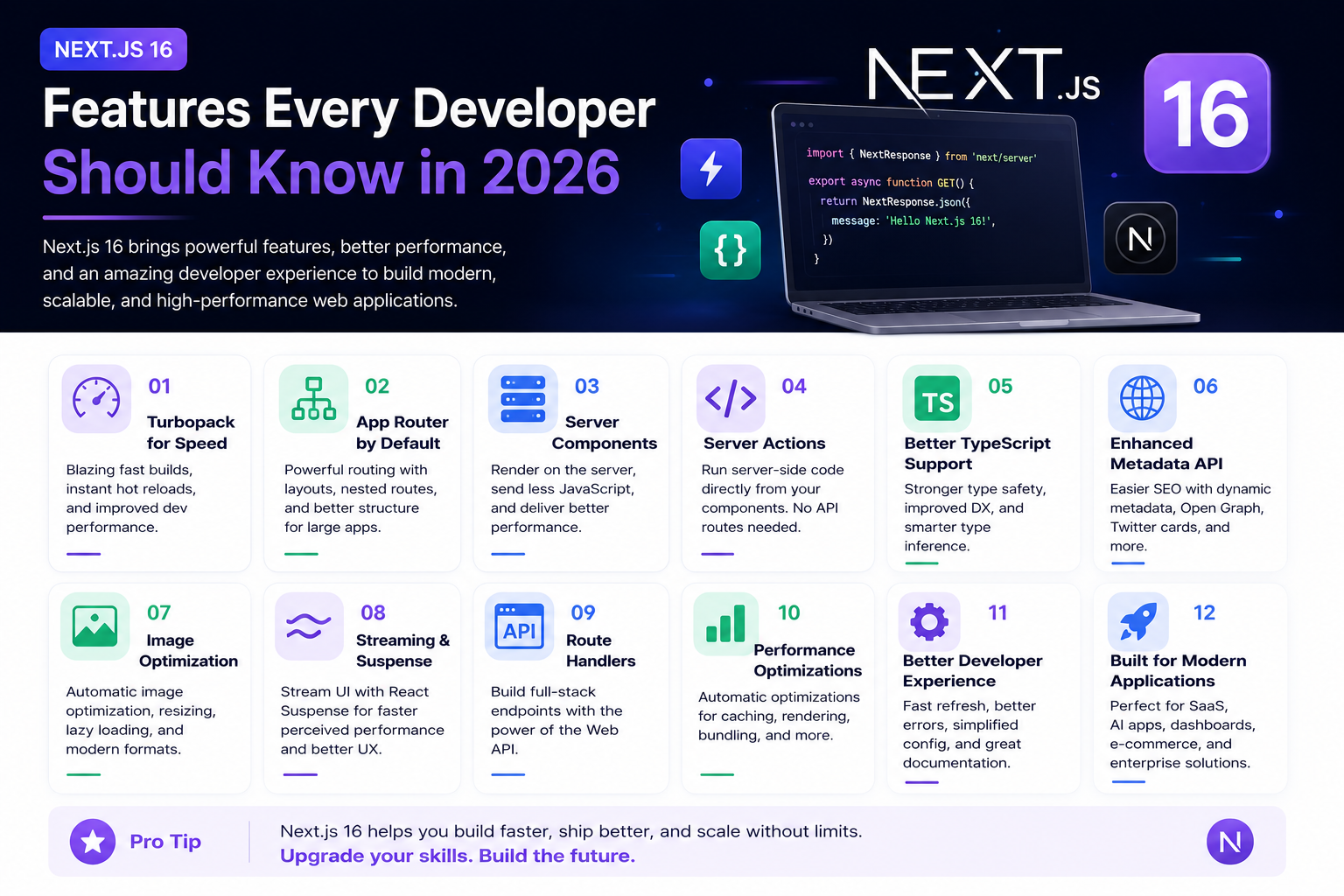
Next.js 16 Features Every Developer Should Know in 2026
Next.js 16 continues to push modern web development forward with improved performance, better developer experience, enhanced routing, and powerful server-side capabilities. Whether you're building a blog, SaaS platform, portfolio, or enterprise application, these are the most important Next.js 16 features every developer should understand.
4 min read · 191 views
Next.js
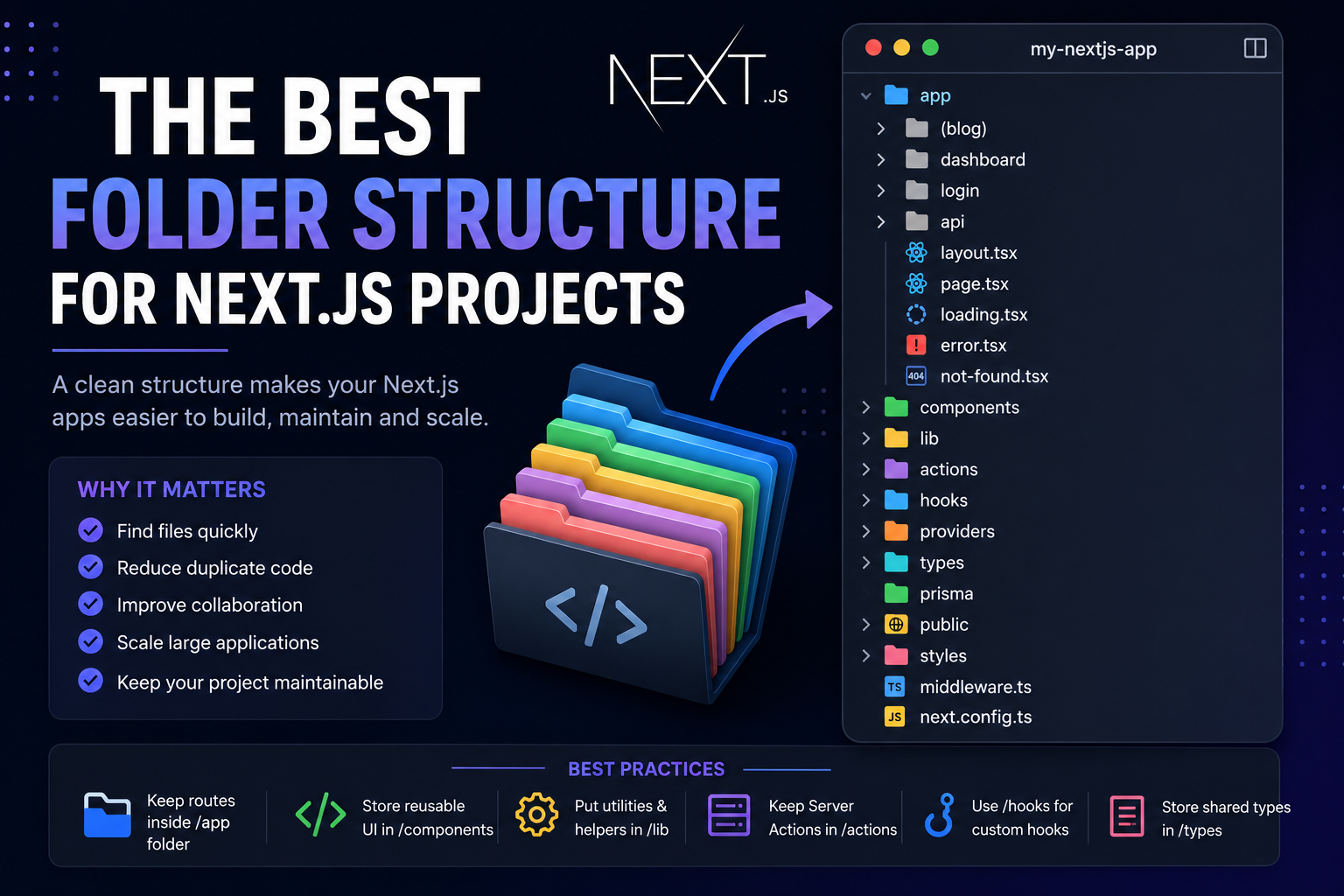
The Best Folder Structure for Next.js Projects in 2026
A clean folder structure makes every Next.js project easier to build, maintain, and scale. Discover the best folder organization for modern Next.js applications in 2026, whether you're building a blog, SaaS, dashboard, or enterprise application.
4 min read · 151 views
Trending
Popular Posts
Productivity Tools That Save Developers Hours in 2026
680 views
The Most Valuable Skills to Learn in the AI Era (2026 and Beyond)
330 views
Vibe Coding vs Learning to Code: Which Path Will Take You Further?
276 views
Next.js 16 Features Every Developer Should Know in 2026
191 views
The Best Folder Structure for Next.js Projects in 2026
151 views
Comments
No approved comments yet.